END Wiki END Wiki
Home Events Headhunting
Operators Weapons Gear Essences Items
Protocol Space Umbral Monument RE-Crisis Cryptic First Revealed Grotto Survey Operator Guide Basic Training Survival Training Etchspace Salvage
Threats Path of Glory - Engraved Medals
Simulation Space Facilities Recipes
Battle Pass
Team Building Operator Training Material Demand Weapon Materials Guide
Community Guides
Exploration Factory Combat System
Essence Farming Essence Filter Team Builder Operator Material Calculator Leveling Material Calculator
English Español Deutsch Français Bahasa Indonesia Italiano Português Русский ไทย 한국어 Tiếng Việt 日本語 简体中文 繁體中文
END Wiki Home /Tutorials/System
/ -
No tutorials found

Endfield Database (EFDB)

Welcome to the Endfield Database (EFDB), Endministrator! The Tutorials section you are now perusing will record various tutorials and guides as you explore the world of Talos-II. The EFDB will generate new entries when you acquire weapons, gear, materials, and facilities. To generate entries on most enemies, you must defeat them first. You can always return here to view various data and guides to support your exploration efforts.

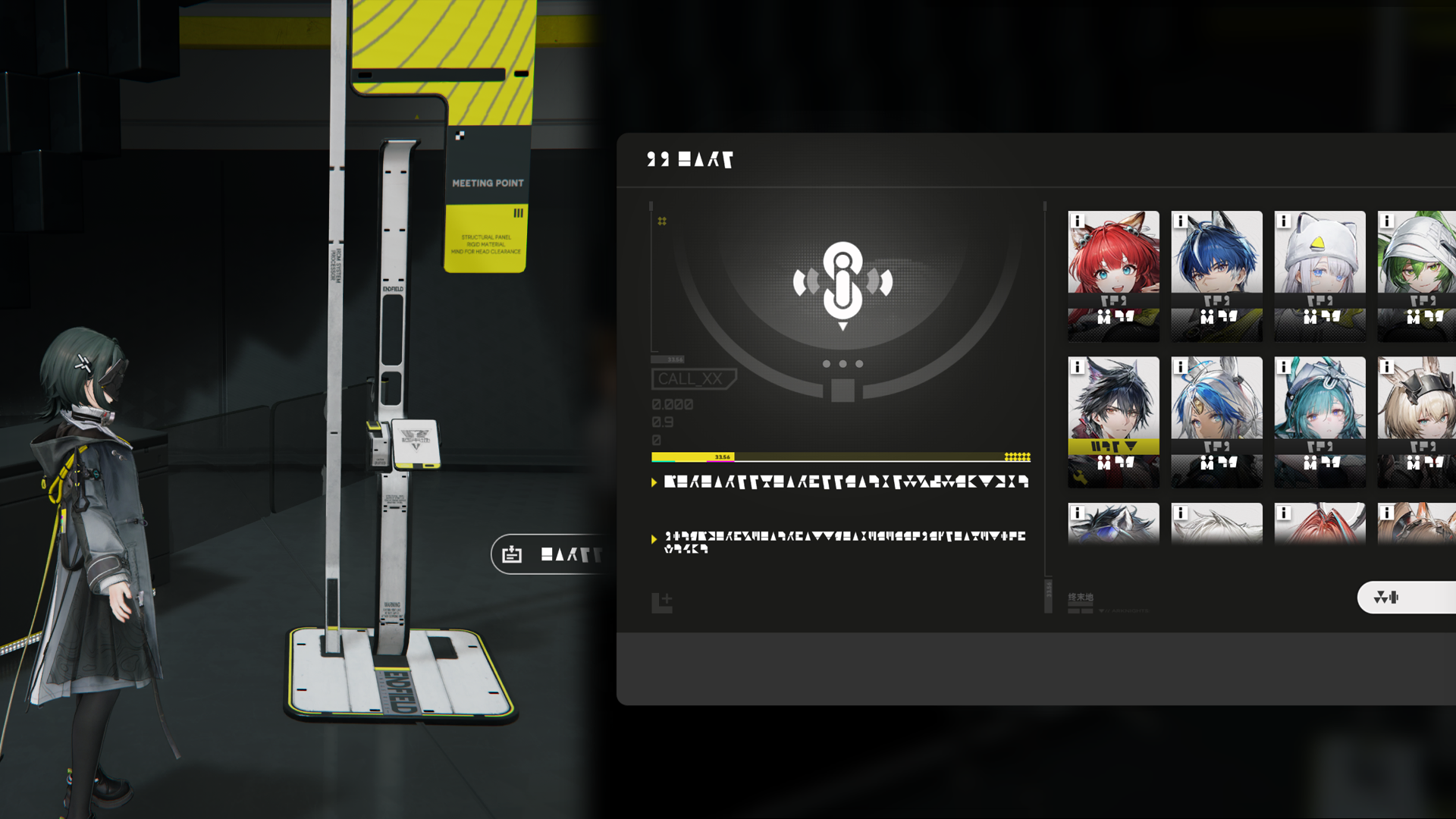
Protosync Menu

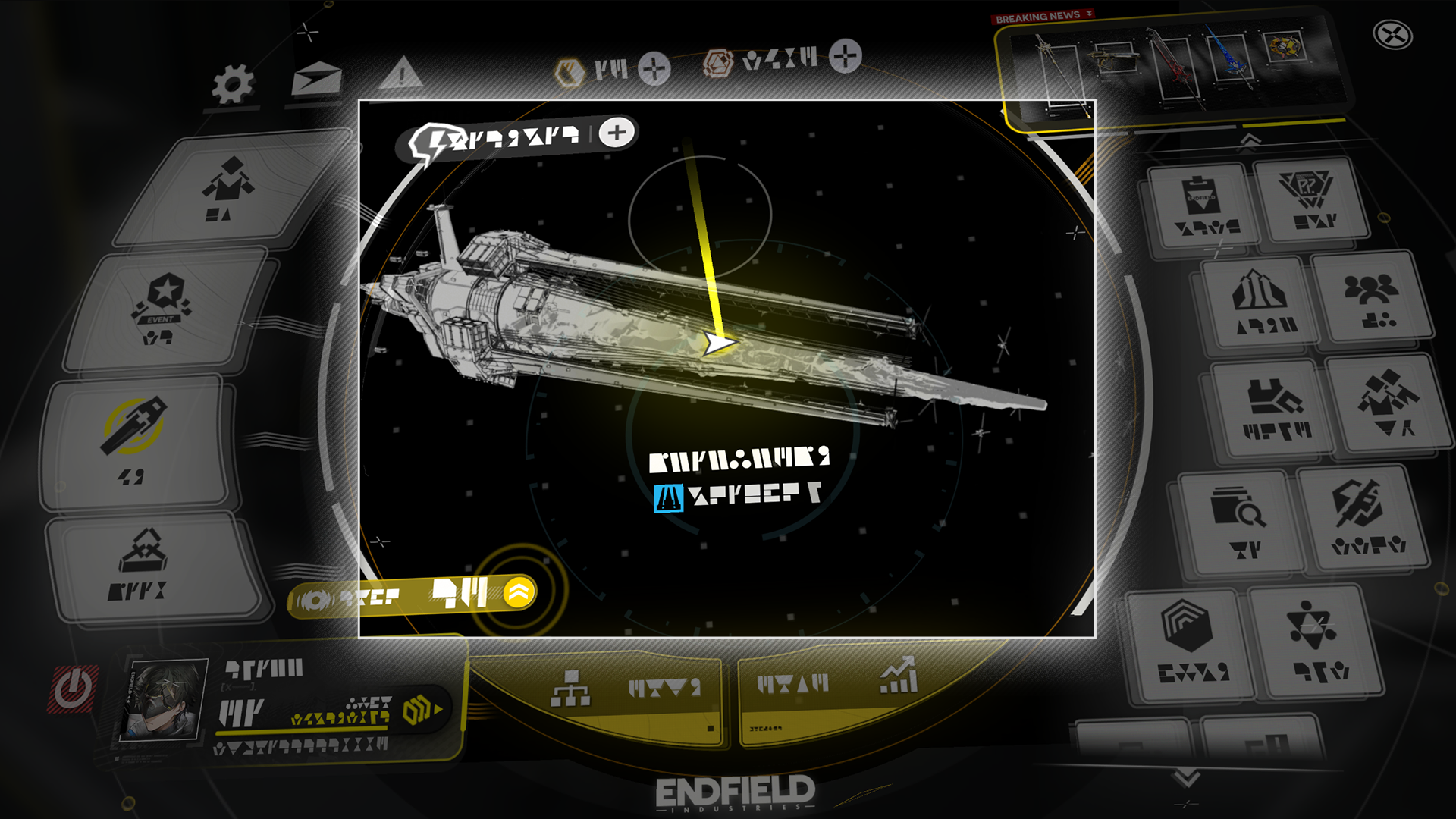
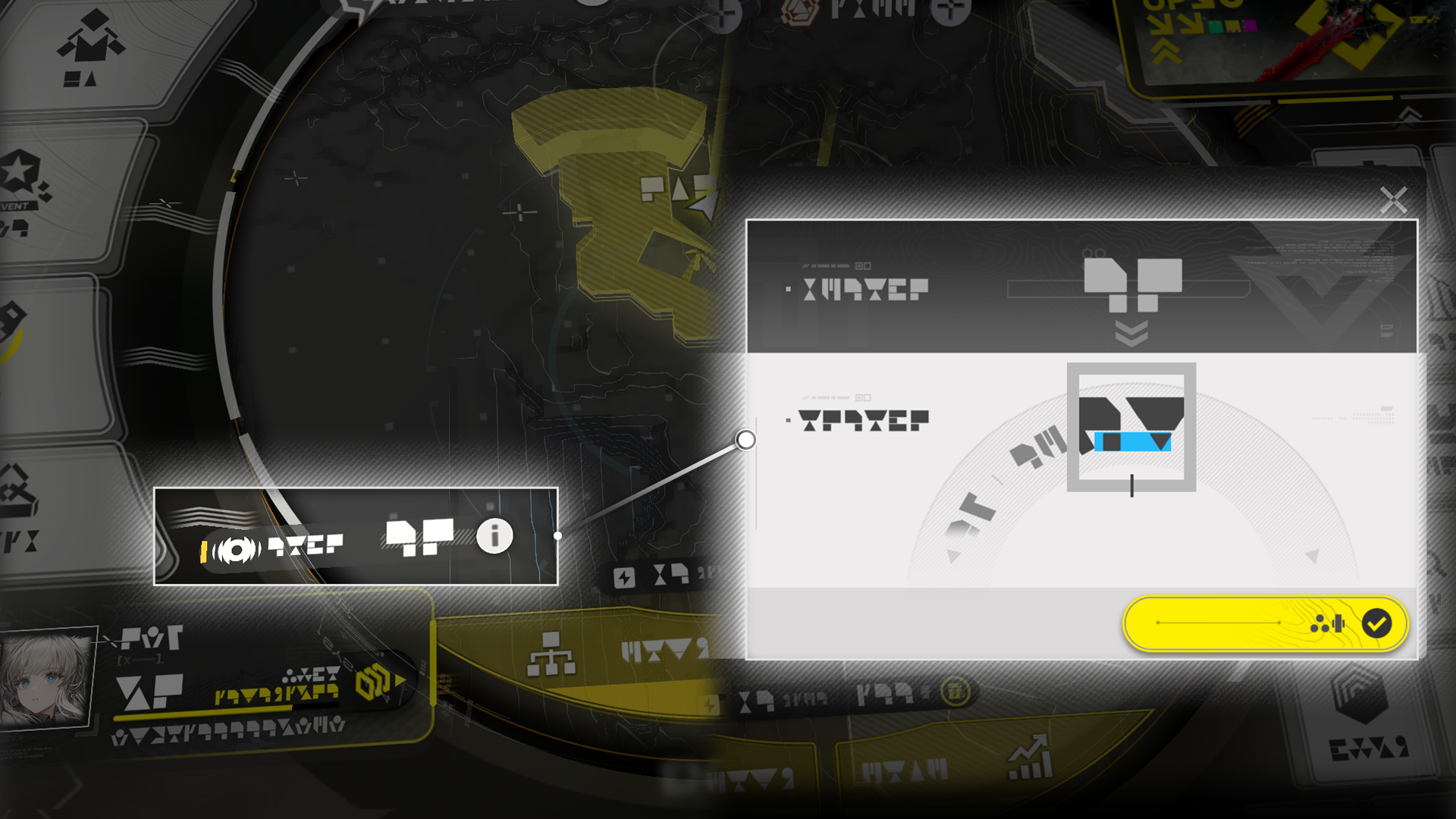
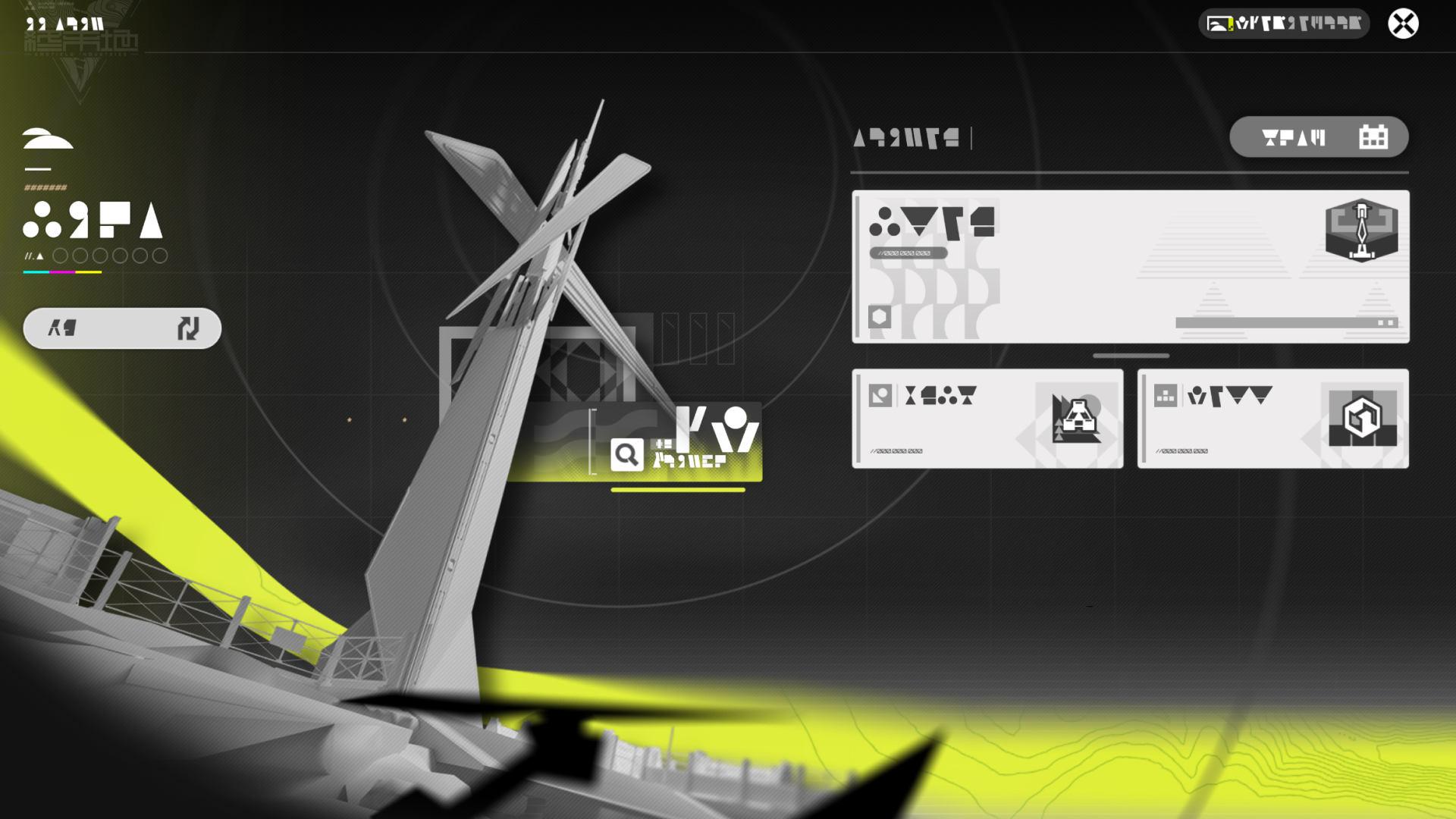
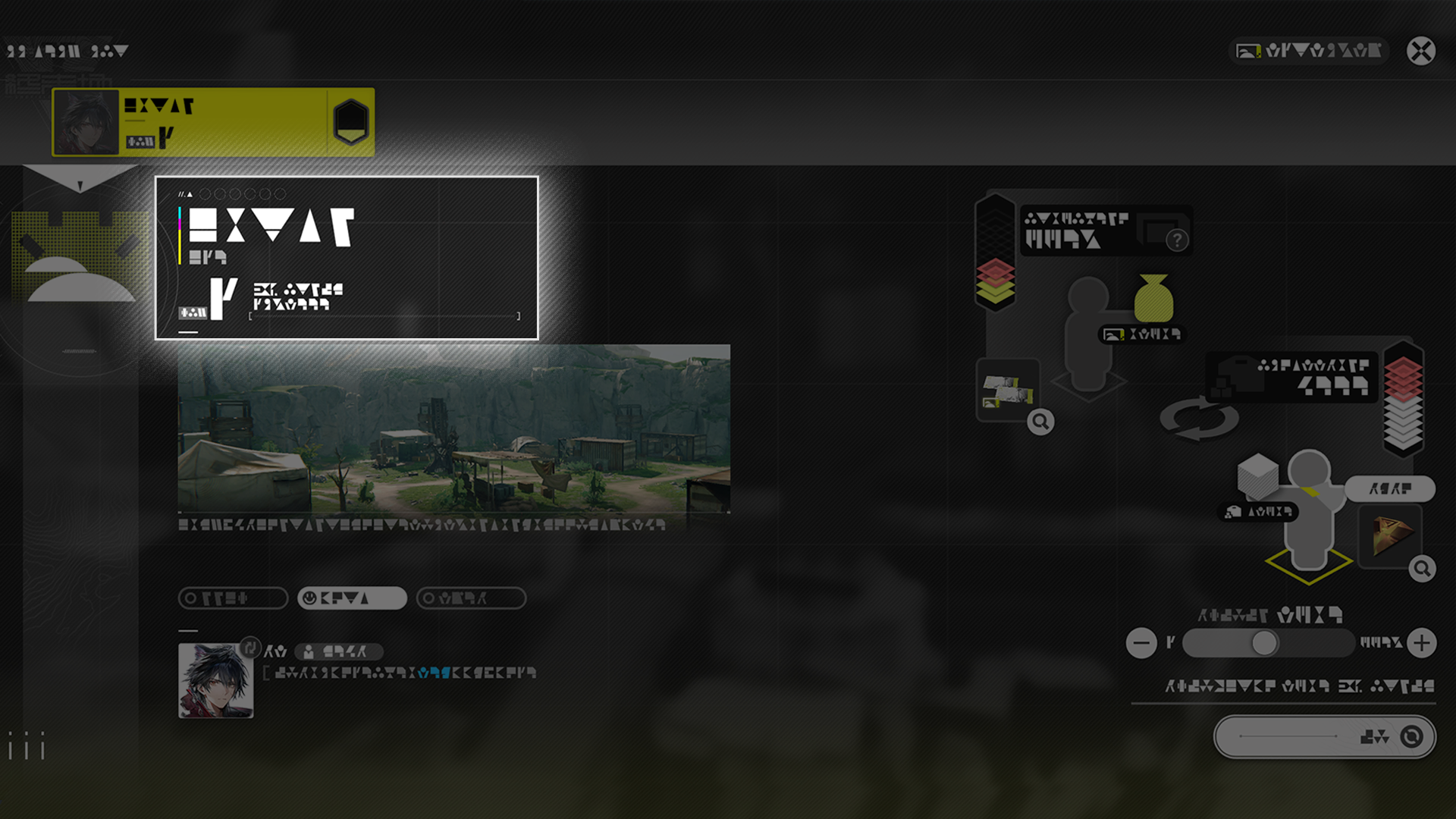
The Protocol Synchronizer (Protosync) has integrated various functions useful for exploration. Click on the area shown in the middle to open Region Overview.
The Protocol Synchronizer (Protosync) has integrated various functions useful for exploration. Tap the area shown in the middle to open Region Overview.
The Protocol Synchronizer (Protosync) has integrated various functions useful for exploration. Press Map to open Region Overview.

Related Tutorials

Map

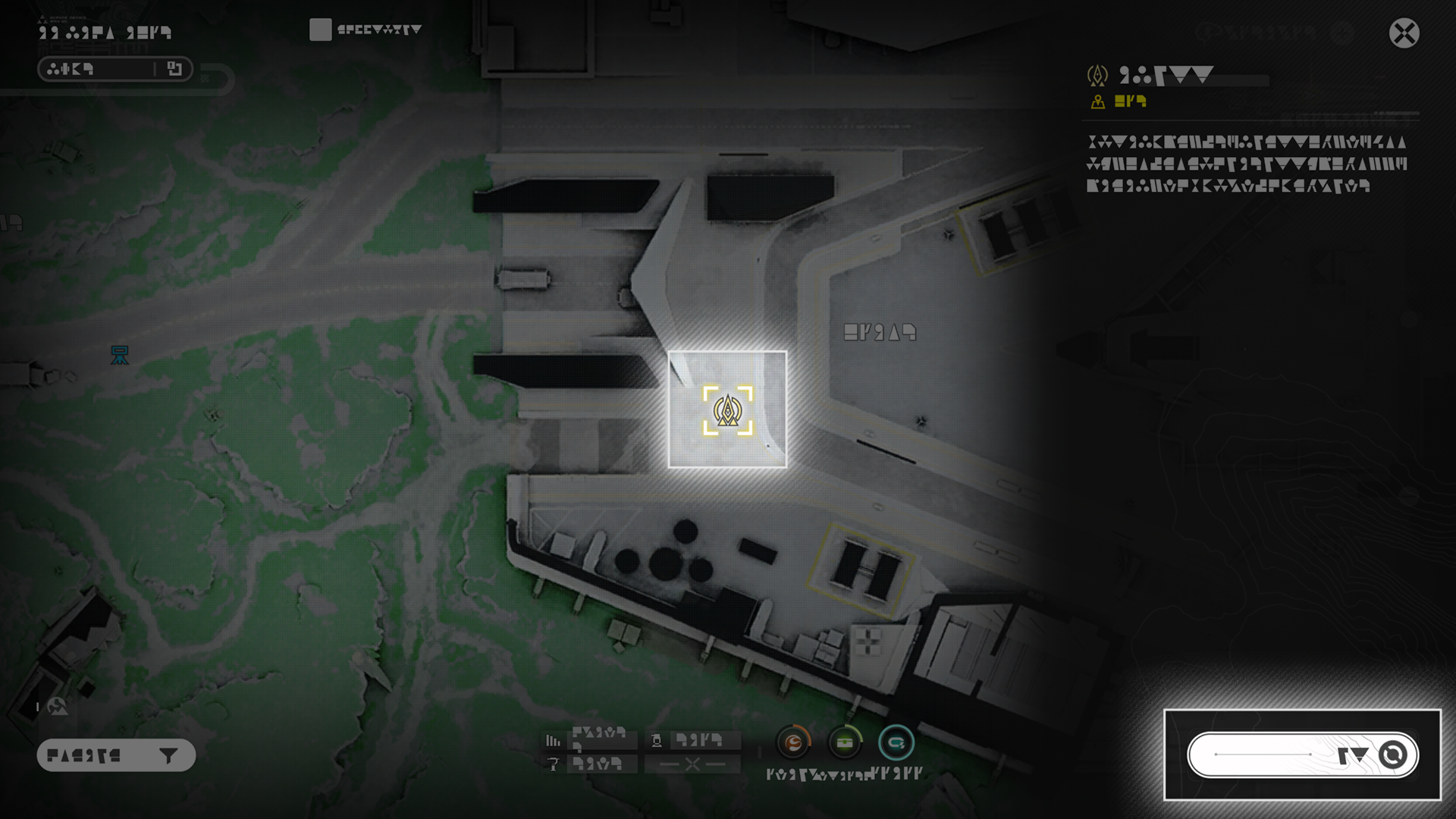
The Map screen gives geographical and other forms of data. Various markers can be selected for more details. These markers include TP Points and mission tracking points. TP Points on the map can also be directly selected to teleport to them directly.

Region Overview

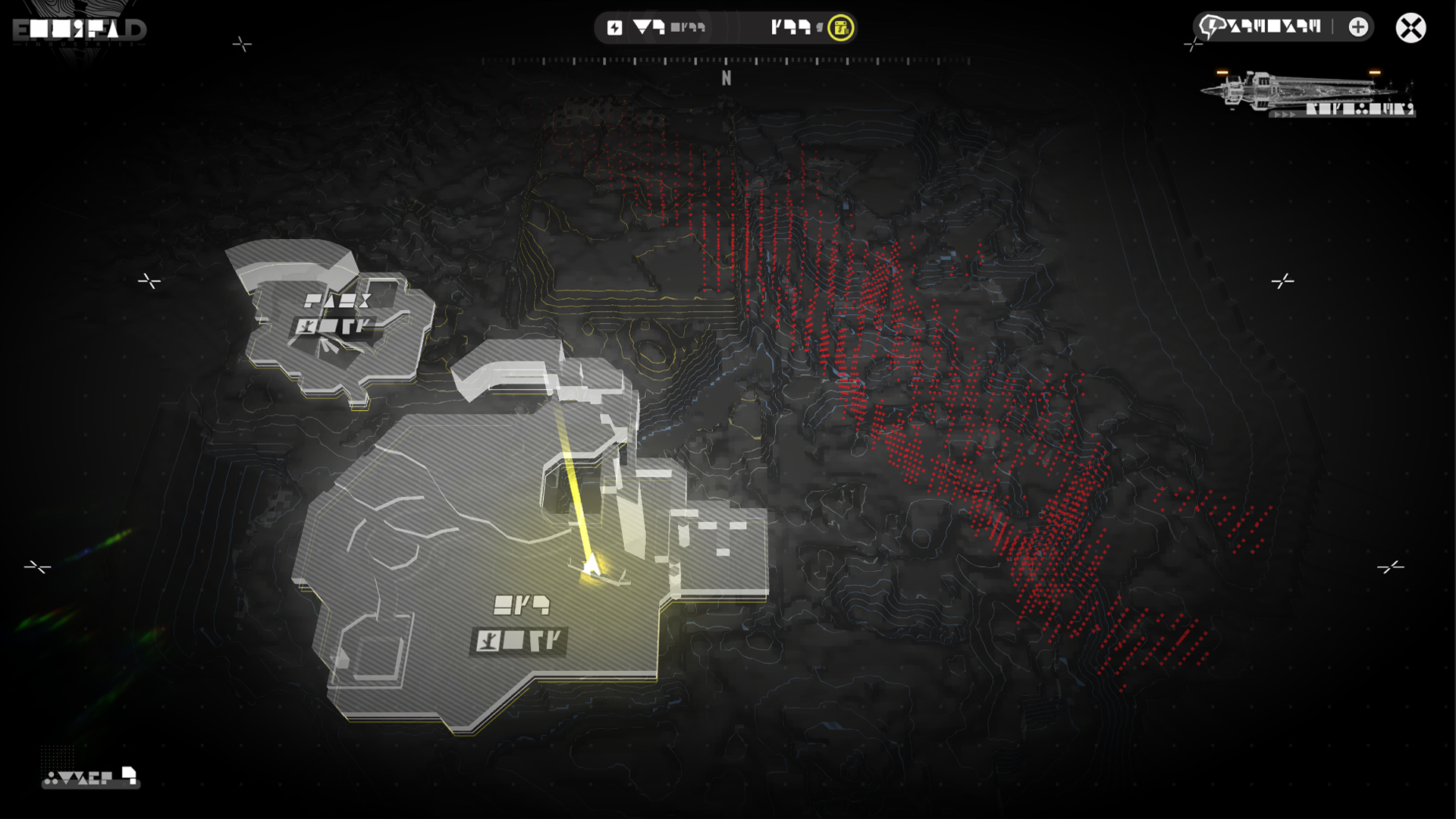
Region Overview can be accessed via the Map screen or the Protosync. It shows all the areas of the current region and allows switching to the map of any area selected.
Related Tutorials

Backpack and Depot

Items gathered from Talos-II or produced by the AIC Factory are either stored at the Backpack or Depot. Items cannot be placed in a full Backpack, but the storage management feature can be used at any TP Point or Core AIC Area to store unneeded items in the Depot.

Related Tutorials

Valuables Stash

Weapons, essences, pieces of gear, and other valuables will be stored in the Valuables Stash. The Valuables Stash has its own set of storage space not shared with the Backpack or Depot.

Related Tutorials

Team

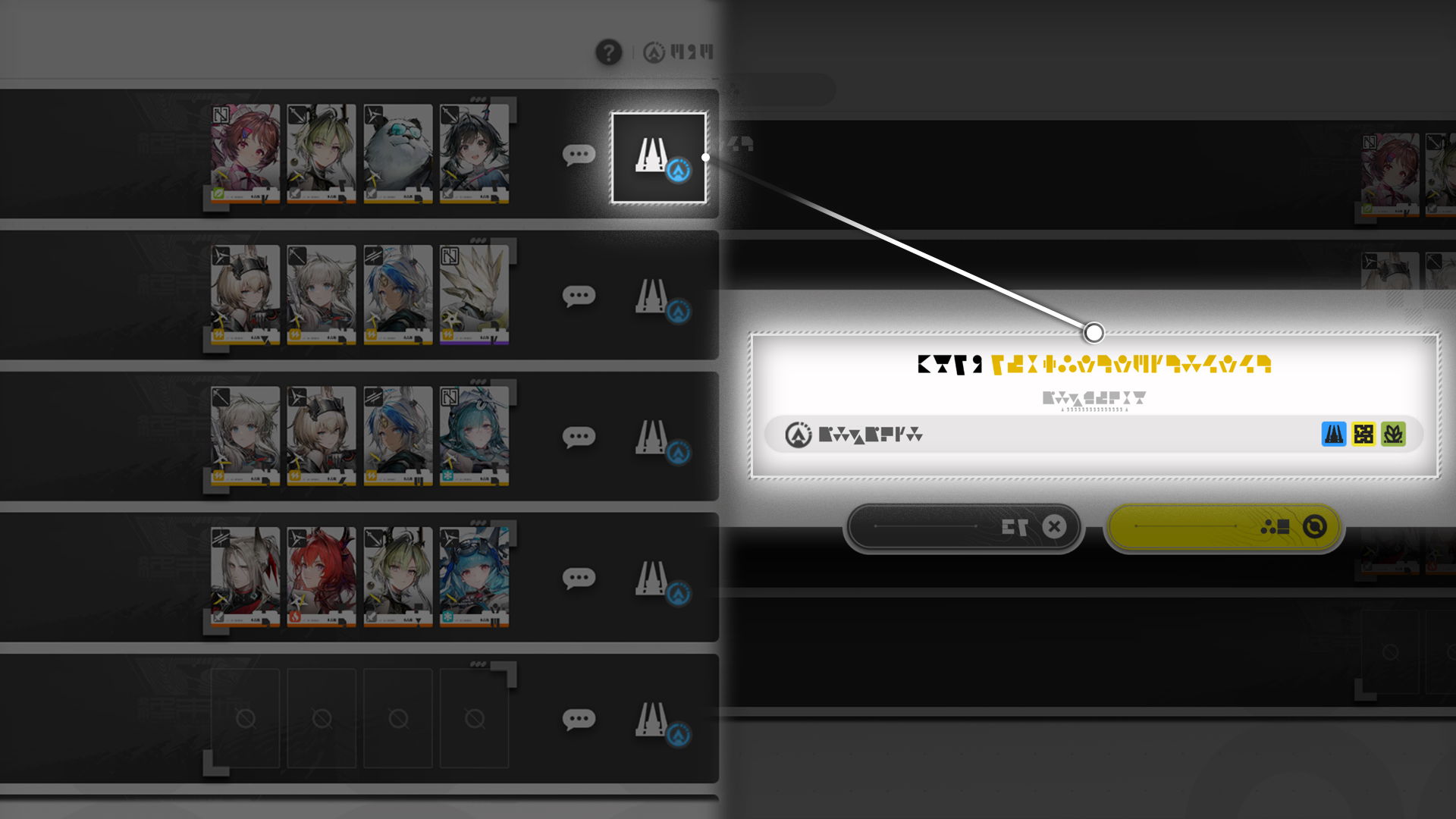
Use the Team screen to view and adjust the lineup of the exploration team. Try to deploy operators who can better deal with various challenges.

Friends

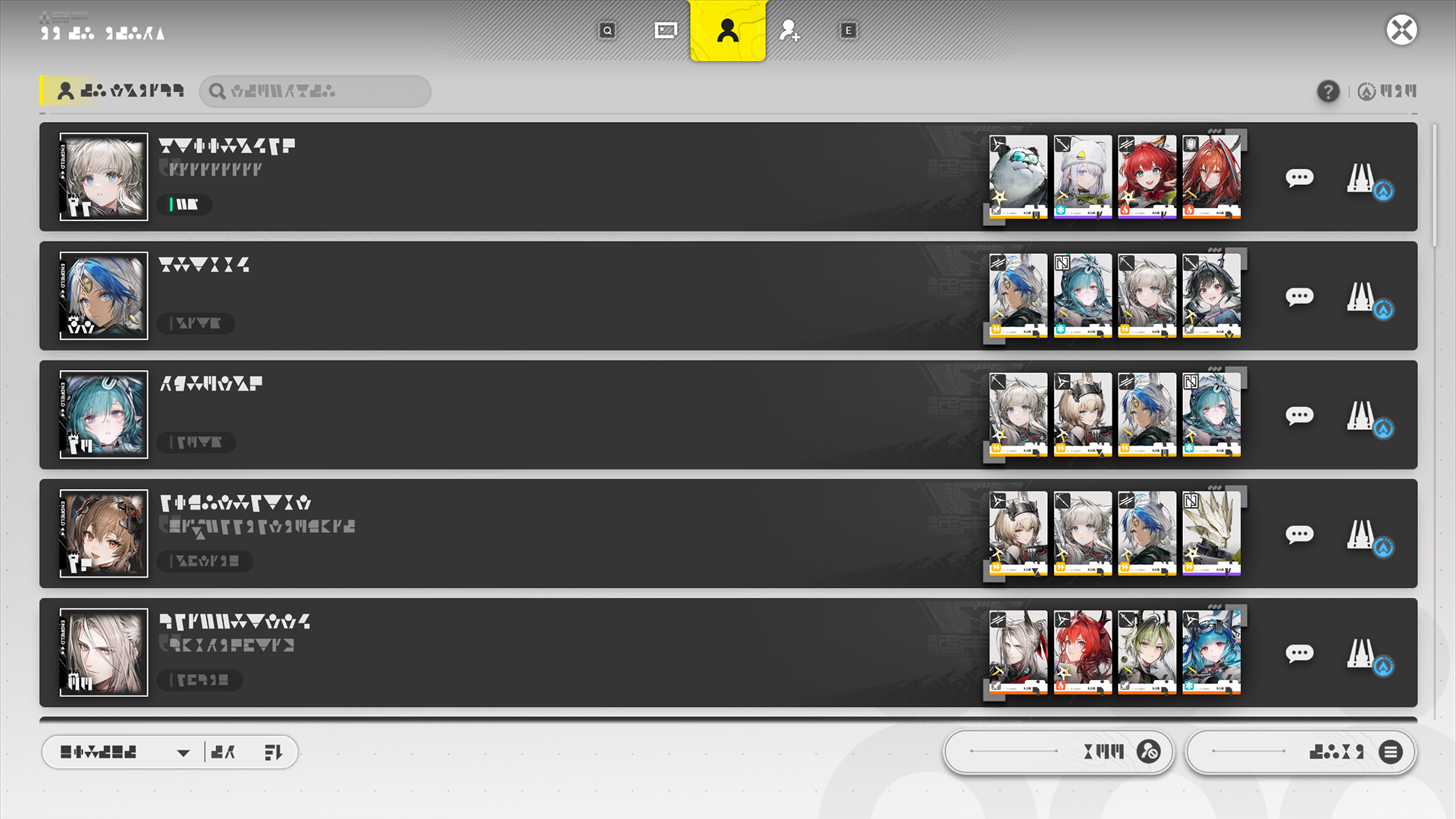
The Friends feature includes these functions: profile, friends list, and add friends. Use this feature to manage current friends, view friend details, chat with friends, and personalize the profile displayed to other players.

Profile

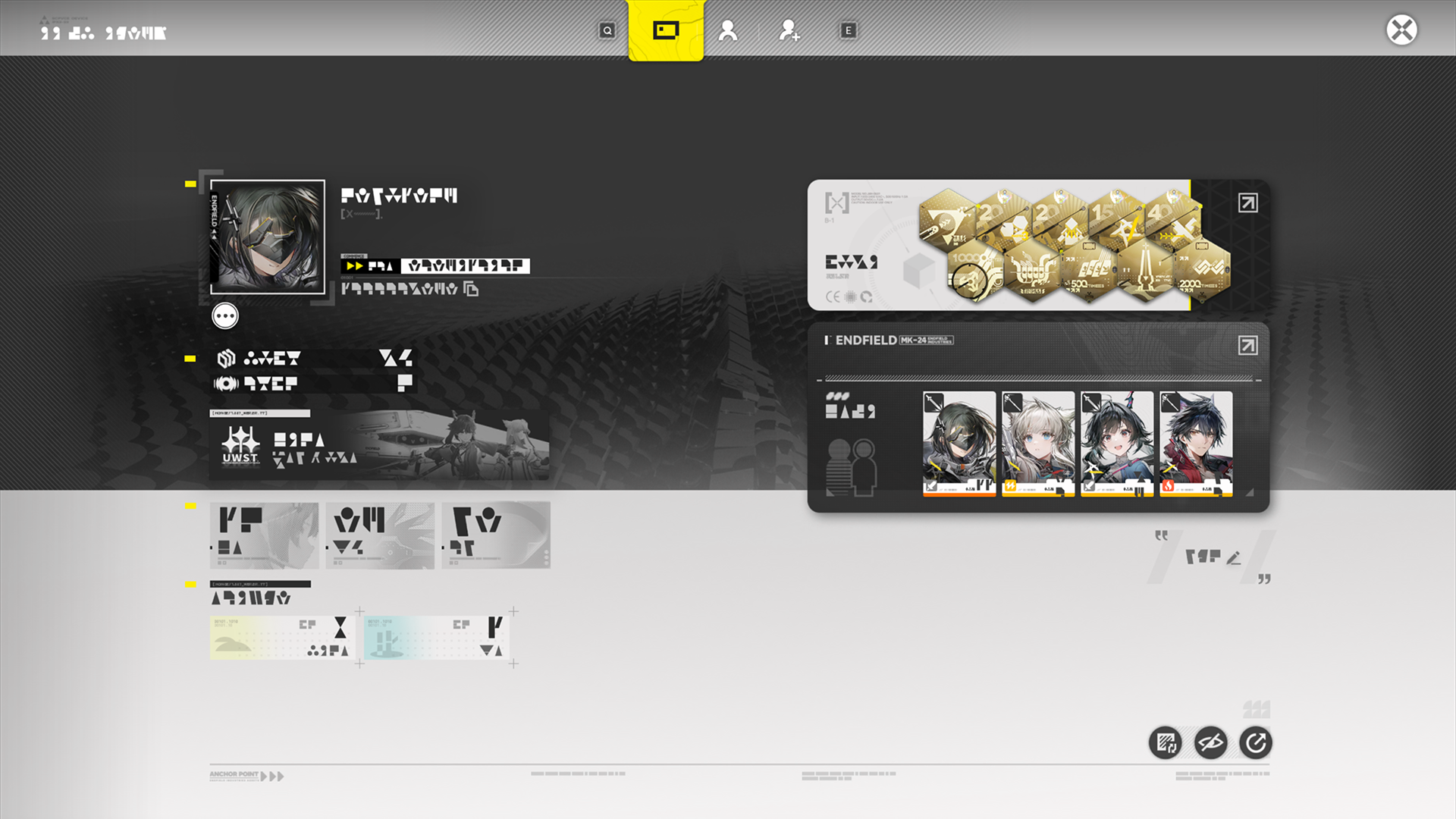
The Profile displays various information of the Endministrator, including mission progress, number of operators and weapons acquired, and Path of Glory (achievement medals). The Profile is also displayed to other players and provides a number of personalization options: operators showcased, profile themes, portraits, and portrait frames.

Path of Glory

The Path of Glory has information on various engraved medals that can be earned in Talos-II. Use this feature to view, edit, and save the engraved medal showcase.

Engraved Medal Displays

Once edited and saved, the medal showcase will be displayed at the personal Profile and medal display wall aboard Dijiang. Keep exploring to earn more engraved medals.

Related Tutorials

Intel Archives

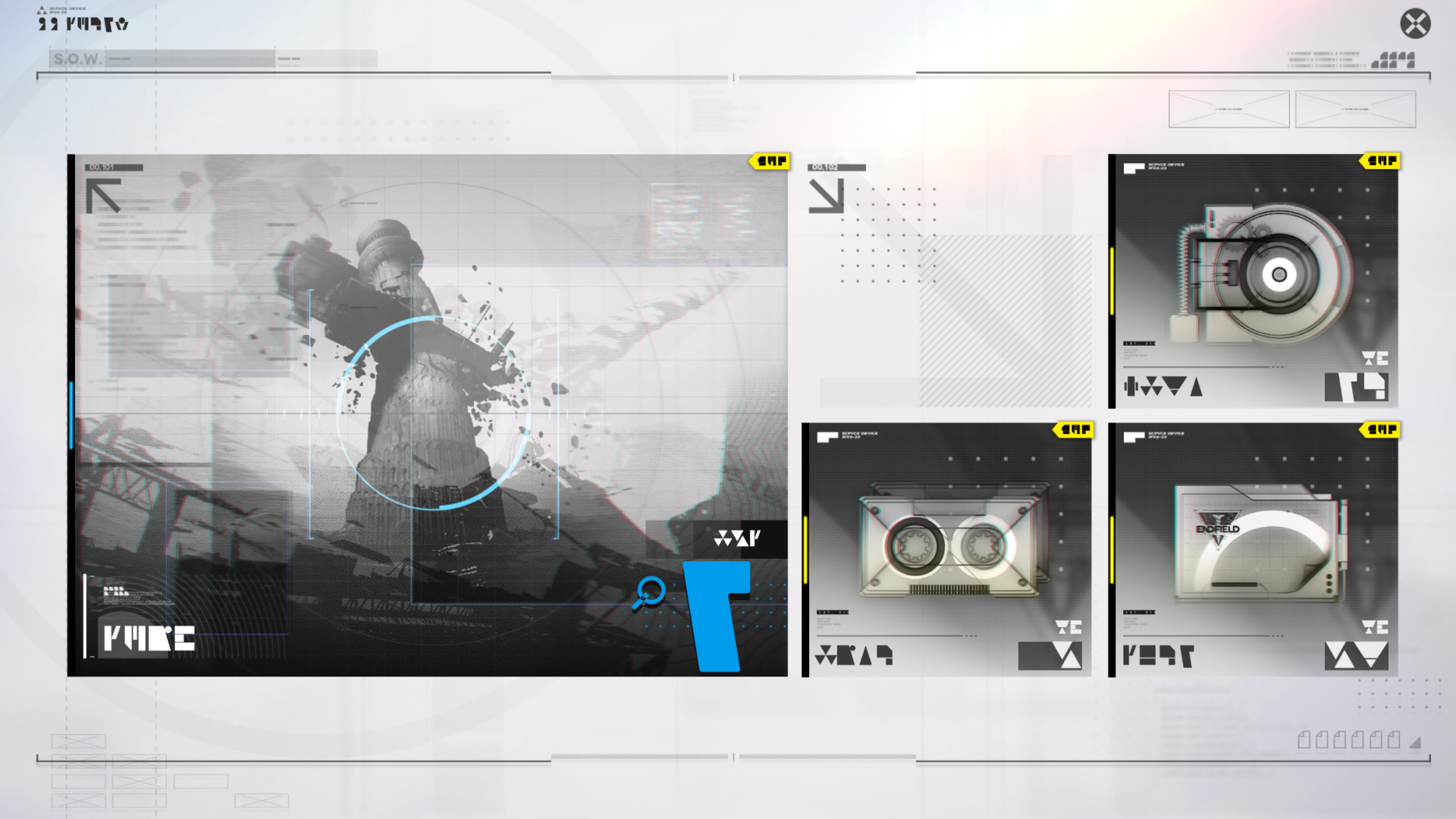
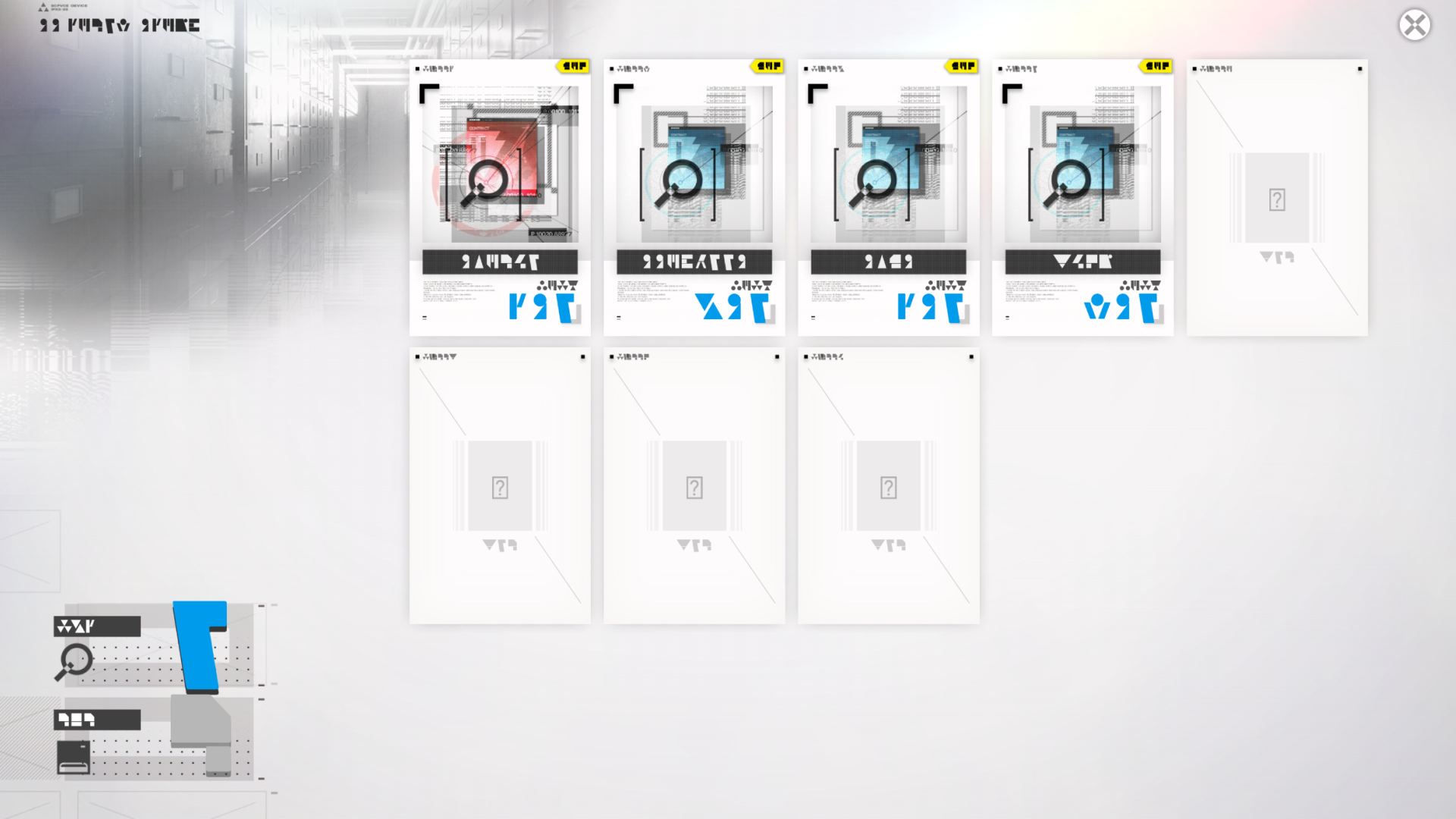
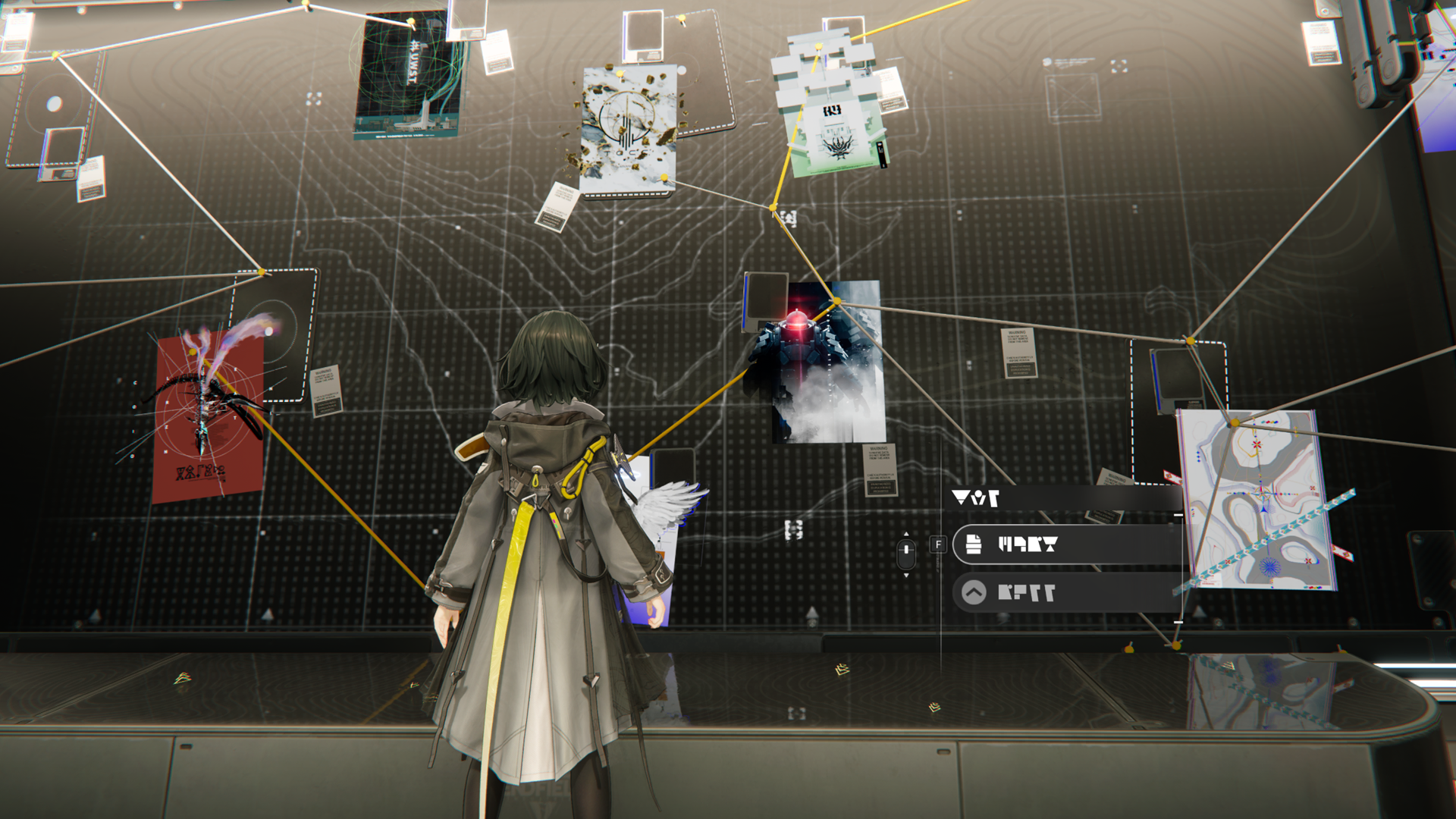
The Intel Archive is a data system maintained by the Endfield Intel Office SOW. Information gathered throughout Talos-II is uploaded to the Findings section. Key intel to be analyzed will be sorted out at the Intel Gathering section. The Nexus Files is a collection of certain official documents and files of Endfield Industries.

Intel Gathering and Investigations

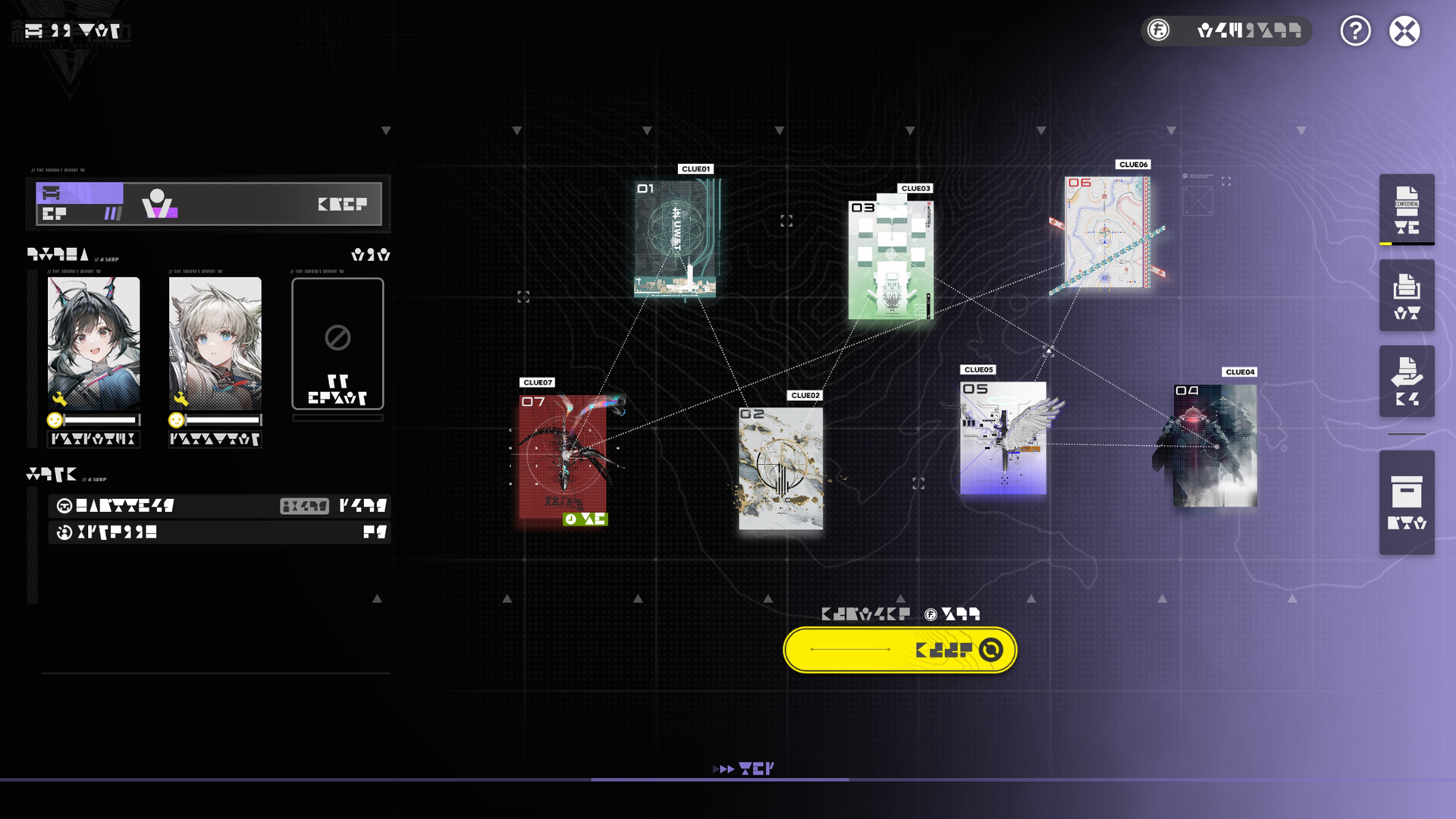
Pieces of intel found on Talos-II may be linked with each other. Intel Gathering aims to sort and organize incident-related intel. Once every piece of intel of a particular incident has been gathered, the incident investigation outcomes can be submitted to acquire a detailed Investigation Report (IR).

Operator Upgrades

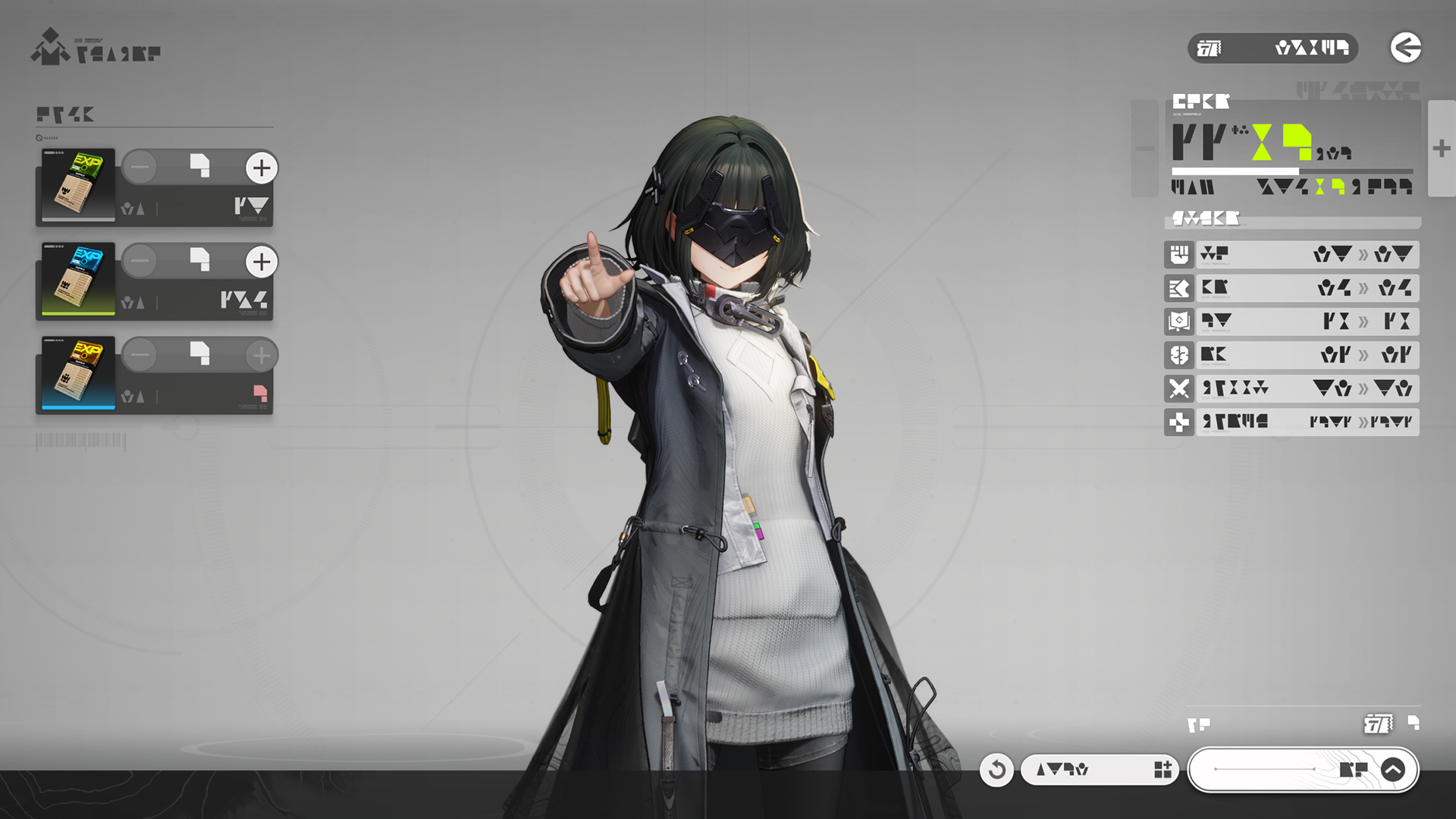
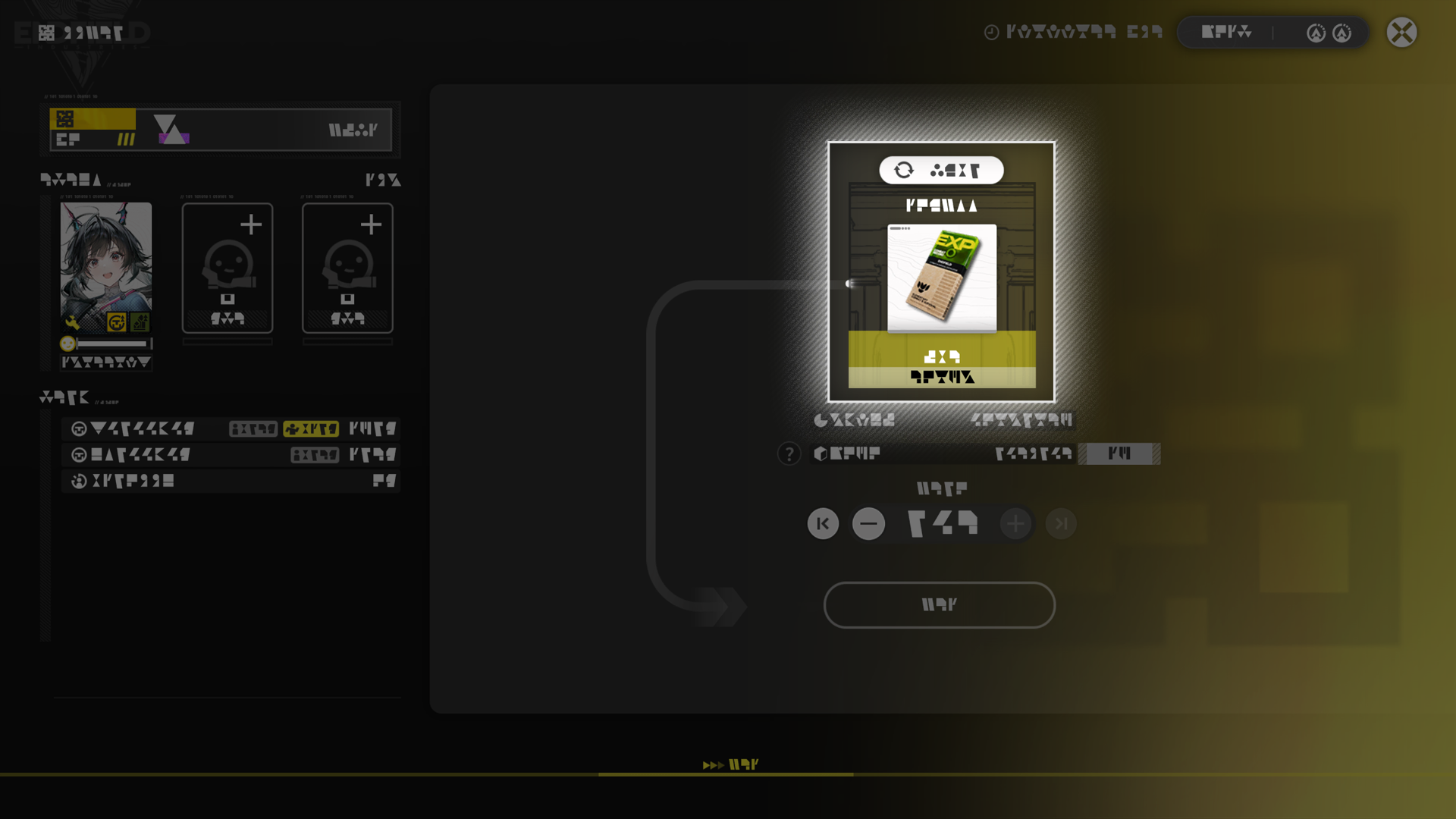
The operator Overview screen is used for operator progression to improve their performance in various scenarios. Spend operator EXP materials to level up operators and improve their attributes and HP. When operators reach a level cap, they must be promoted to raise the level cap for continued leveling.

Related Tutorials

Ability Matrix

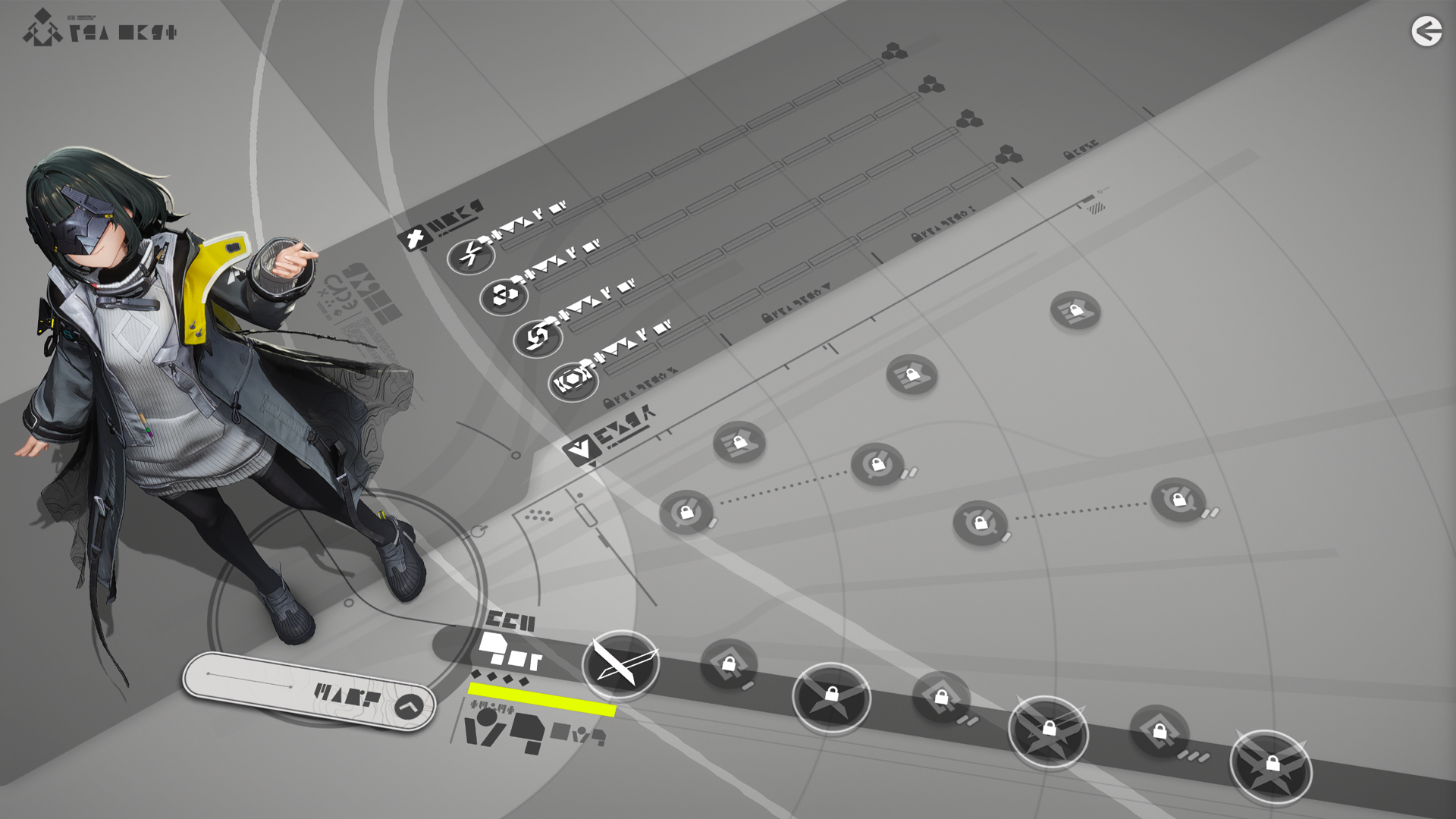
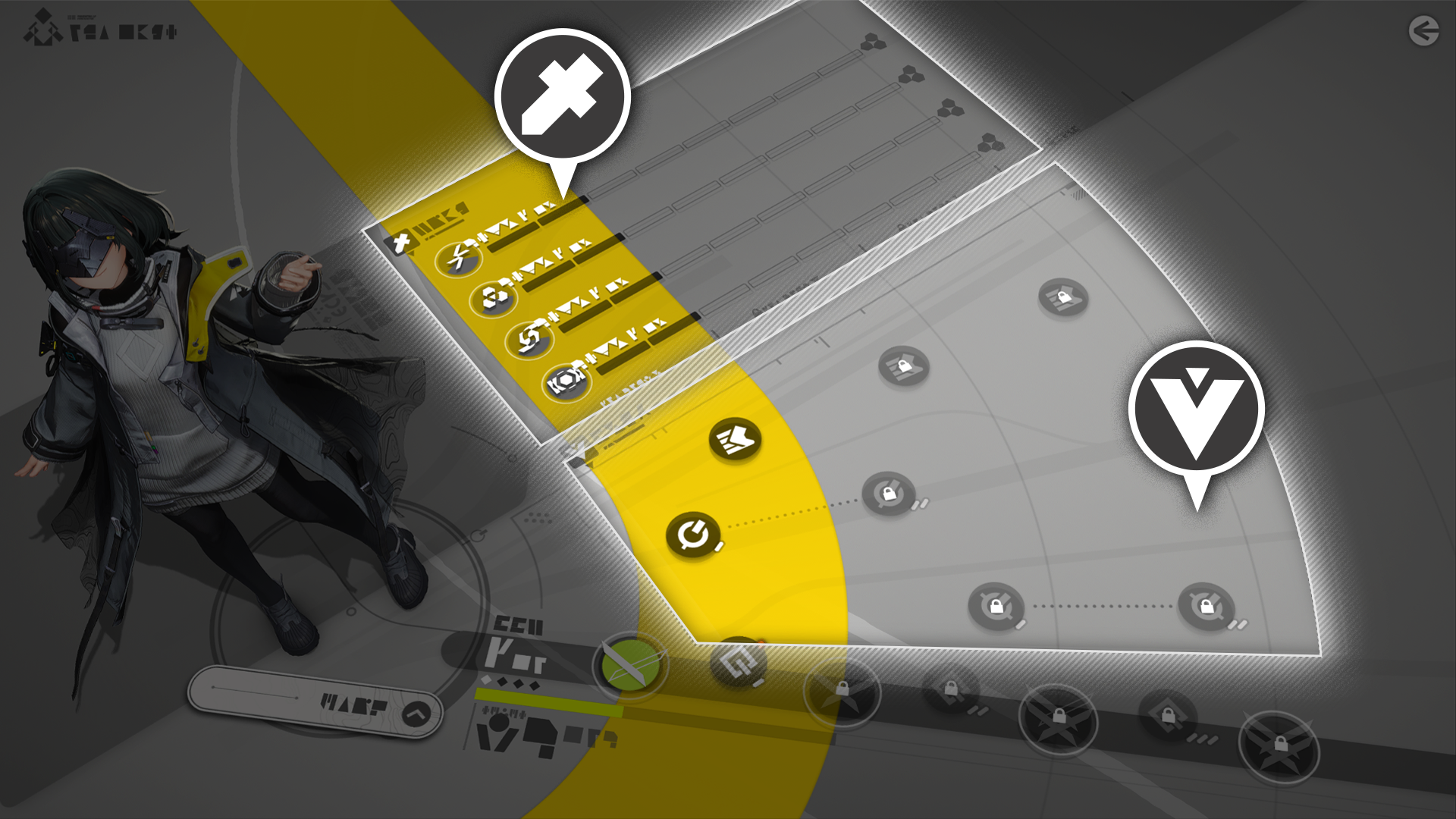
Go to the Ability Matrix screen to view the operator's complete suite of battle skills, abilities, talents, and promotion progress.

Operator Skills: Activations and Upgrades

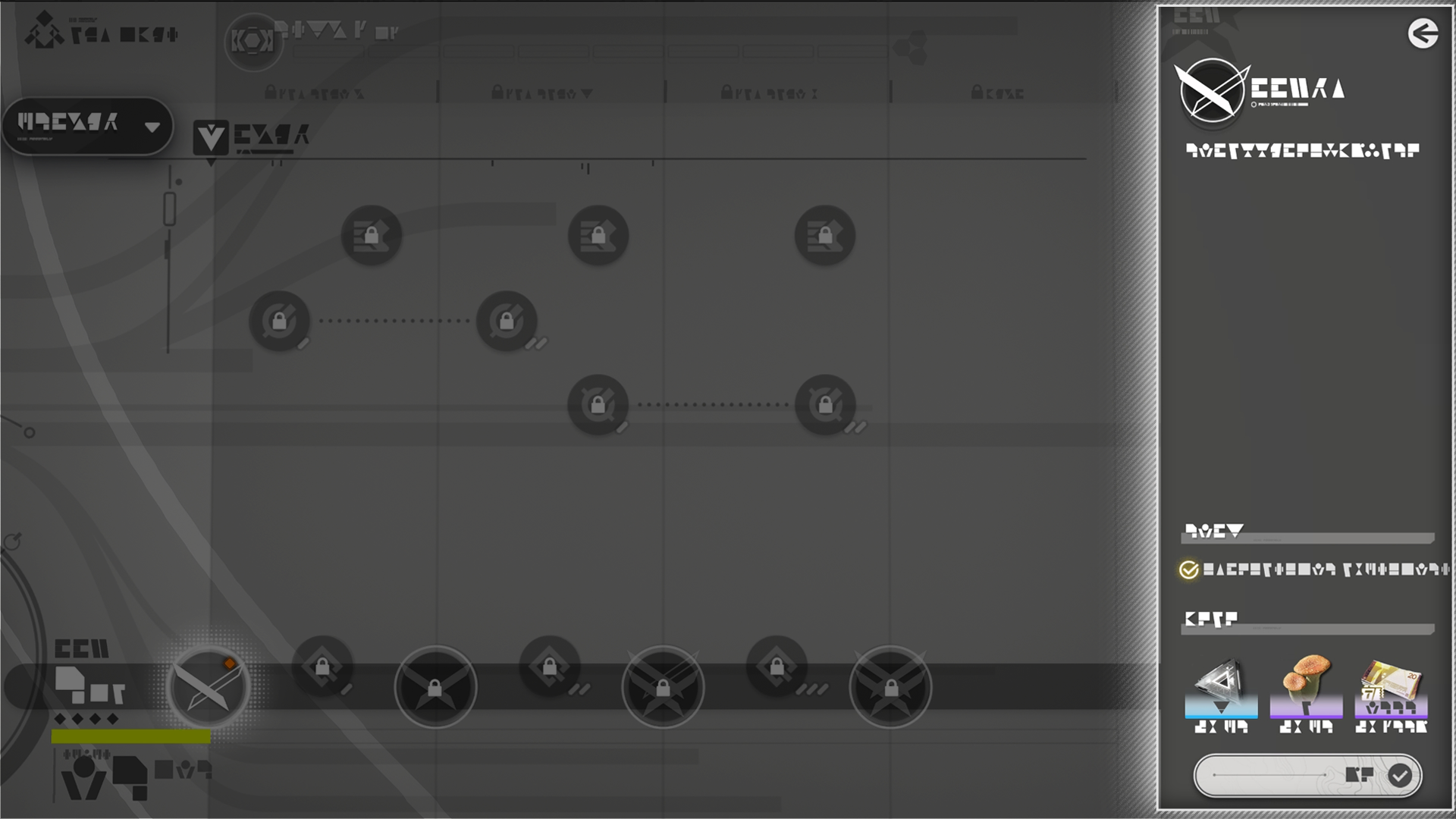
Use the Combat section to upgrade the operator's combat skills and improve the operator's combat performance. Use the Talents Node section to activate various talent nodes to improve the operator's performance in other areas.

Elite

Operators who reach their level cap must be promoted to keep leveling. Promotion also upgrades the operator's battle skills and activates more skill nodes.

Related Tutorials

Operator Attributes

Attribute

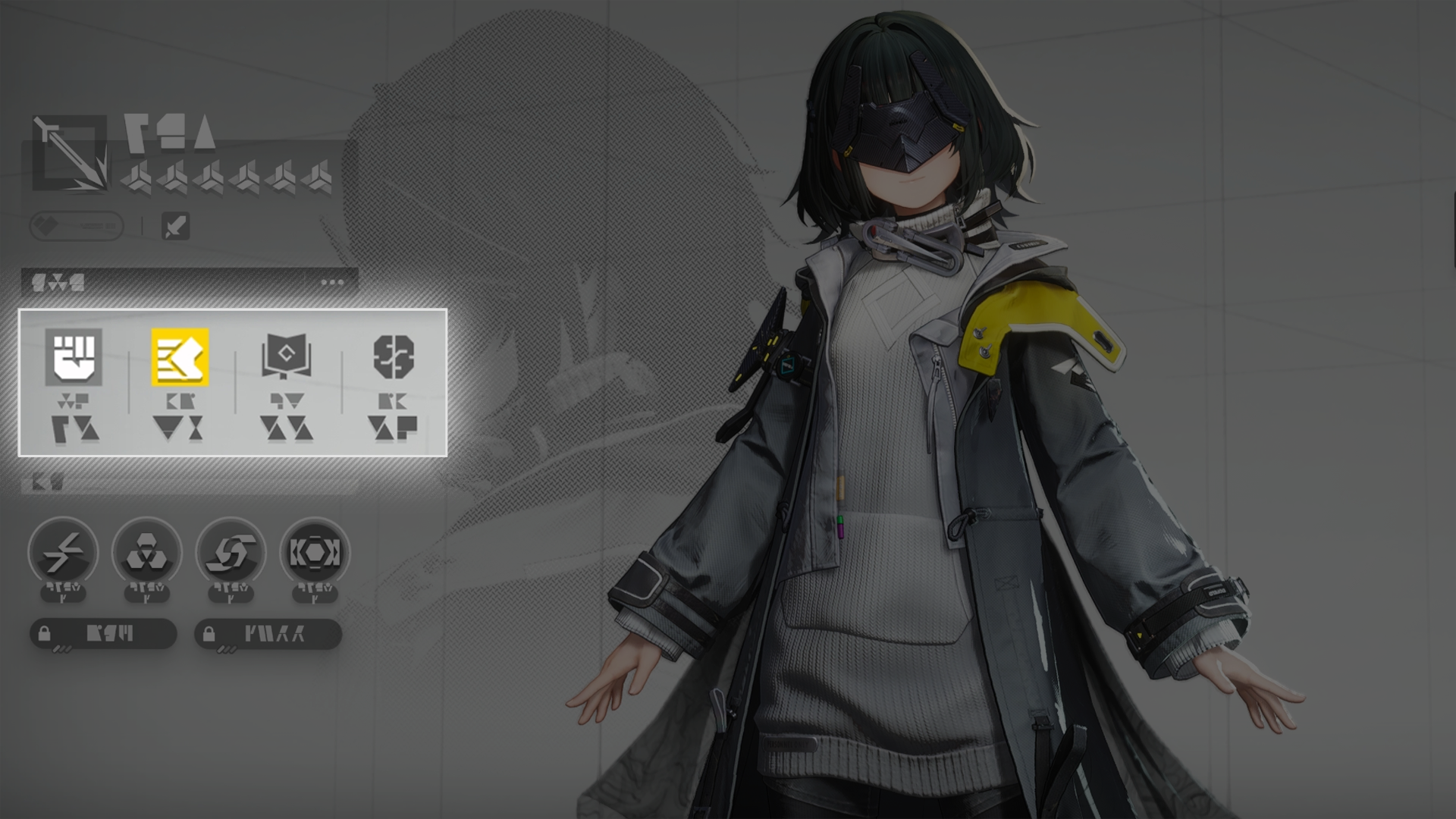
Every operator has 4 attributes: Strength (STR), Agility (AGI), Intellect (INT), and Will (WILL). These attributes give operators different attribute bonuses.

Main and Secondary Attributes

Every operator has a main attribute and a secondary attribute. Increasing the main attribute gives the operator a large bonus to Attack, while increasing the secondary attribute gives a smaller bonus to Attack.

Related Tutorials

Operator Potential

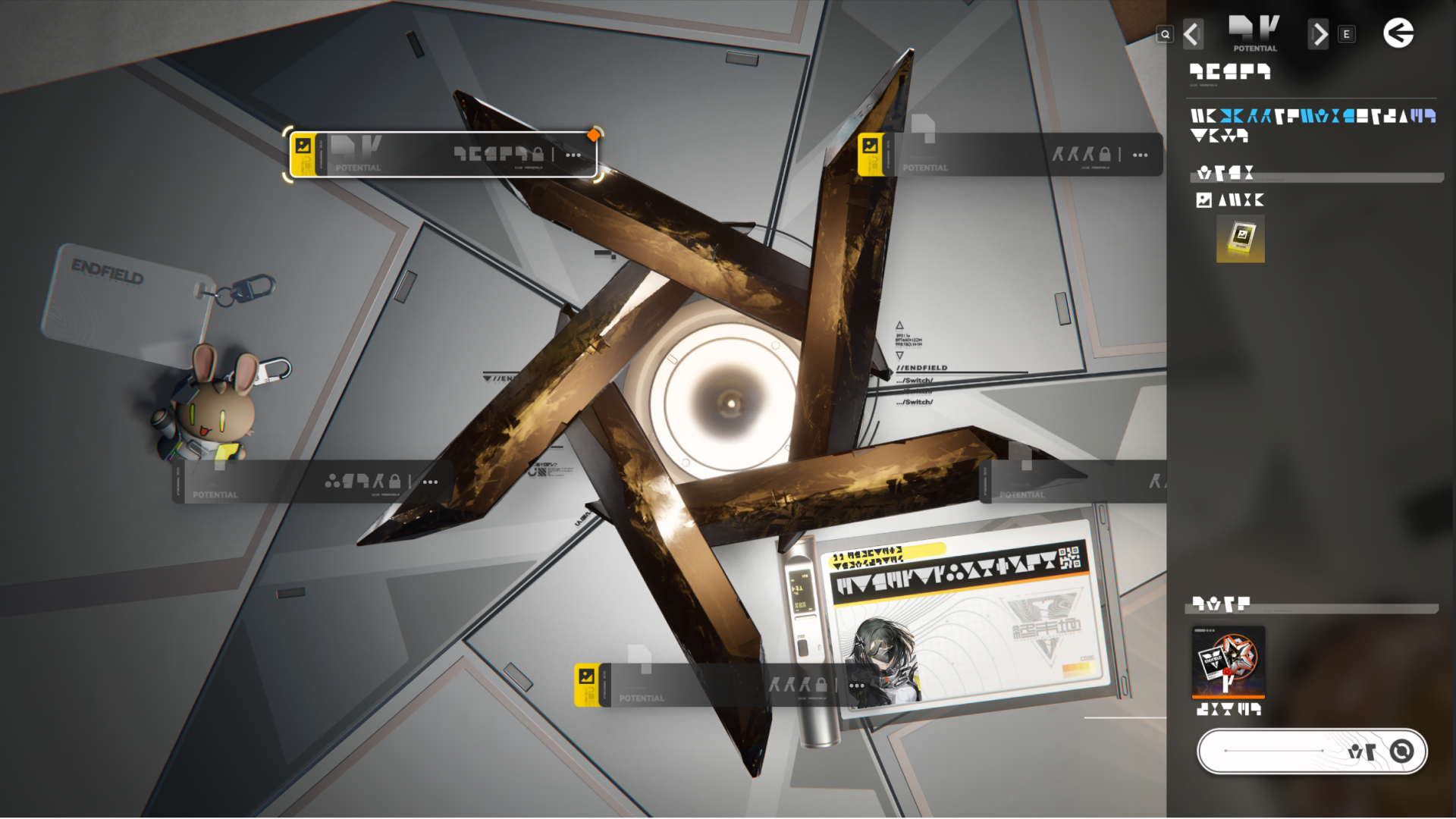
Use an operator's tokens to raise the said operator's potential and activate more bonuses. Acquire the operator's potential token by recruiting the same operator again.

Operator Snapshot Showcase

Reaching an operator's Potential 01, Potential 03, and Potential 05 also unlocks the operator's snapshot. These snapshots can be displayed aboard Dijiang. Some operator snapshots can also be displayed at the Profile panel.

Weapon

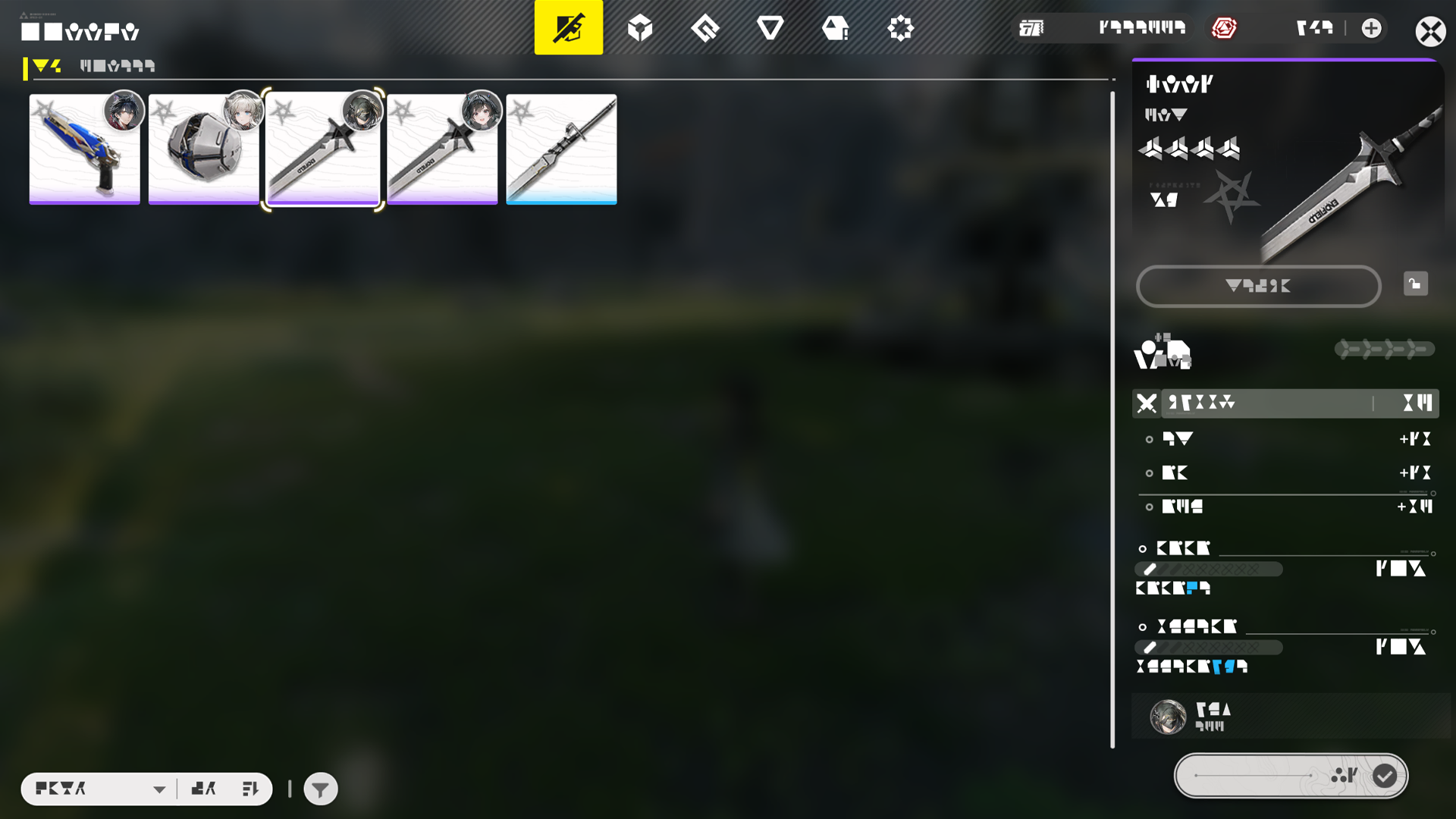
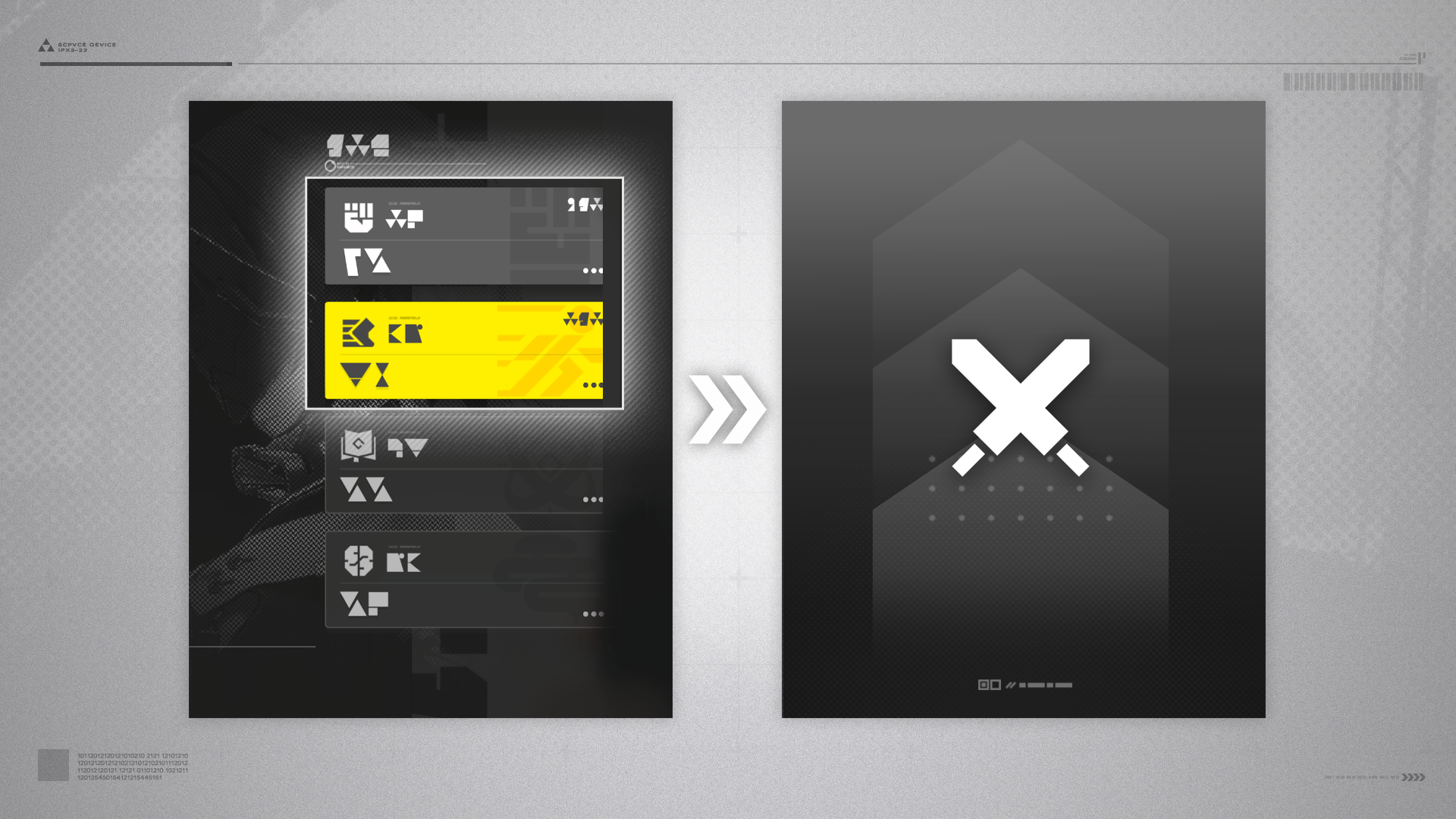
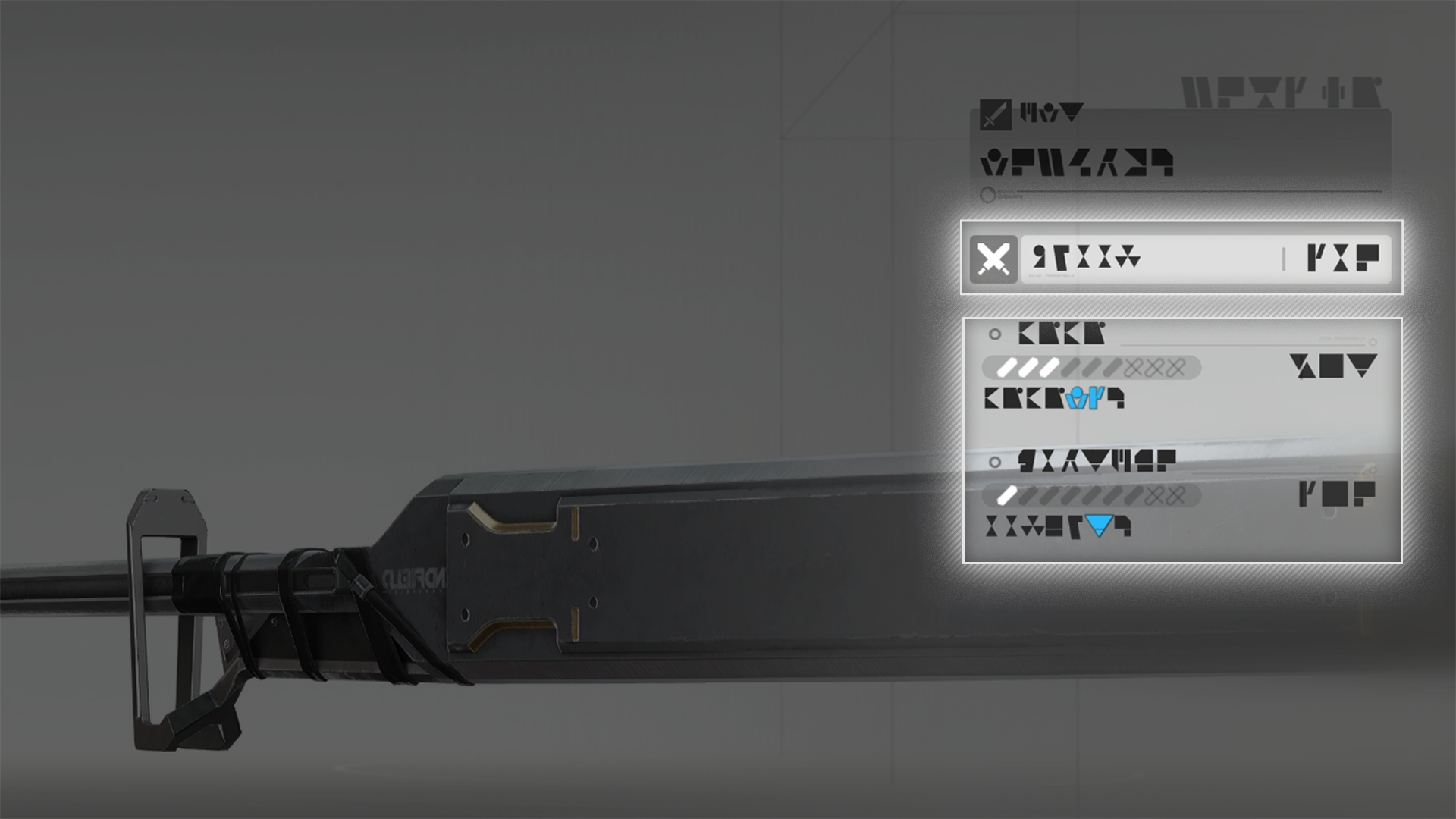
Weapons primarily give operators a Base ATK bonus. Every weapon may come with one or more weapon skills that give different attribute bonuses and skill effects.

Weapon: Progression

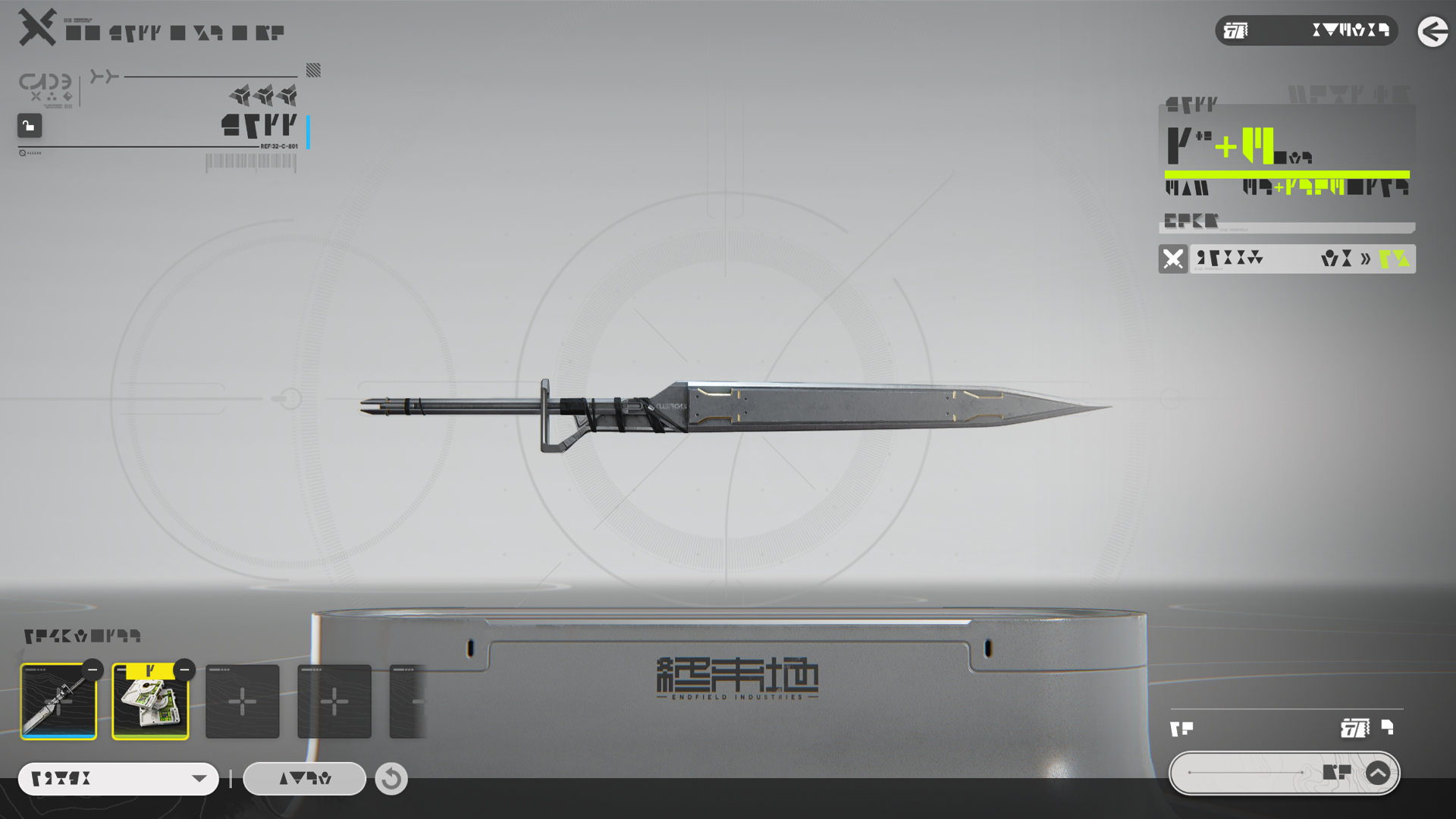
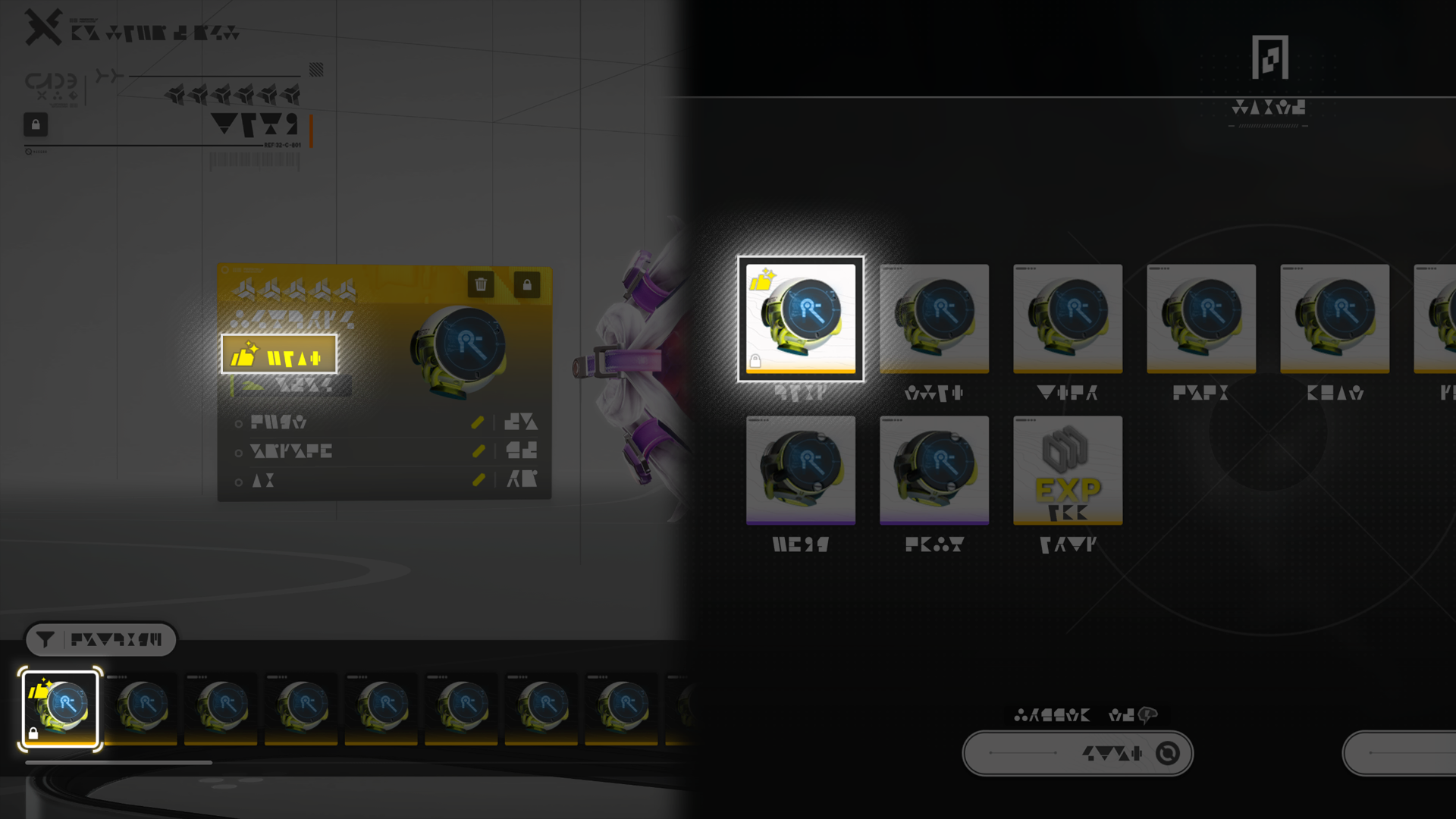
Weapon EXP materials and/or other weapons can be used to give a weapon EXP and level it up. When a weapon reaches a level cap, weapon tuning materials must be used to tune it and raise its level cap. Leveling up and tuning weapons can significantly improve their performance.

Weapon Progression Material: Returns

No weapon EXP will be lost when using upgraded weapons to provide EXP to another. Weapon EXP that exceeds the limit will be returned as EXP materials and T-Creds.

Related Tutorials

Essence

Defeated enemies may drop reactive substances known as essences. Every essence has stats that might improve specific weapon skills. Infusing a weapon with the right essence will upgrade the weapon skill level.

Related Tutorials

Essence: Etching

Essences can be enhanced by consuming other unwanted essences. Etching 1 stat of a flawless essence costs 1 flawless essence.

Essence: Etching Outcomes

Successful etching levels up the essence stats. Failed etching attempts produce a number of Coolant Gel.

Coolant Gel

Use enough Coolant Gel to guarantee the success of essence etching.

Source of Gold Essences

Challenge Severe Energy Alluvium and spend Sanity to acquire gold quality essences.

Related Tutorials

Gear

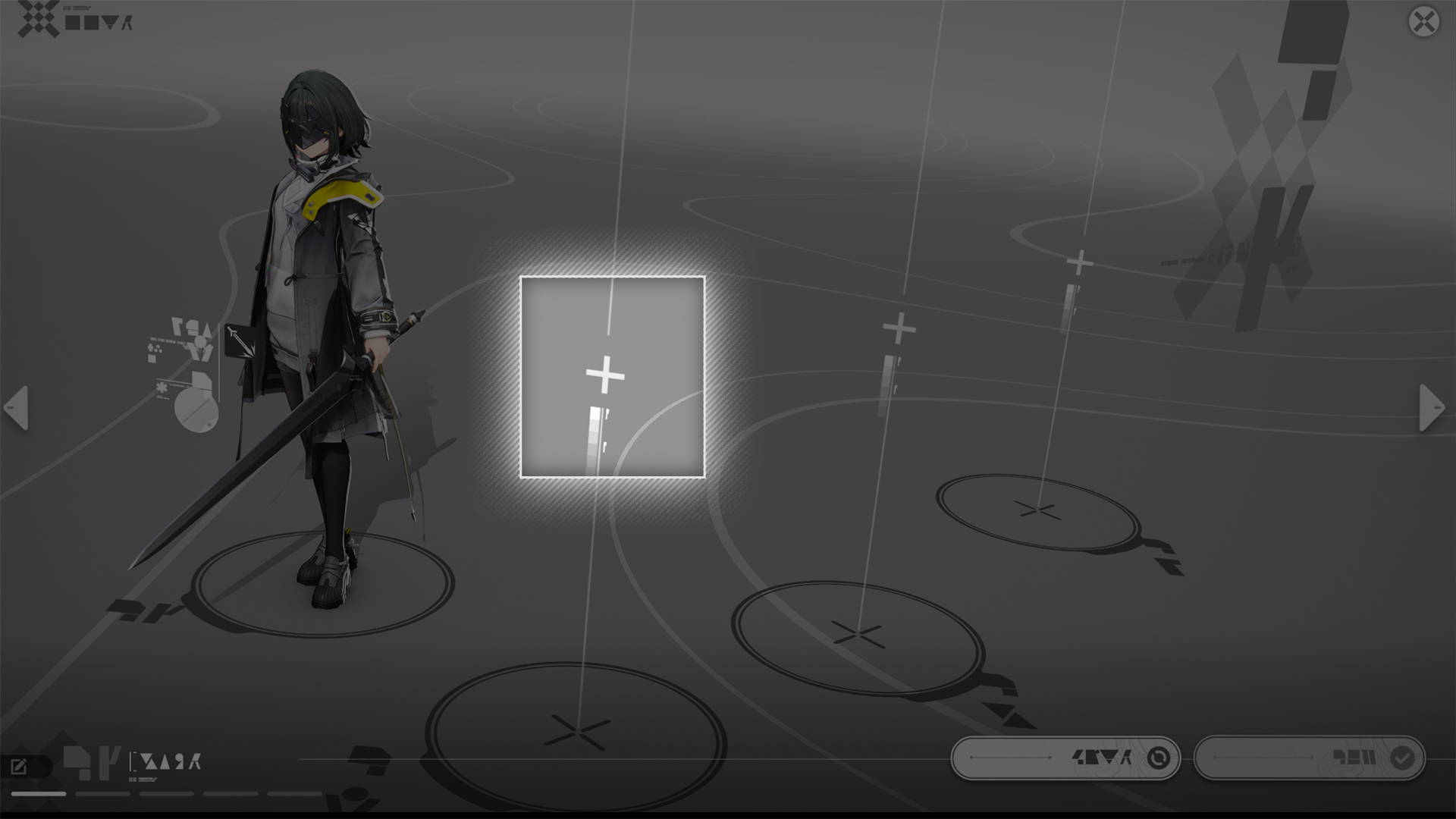
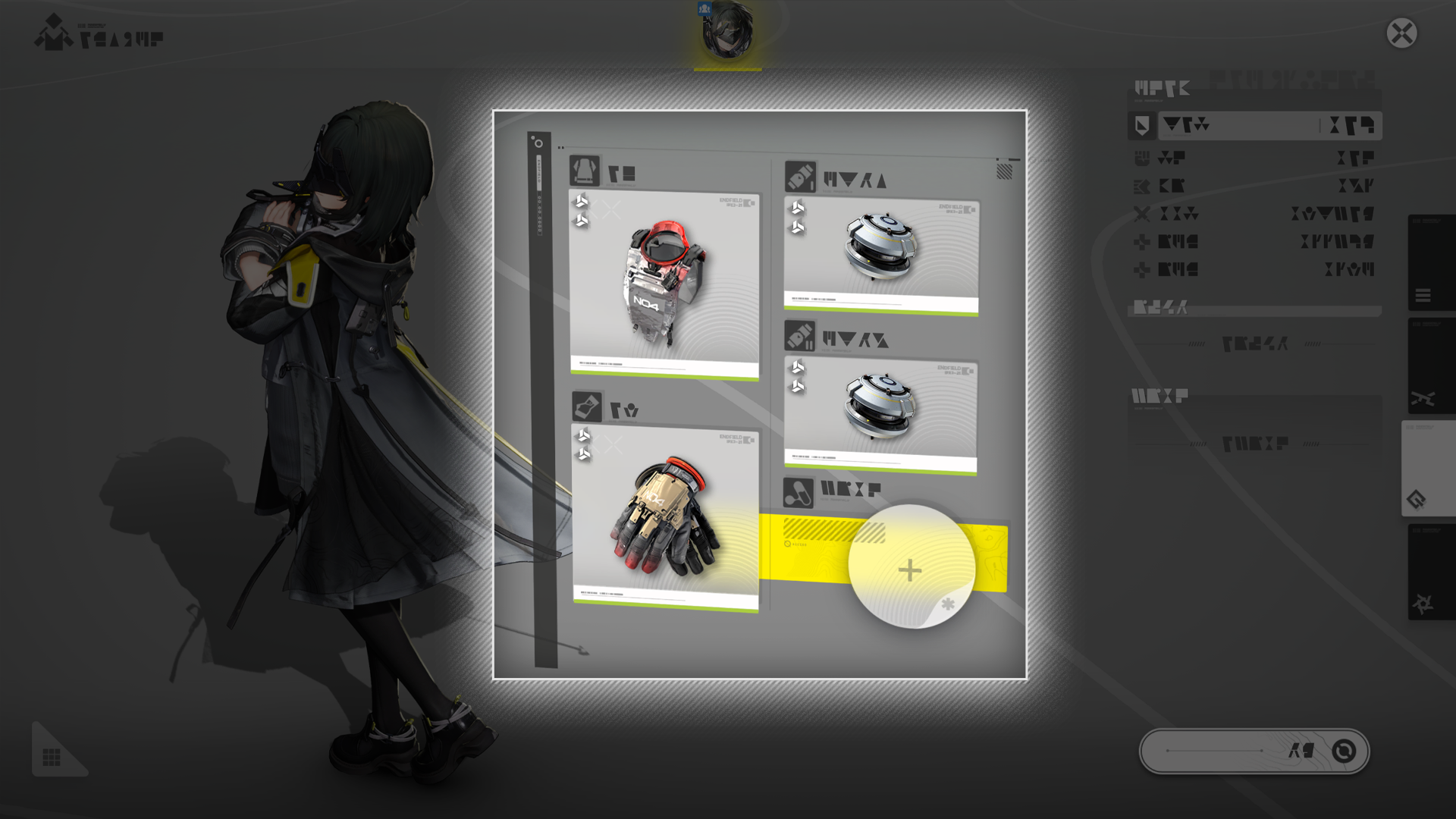
Use the Gear screen to equip operators with various gear. Every operator can equip 4 pieces of gear: 1 suit of armor, 1 pair of gloves, and 2 kits. Equipping multiple pieces of gear from the same set also activates set effects.

Related Tutorials

Gear Assembly

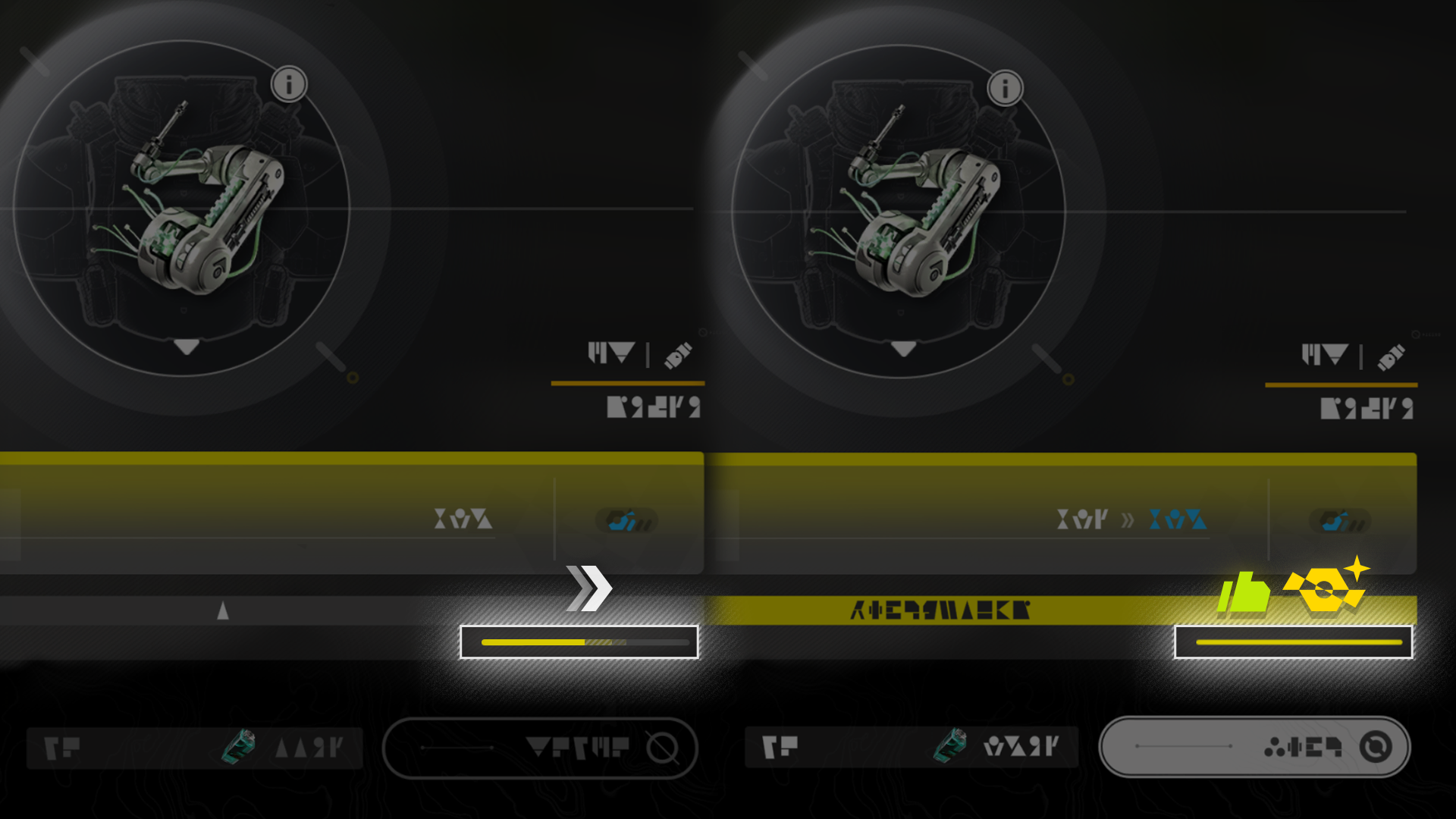
The AIC Factory can be used to assemble gear that can improve the wearer's combat capabilities.

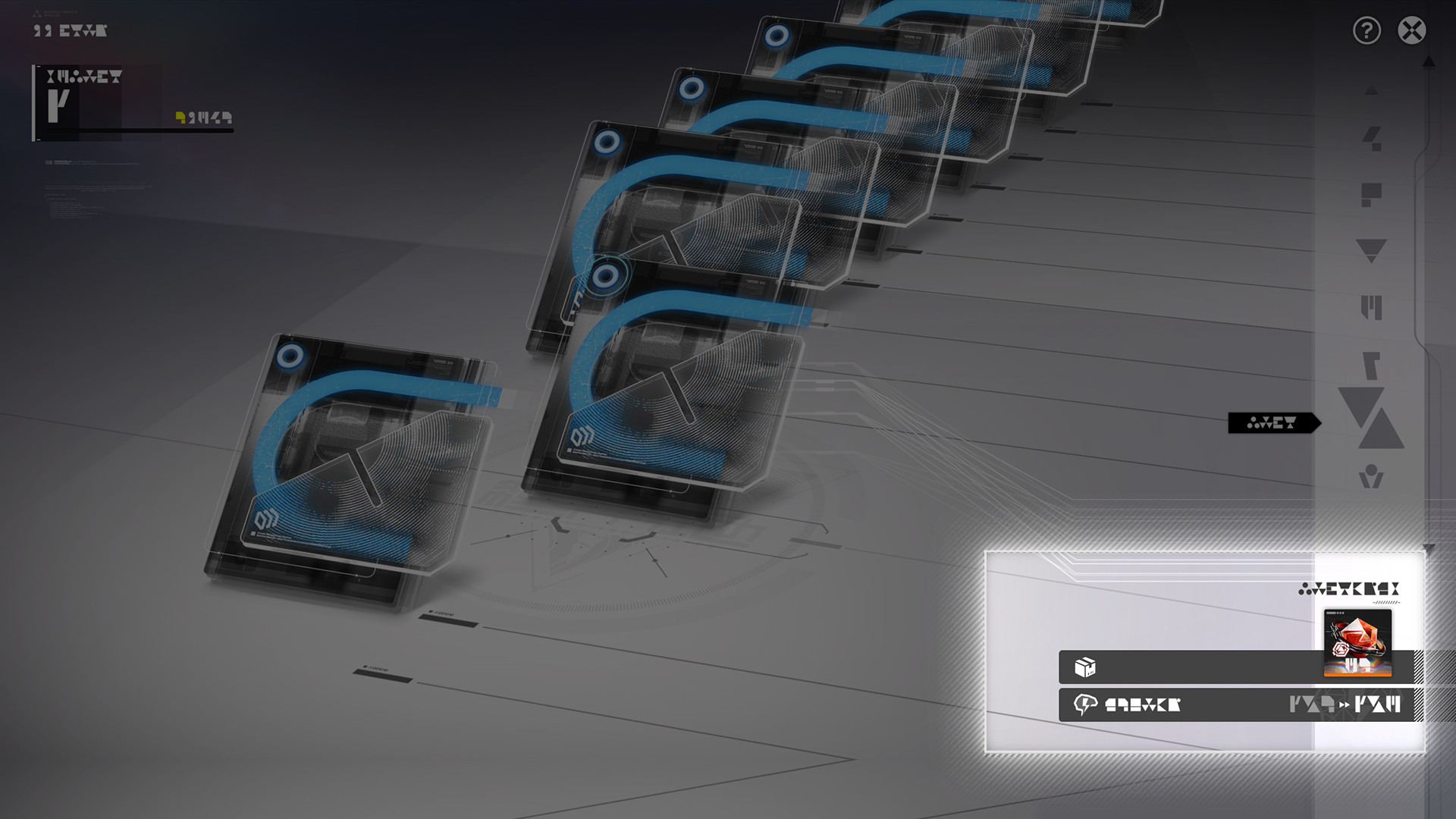
Gear Template

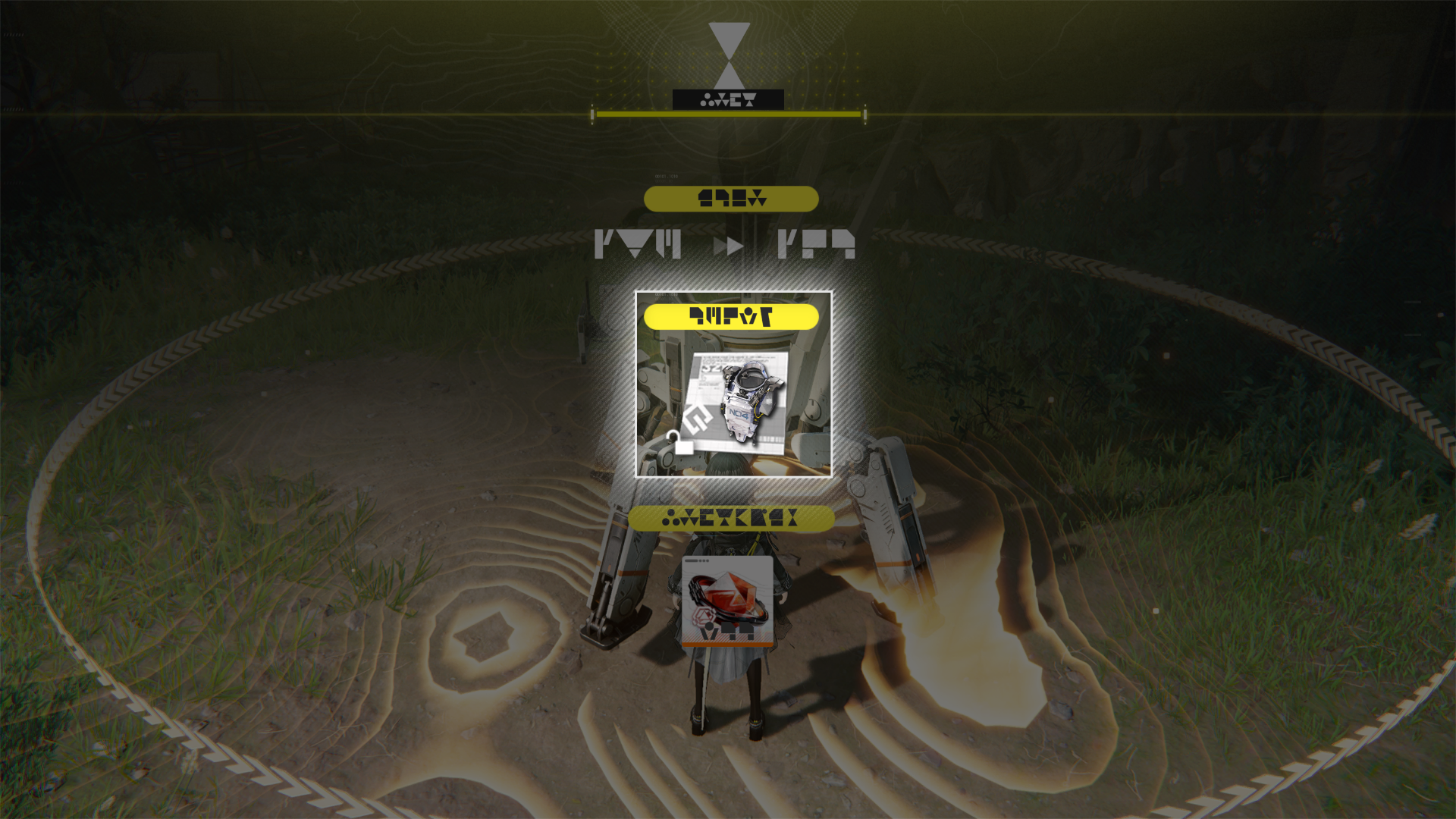
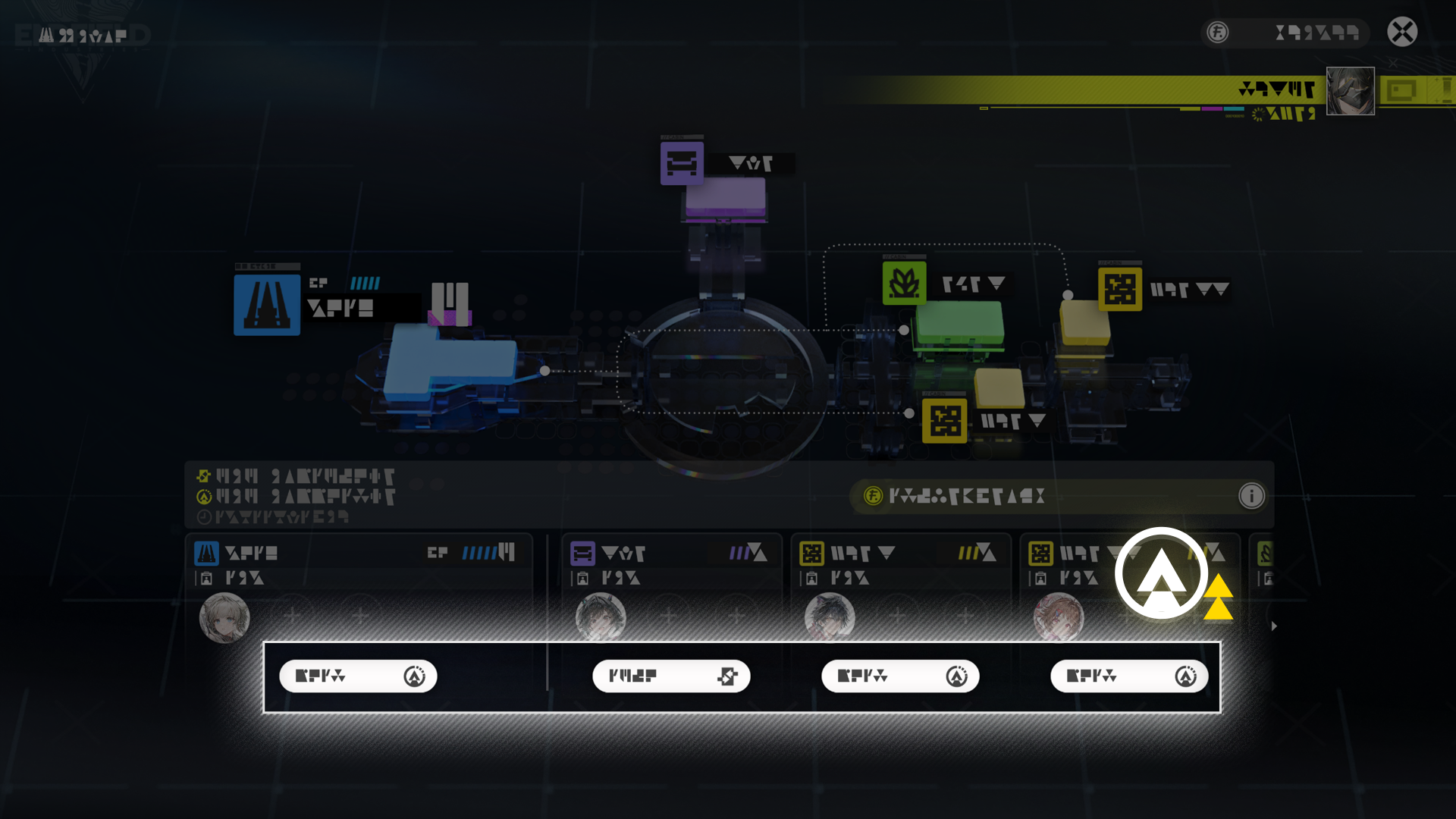
Acquire gear template to assemble the specified gear. Some gear templates can be acquired by gaining Authority Levels. Others can be found by exploring the world.
Gear Assembly: Materials Required

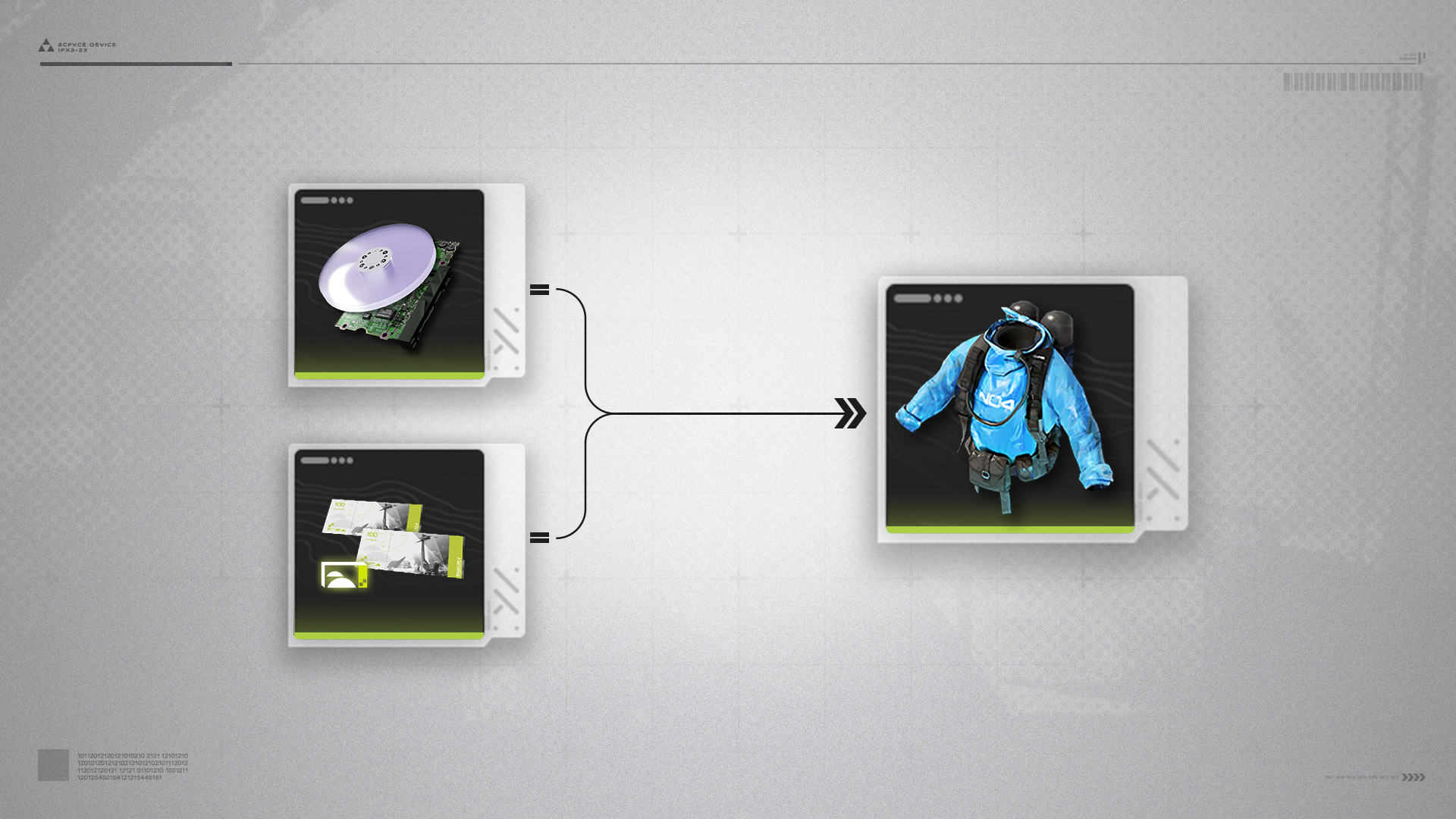
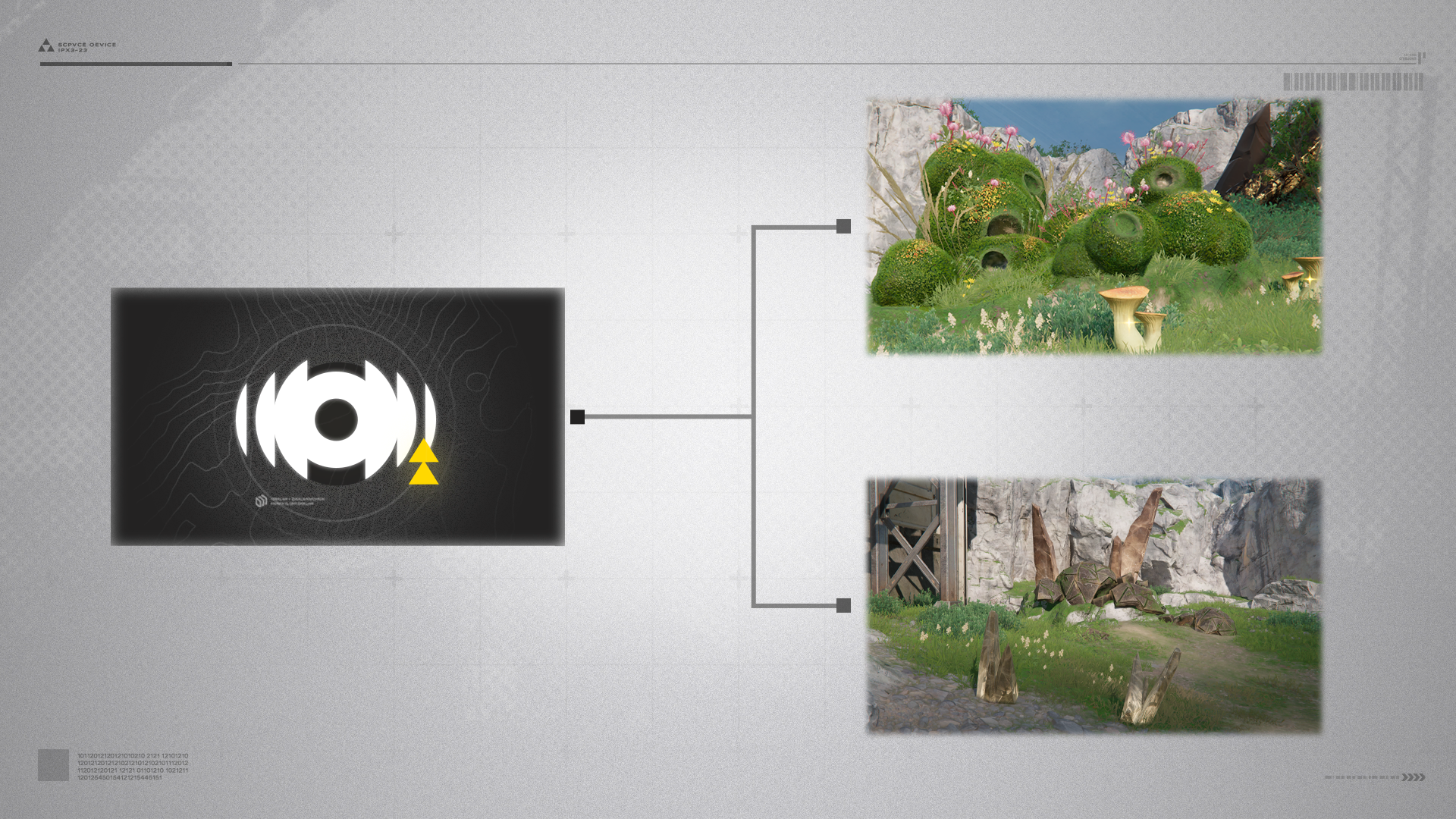
Gear assembly requires stock bills and gear components. Valley Stock Bills can be earned by defeating enemies or performing Regional Development and Outpost activities. Gear components can be produced using the AIC Factory facility: Gearing Unit. Unlock this facility by researching specific AIC technologies in the AIC Factory Plan. The Gearing Unit must then be constructed and placed in the Core AIC Area.
Related Tutorials

Gear Artificing

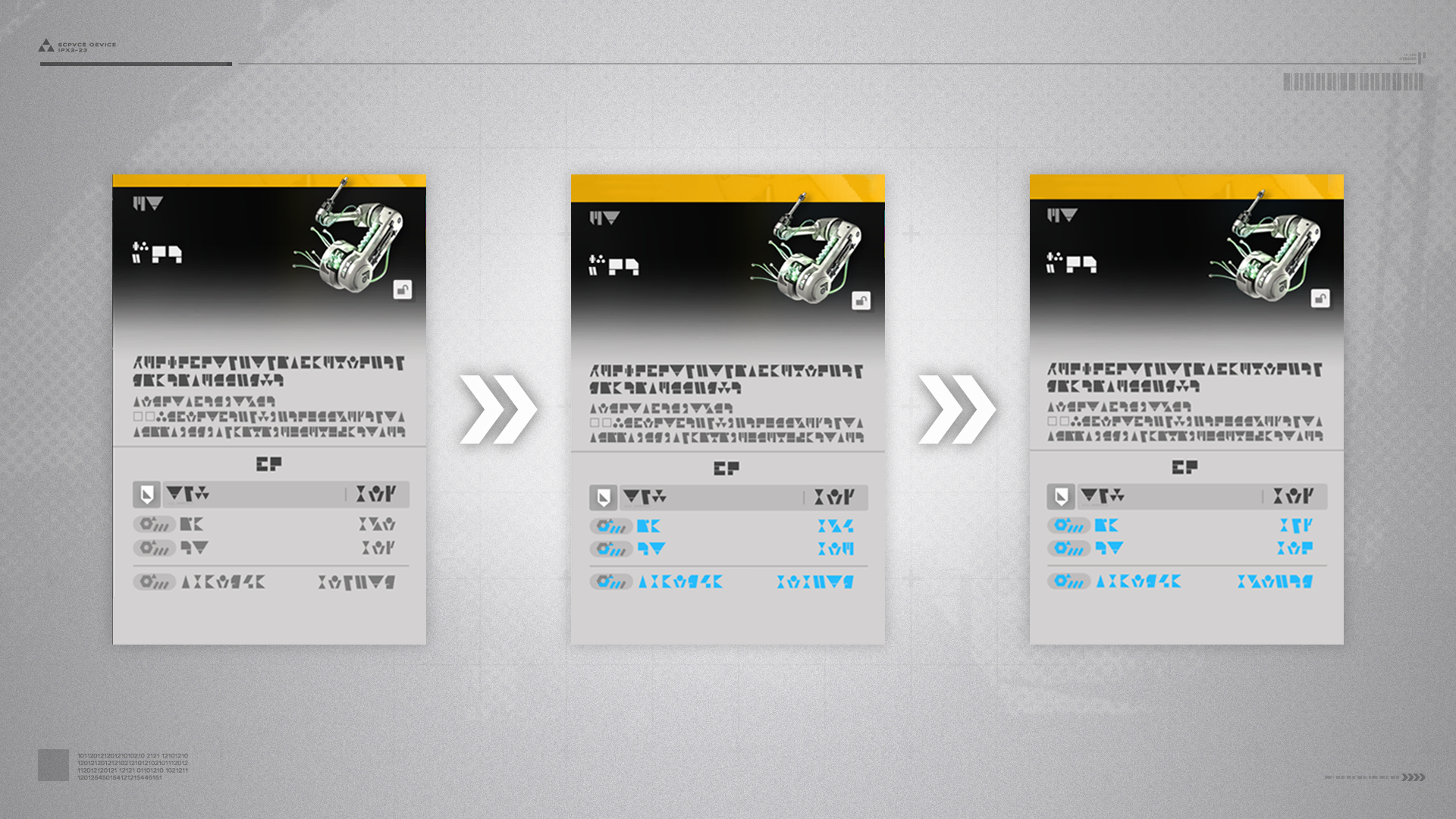
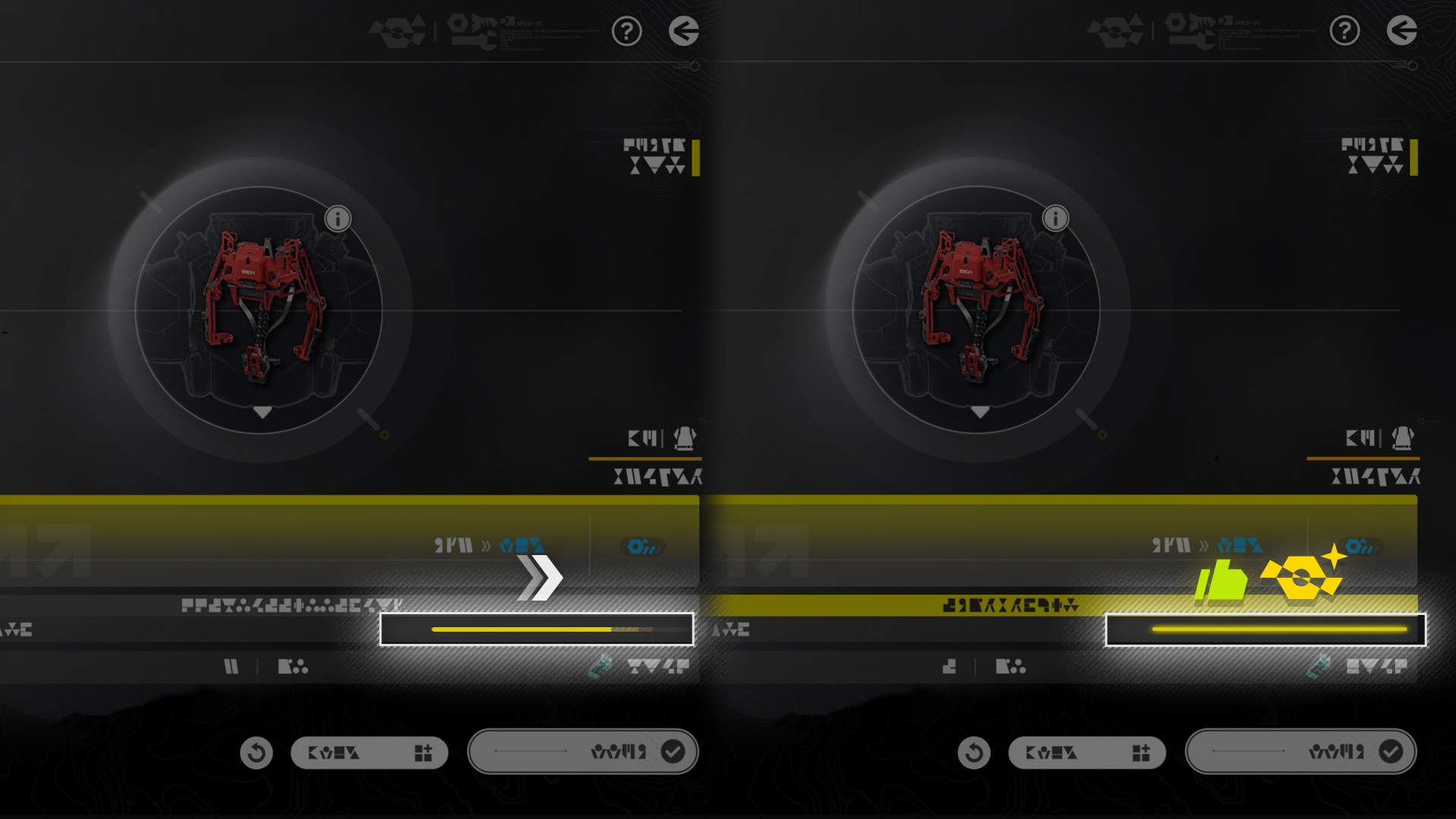
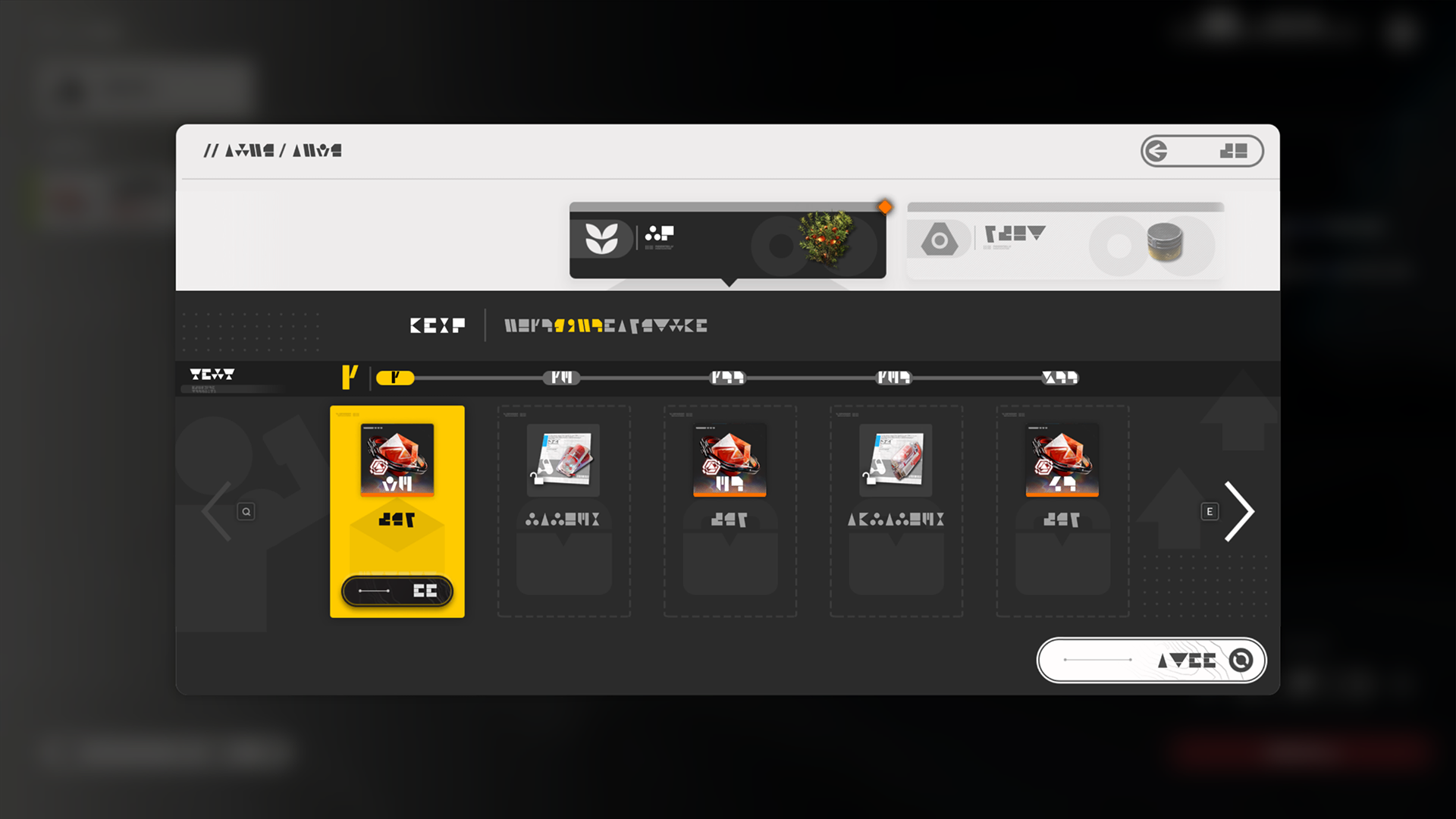
Gear Artificing consumes materials to improve the stats of gold quality gear. Various base stats of gold quality gear can be artificed, and every successful artificing provides a fixed increase to the stats. Every stat has an artificing limit.

Gear Artificing: Costs (1)

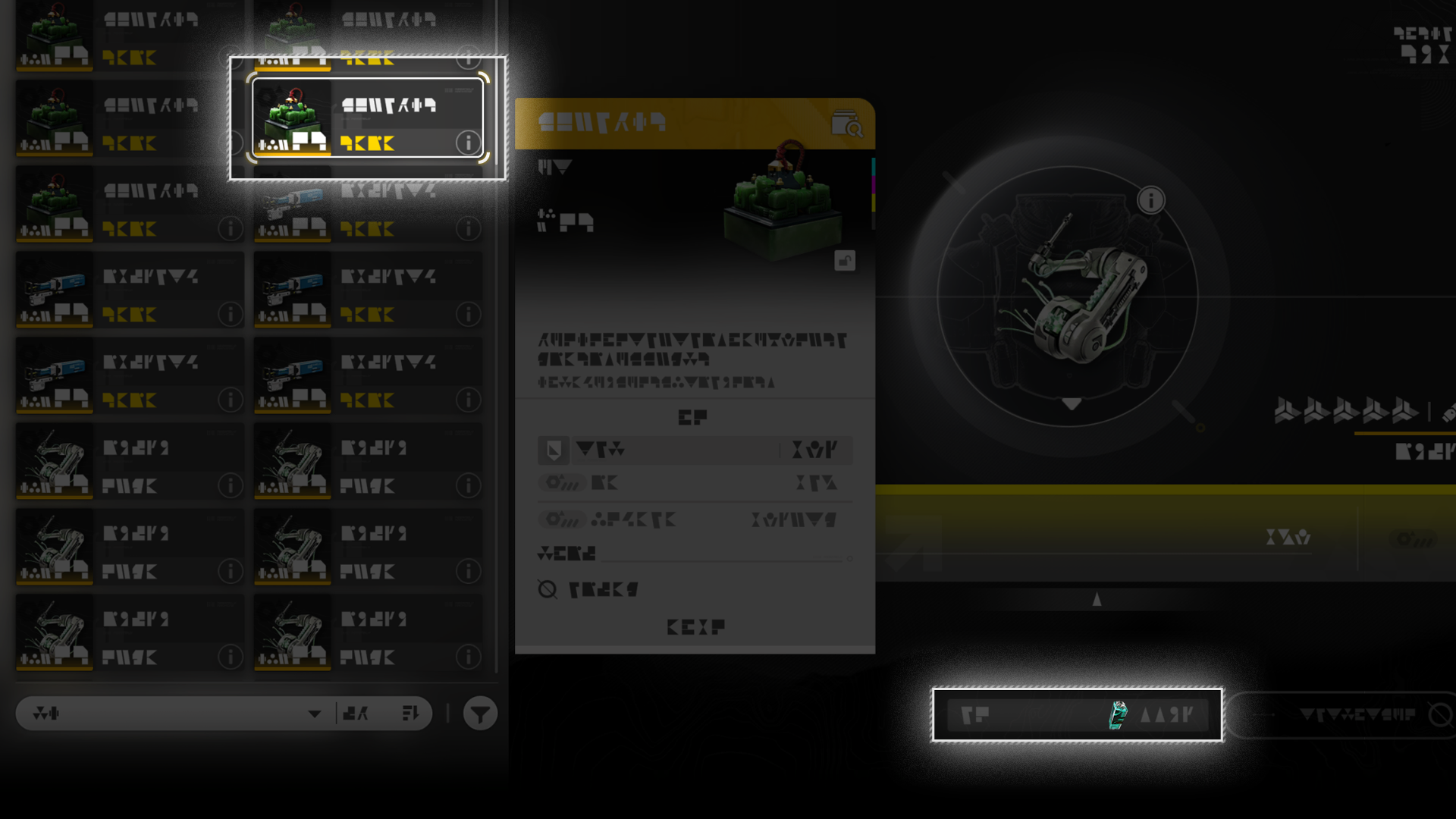
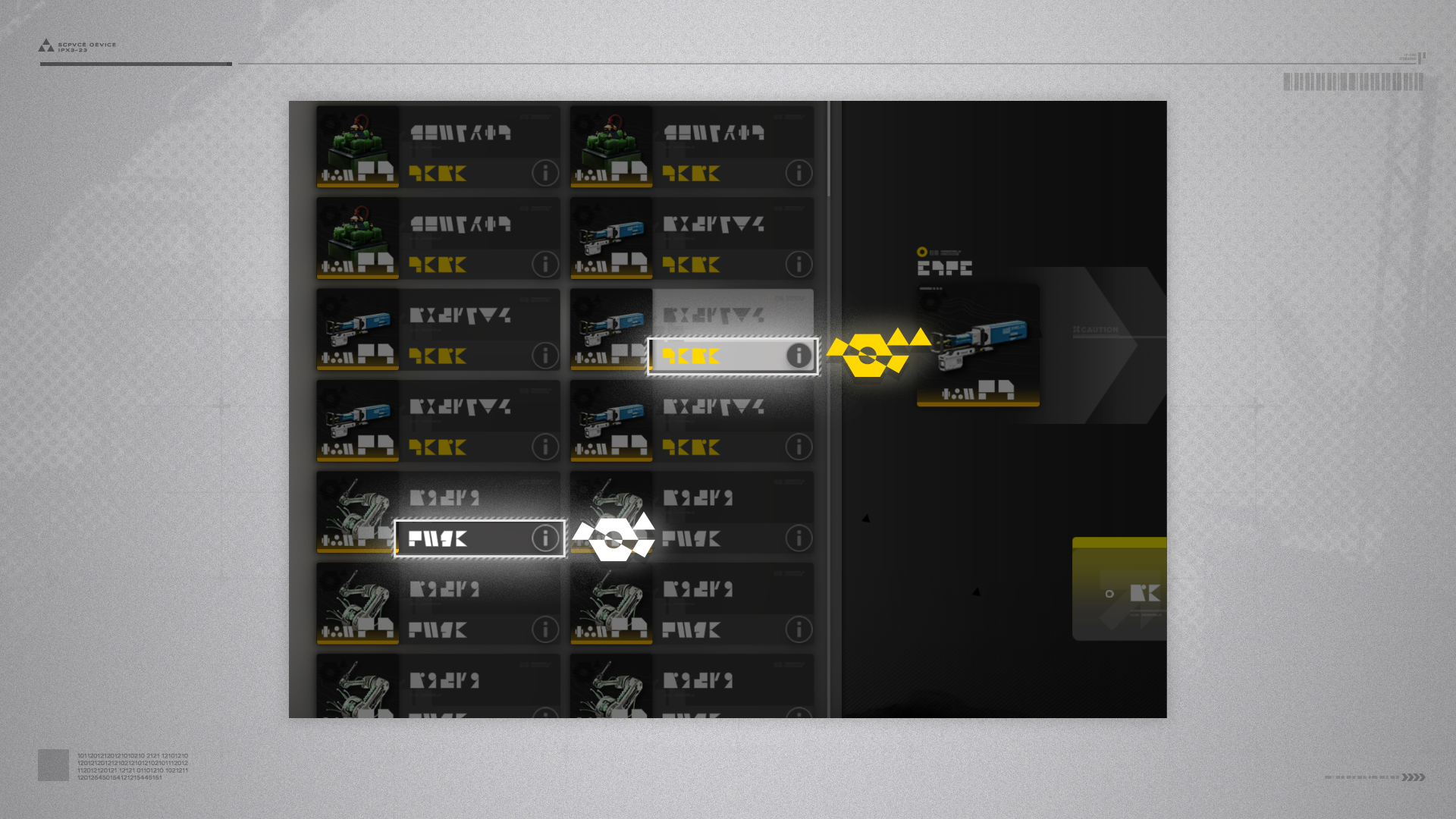
Every artificing attempt costs 1 piece of gold quality gear of the same equipping part, and 1 artificing catalyst of the same region as the piece of gear to be artificed.
Gear Artificing: Costs (2)

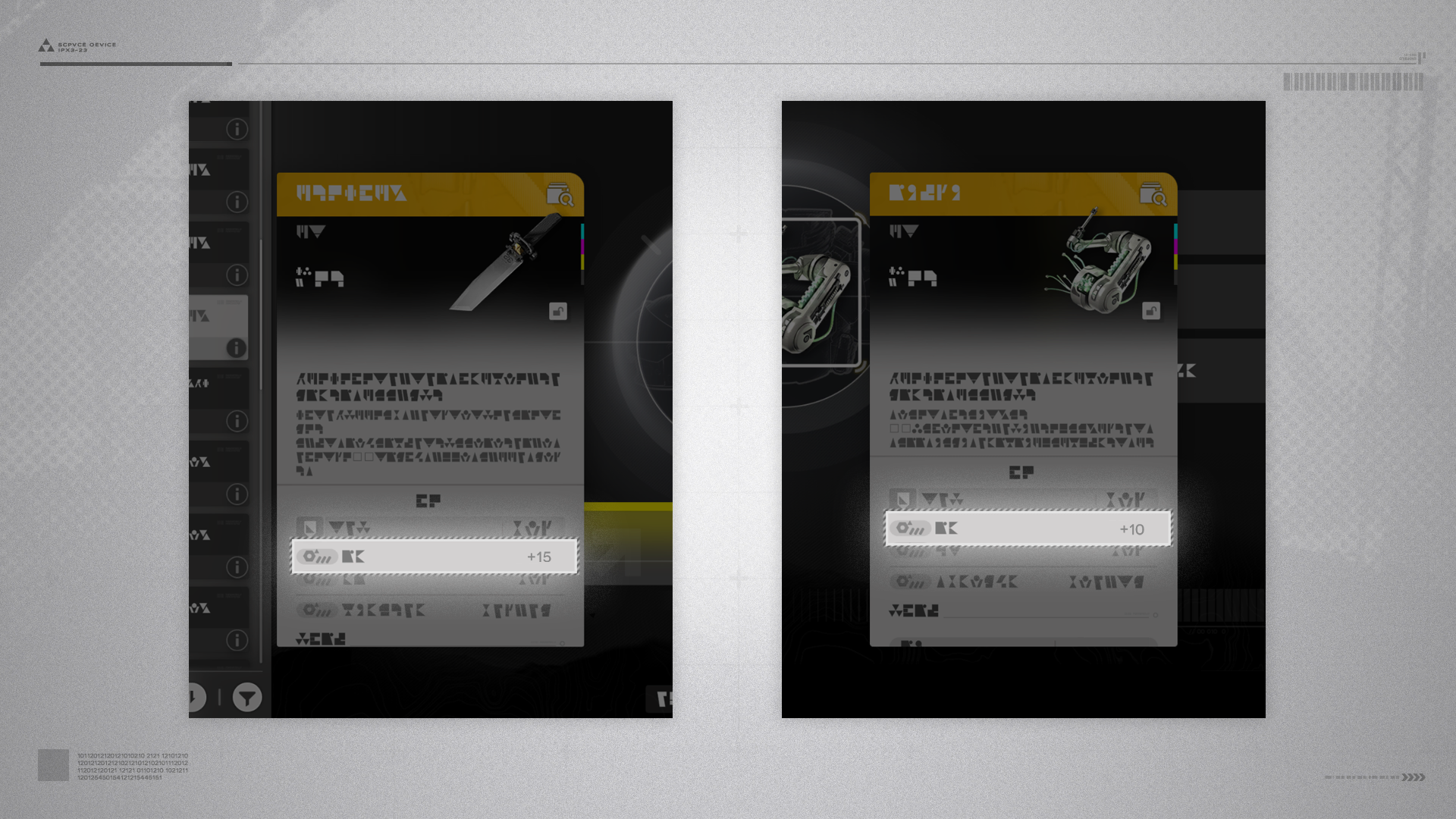
The gear to be spent for artificing must have artifice-able stats. The base value of such stats must be at least as high as the base value of the matching stats of the gear to be artificed.
Gear Artificing: Progress (1)

Performing gear artificing of a particular gear stat builds up artificing progress. Reaching the progress limit guarantees success for the next artificing attempt of this gear stat. Different gear and gear stats have different artificing progress limits.
Gear Artificing: Progress (2)

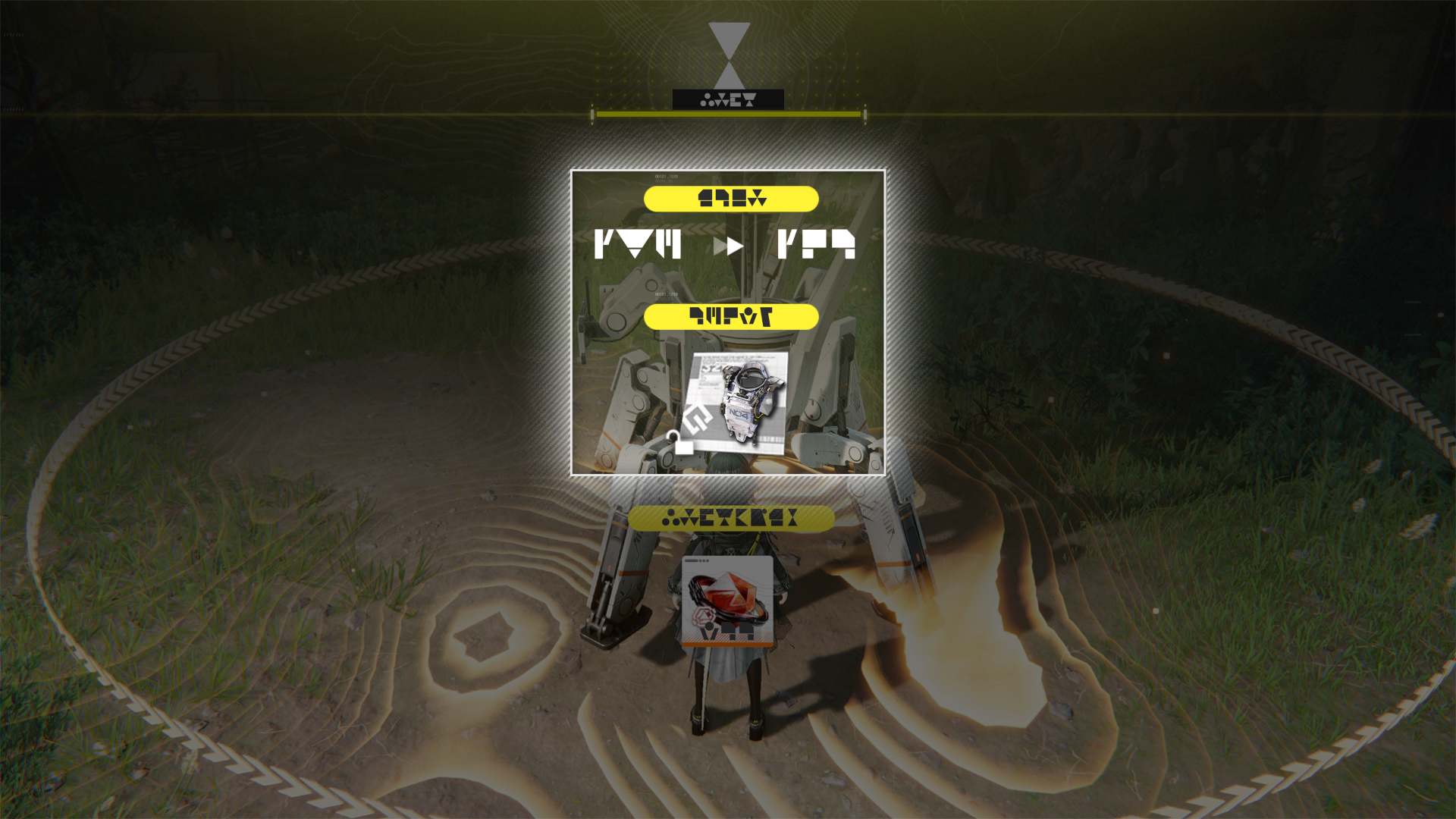
Gear artificing attempts have a small chance of direct success. A successful attempt also resets the current artificing progress. Chance of direct success is slightly improved when the gear used as the artificing material has higher base stats than those of the gear to be artificed.

Related Tutorials

Authority Level & Operational EXP

Authority Level

Higher Authority Level may be required to progress through certain stages of the main mission. Reaching higher Authority Levels also gives rewards that include gear templates and higher max Sanity.

Operational EXP

The Endministrator can earn Operational EXP via various activities, such as completing missions and Protocol Spaces, exploring the world, and placing mining rigs. Having enough Operational EXP raises the Endministrator's Authority Level.

Authority Level Increase

Open the Protocol Synchronizer (Protosync menu) to open the Authority Level screen and see rewards at various Authority Levels.

Related Tutorials

Exploration Level

Exploration Level (1)

Exploration Level affects: operator level caps; availability and daily refreshes of rare gatherables and rare minerals; and available threat levels of Protocol Spaces.

Exploration Level (2)

Higher Exploration Level also raises the levels of enemies in the world and makes battles more challenging.

Exploration Level: Increasing

Exploration Level increases with main mission progression. After reaching Exploration Level 3, special Exploration Level trial missions must be completed first to raise it further.

Exploration Level: Lowering

Use the Protocol Synchronizer (Protosync menu) to lower or restore the Exploration Level. Lowering the Exploration Level starts a cooldown before it can be changed again.

Related Tutorials

Operational Manual

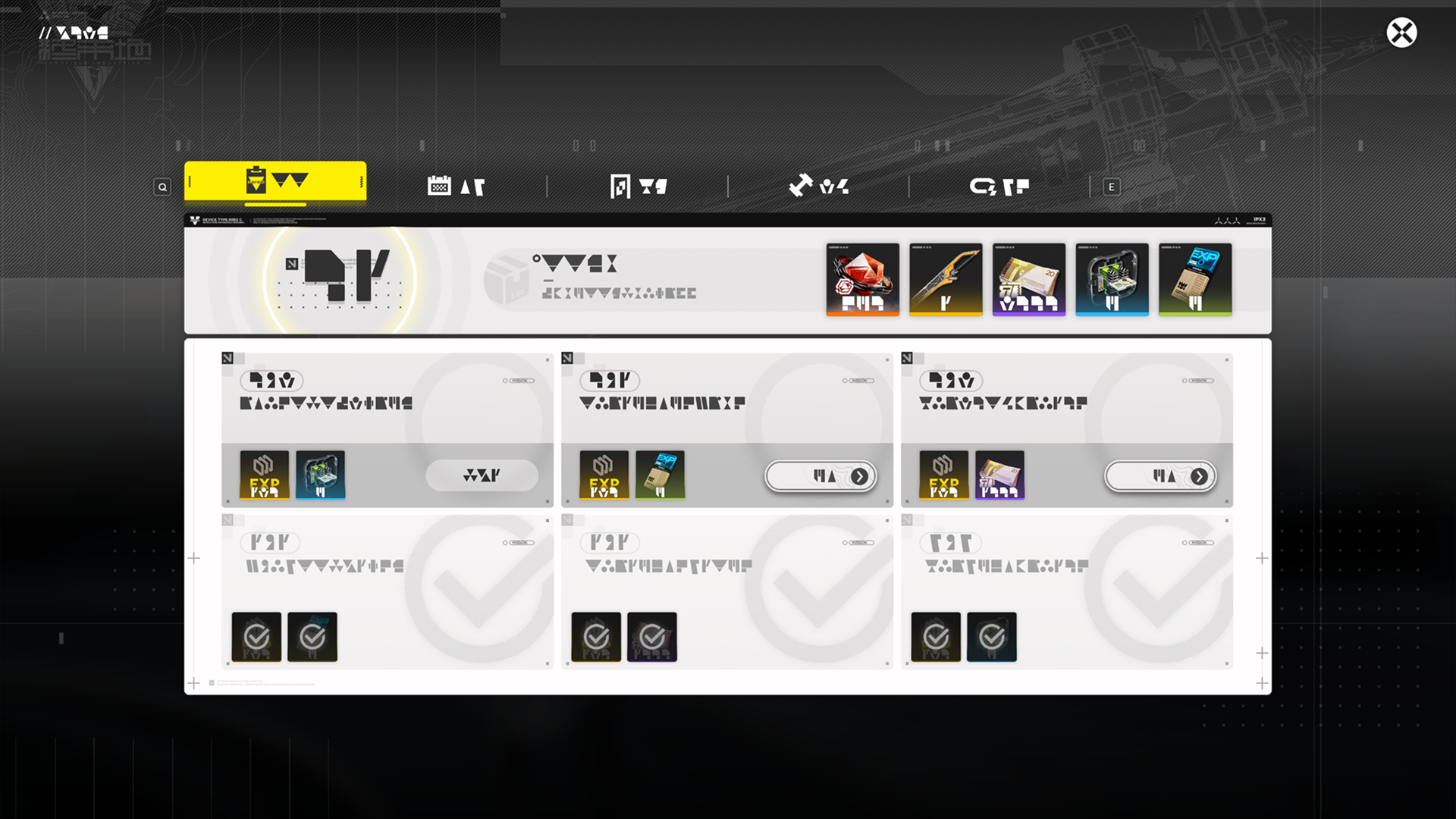
The Operational Manual is a system that integrates various features, such as Activity Nodes, Daily Tasks, and Tactical Training. Use it to get familiar with various activities on Talos-II.

Related Tutorials

Crafting System

Open the Backpack panel to access the Crafting screen. Various raw materials can be crafted into useful items. For example, Buckflower can be crafted into Buckflower Powder for restoring HP.

Related Tutorials

Crafting Manual

When gathering an item, the Crafting Manual will make an entry of it and keep track of the total amount gathered so far. Collect enough of the item to claim various Crafting Manual rewards that include new crafting formulas and product upgrades.

Related Tutorials

Backpack: Item Usage

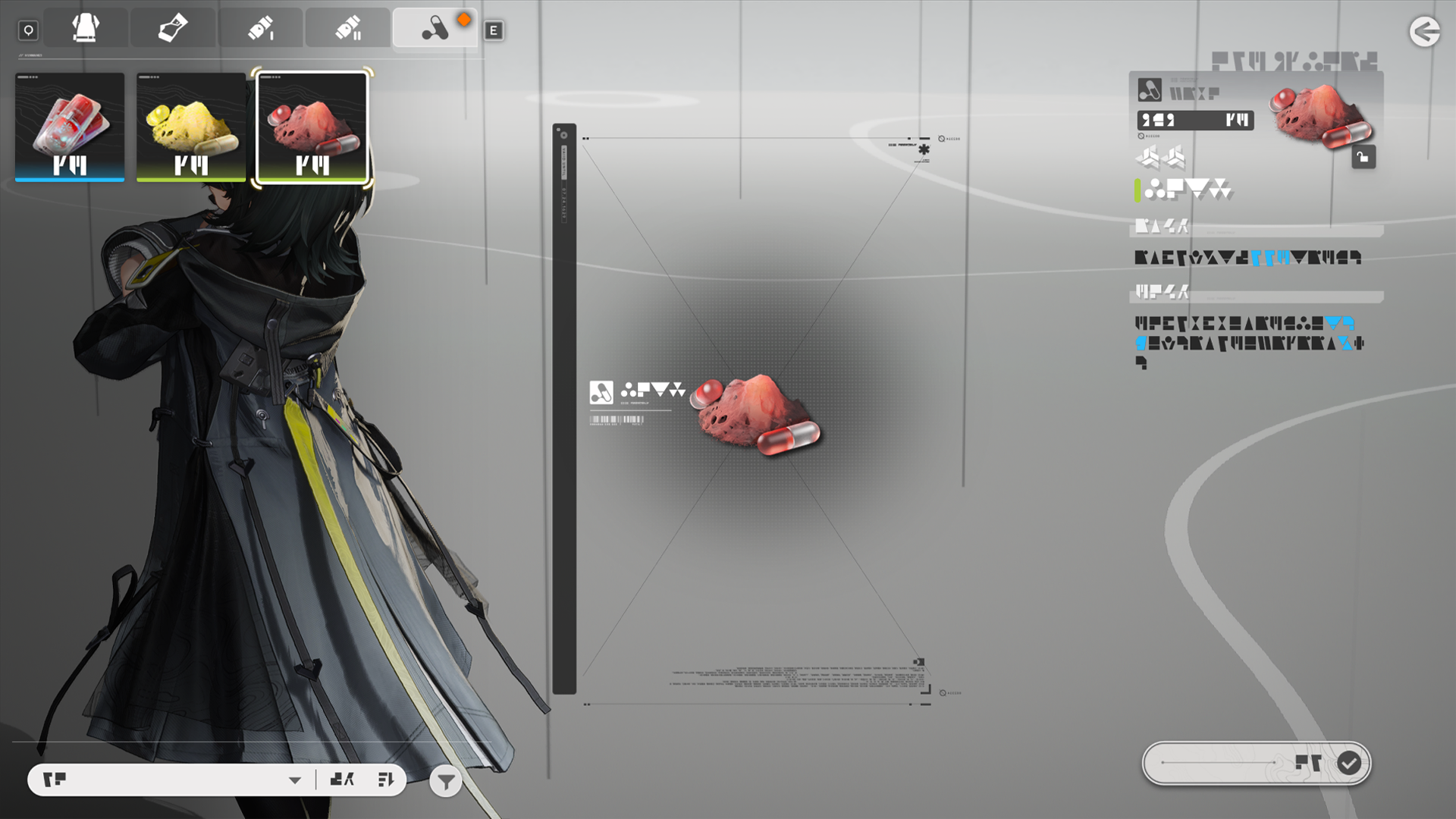
Open the Backpack to select and use any usable items acquired. Item usage effects usually include HP restoration or buffs that can improve the Endministrator's survivability in various environments.

Related Tutorials

Tacticals

Tacticals are items that can be used during combat to provide various benefits and buffs. Equip tacticals on the Gear screen. Each operator can be equipped with 1 tactical. Every tactical has different activation criteria and usage limits.

Tacticals: Usage

Once equipped, tacticals are automatically used by the operator when the criteria are met during battle. After expending all tactical usage attempts in a single battle, one more use will be restored after a while.

Related Tutorials

Regional Development System

The objective of Endfield is to develop various regions of Talos-II. The Regional Development System is a way to realize this endeavor. The Outpost Development Project for the residents in various areas will play an important role.

Regional Development Metric: Source

There are multiple ways to earn Regional Development Metrics (RDM), including exploration and supplying goods to regional outposts. Earning enough RDM will raise the Regional Development Level.

Regional Development Level

Raising Regional Development Level (RDL) makes various functions available. It also increases mineral ore yields and AIC Factory facility placement limits in various areas. Only the most well-developed regions can reach the highest RDL. This is also a goal we should aim for.

Related Tutorials

Outpost Management

Outpost Supplies

Establishing contact with an outpost activates the Outpost Supplies feature. Outposts generate Valley Stock Bills over time. These stock bills can be earned by trading goods needed by the outposts.

Regional Stock Bills

Valley Stock Bills can be spent at Valley IV Stock Redistribution sites to purchase various valuable goods.

Outpost Prosperity

Earning enough Outpost Prosperity raises the Outpost Prosperity Level. A prosperous outpost will need more and better goods, but a successful trade will also provide better payments from the outpost.

Related Tutorials

Stock Redistribution

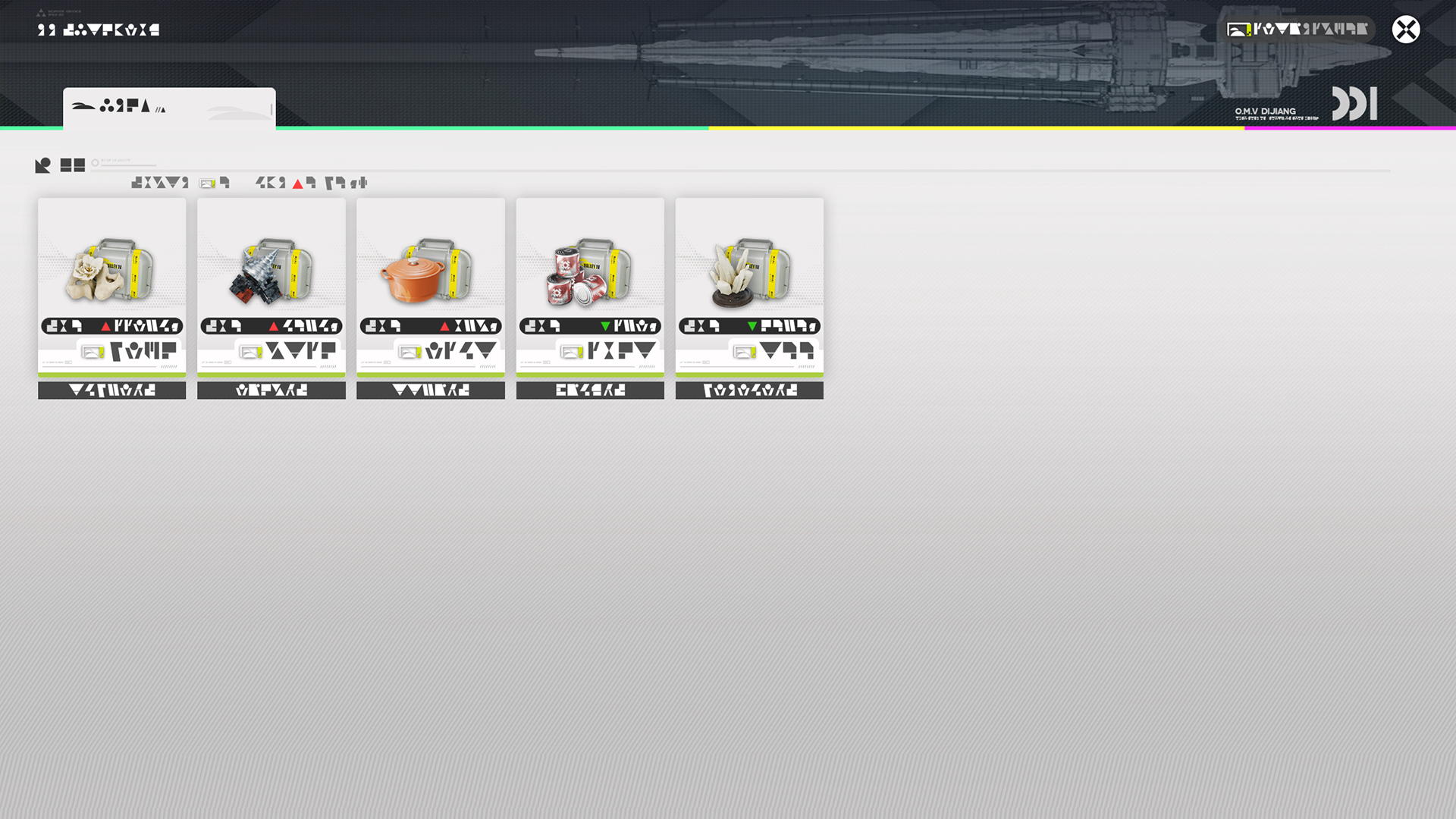
In Stock Redistribution, use Valley Stock Bills to purchase items at higher discounts. Adding more Stock Redistributors into the system or upgrading existing Stock Redistributors also unlocks more item purchasing privileges.

Elastic Goods

The prices of elastic goods fluctuate on a daily basis. Buy low and sell high to earn profits.

Friends' Prices

Prices of elastic goods aboard a friend's ship may differ from local prices. Visit a friend's ship then sell your stock of elastic goods to earn a profit.

Related Tutorials

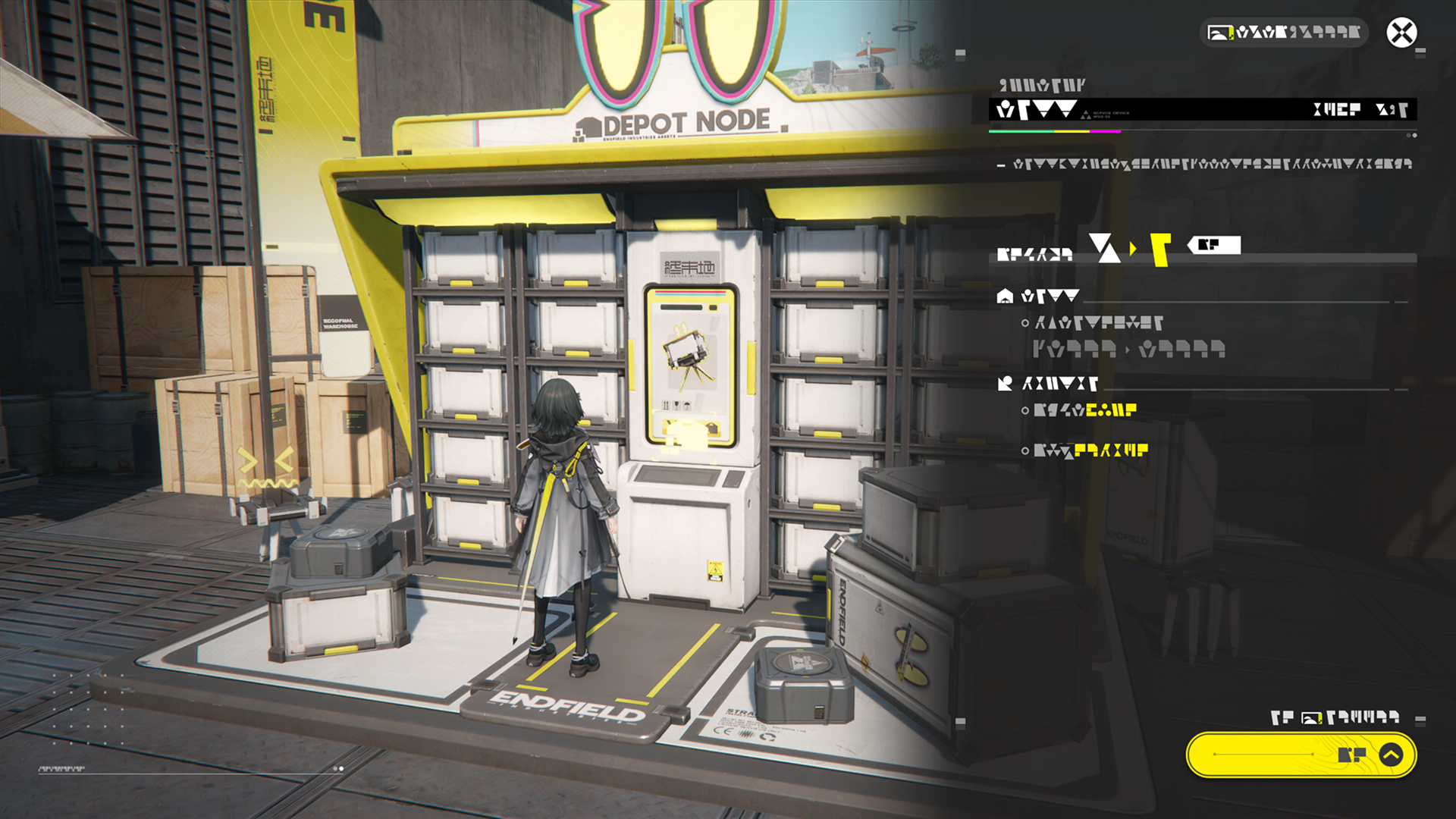
Depot Node

Unlock and upgrade depot nodes to increase the storage capacity of regional depots.

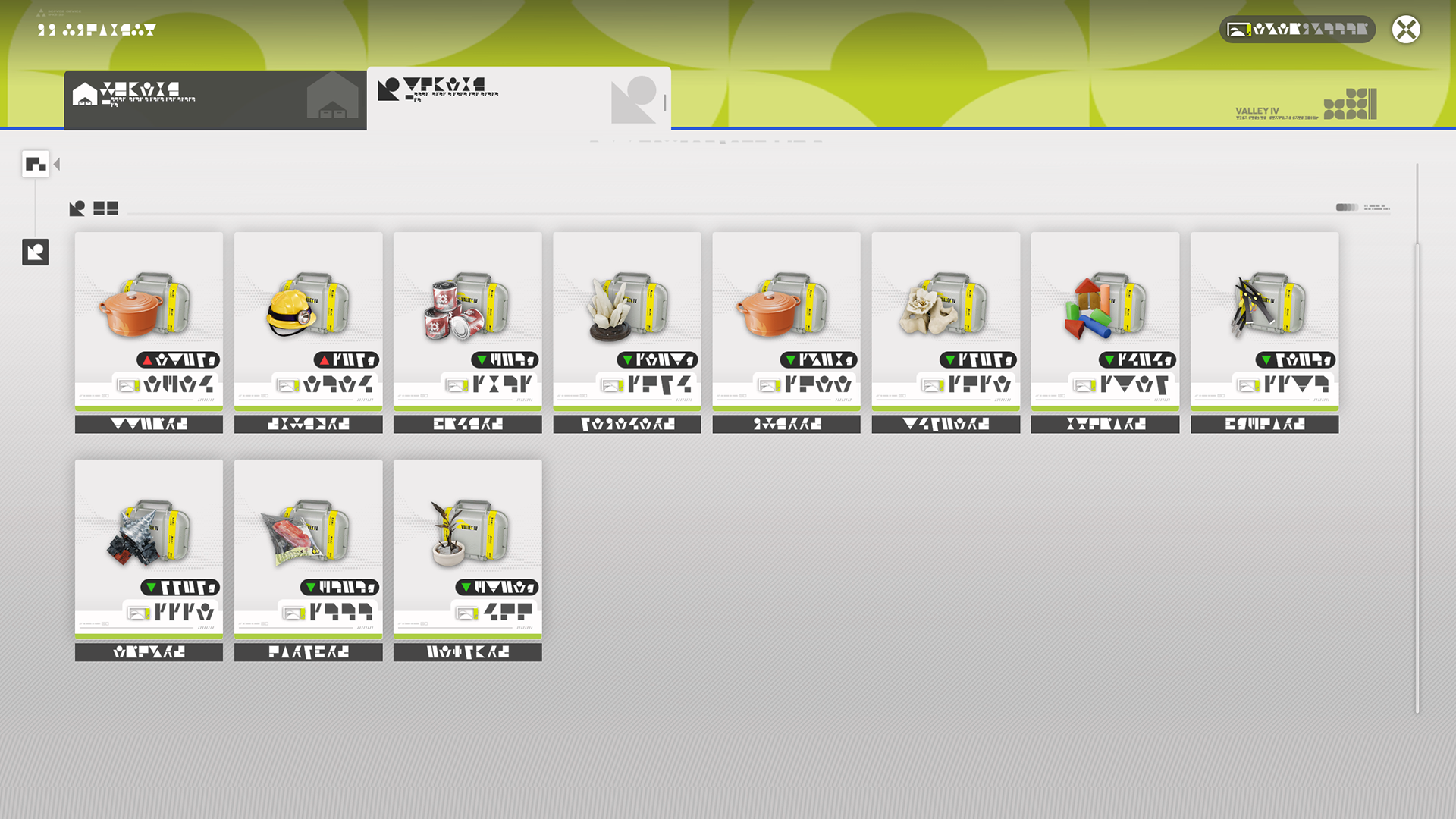
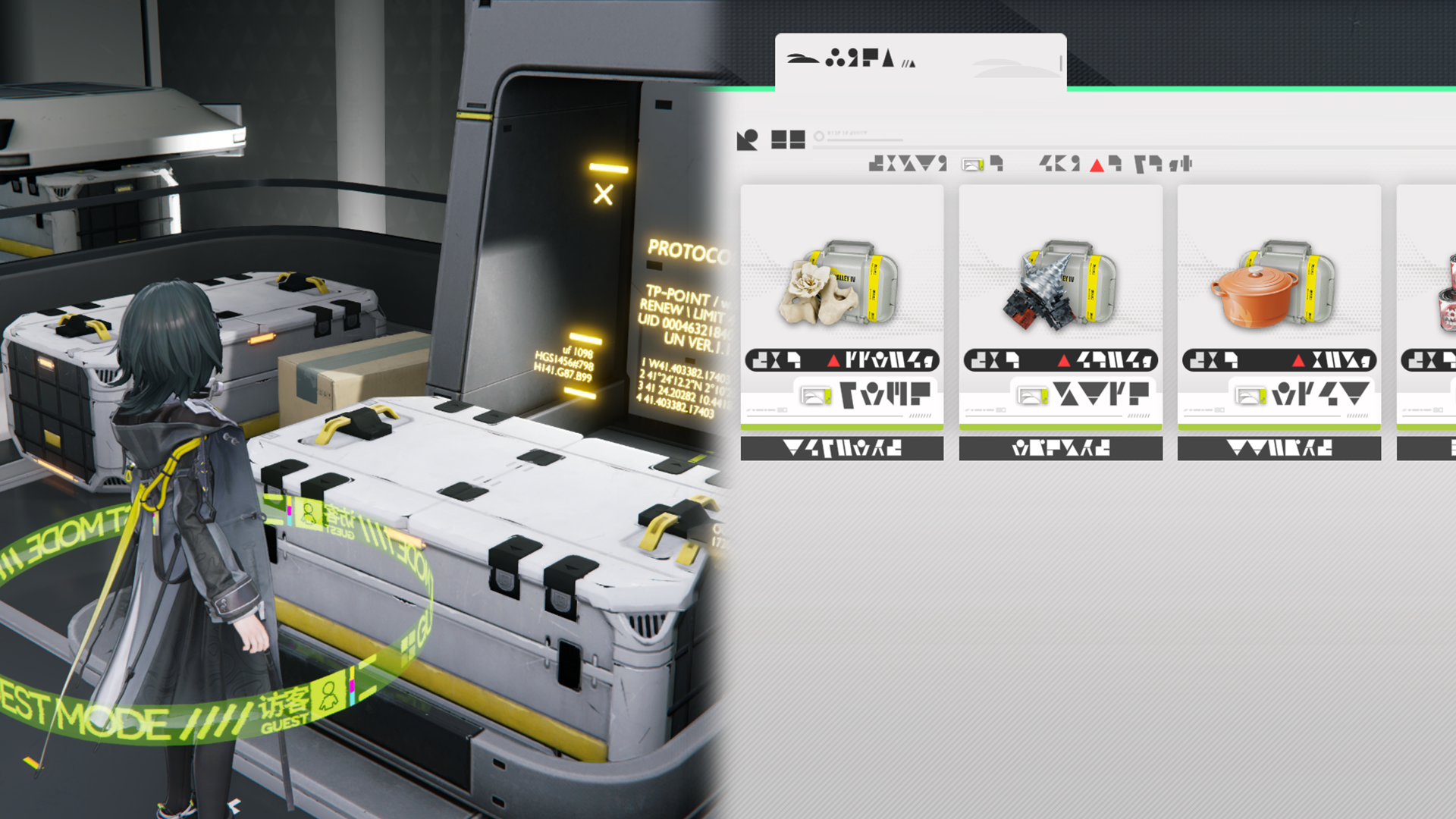
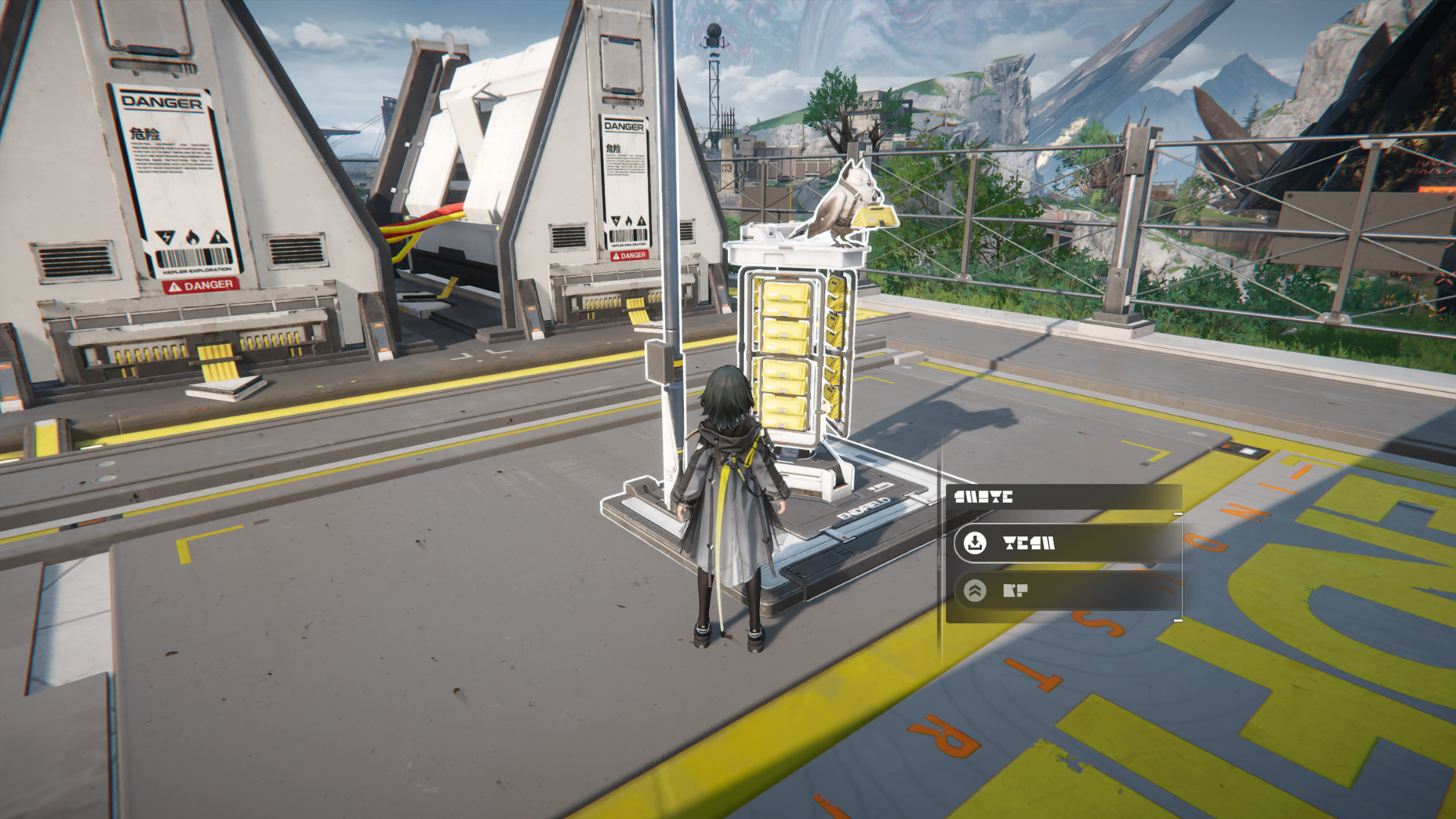
Pack and Deliver

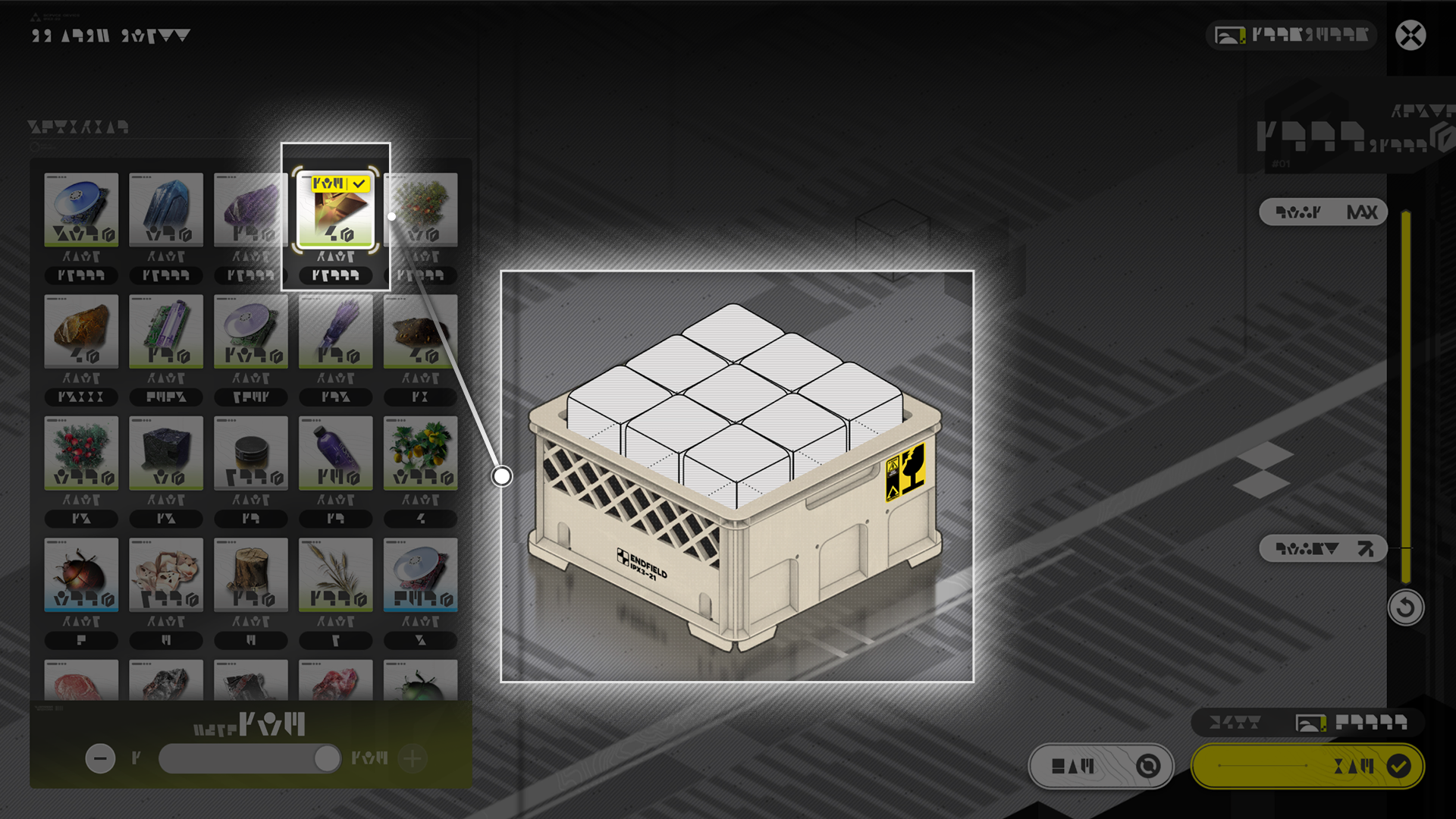
Pack Goods

Pack and Deliver requires the packing of special types of items. Upgrade the depot node to unlock more types of deliverables and packages with larger capacities.
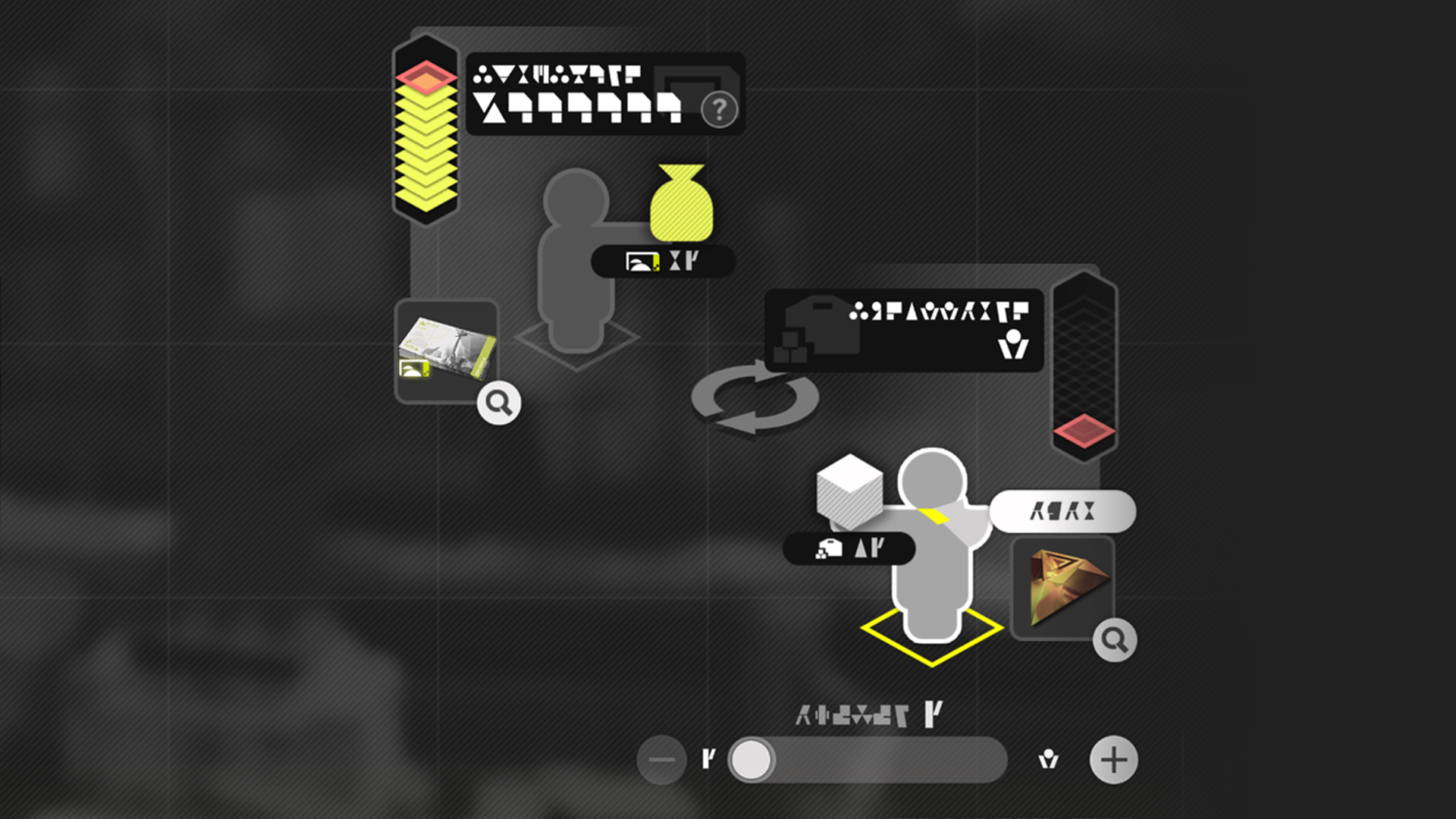
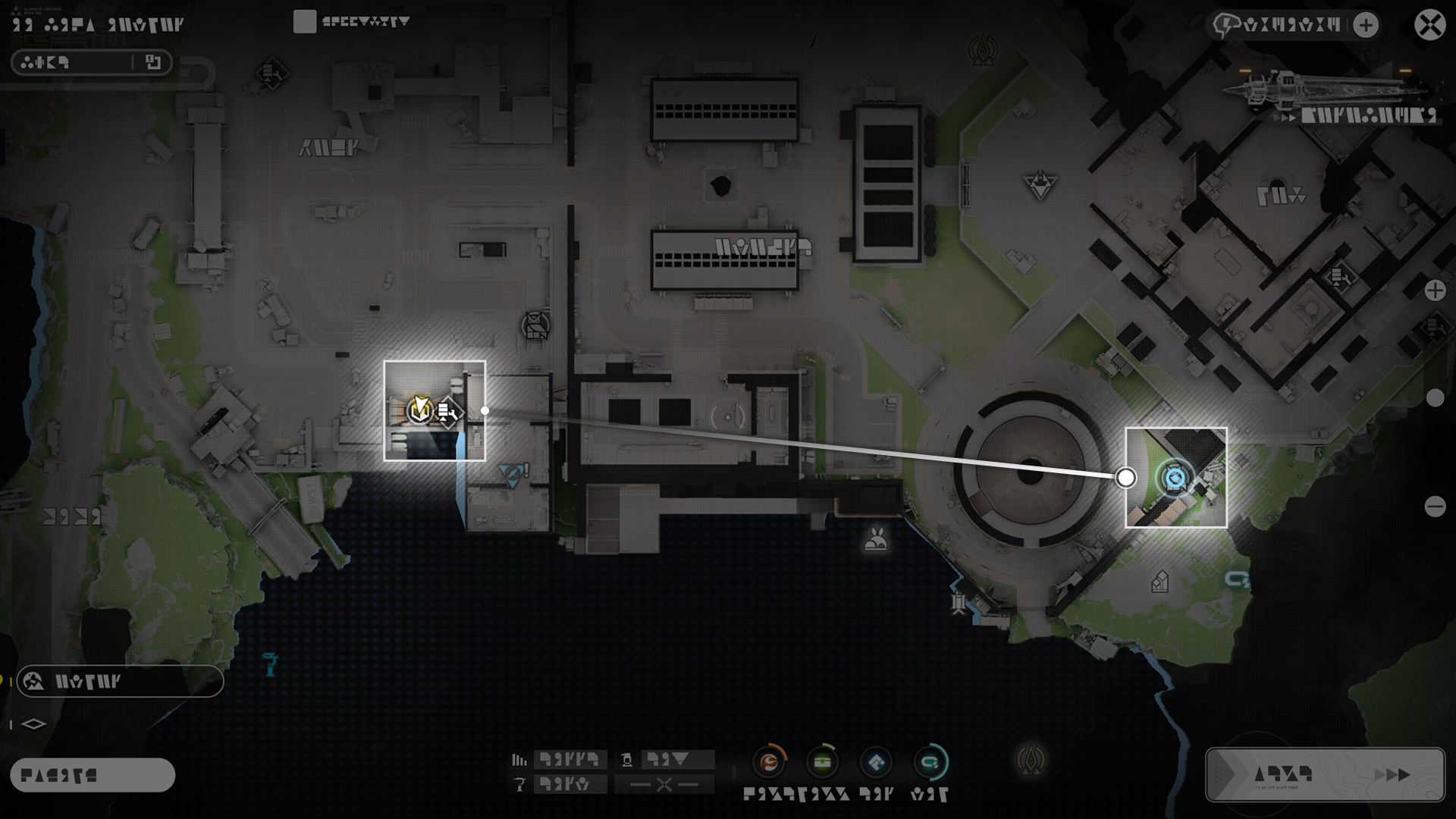
The goal of Pack and Deliver is to get the goods from a Pick-Up Point then deliver them to the Delivery Point.

Delivery: With Zipline Facilities

A good delivery will always try to keep the goods intact. Try using zipline facilities to Pack and Deliver faster and safer.

Commissions: Getting Them

Accept and complete Pack and Deliver missions to earn stock bills. There is a daily limit to the number of missions that can be accepted.

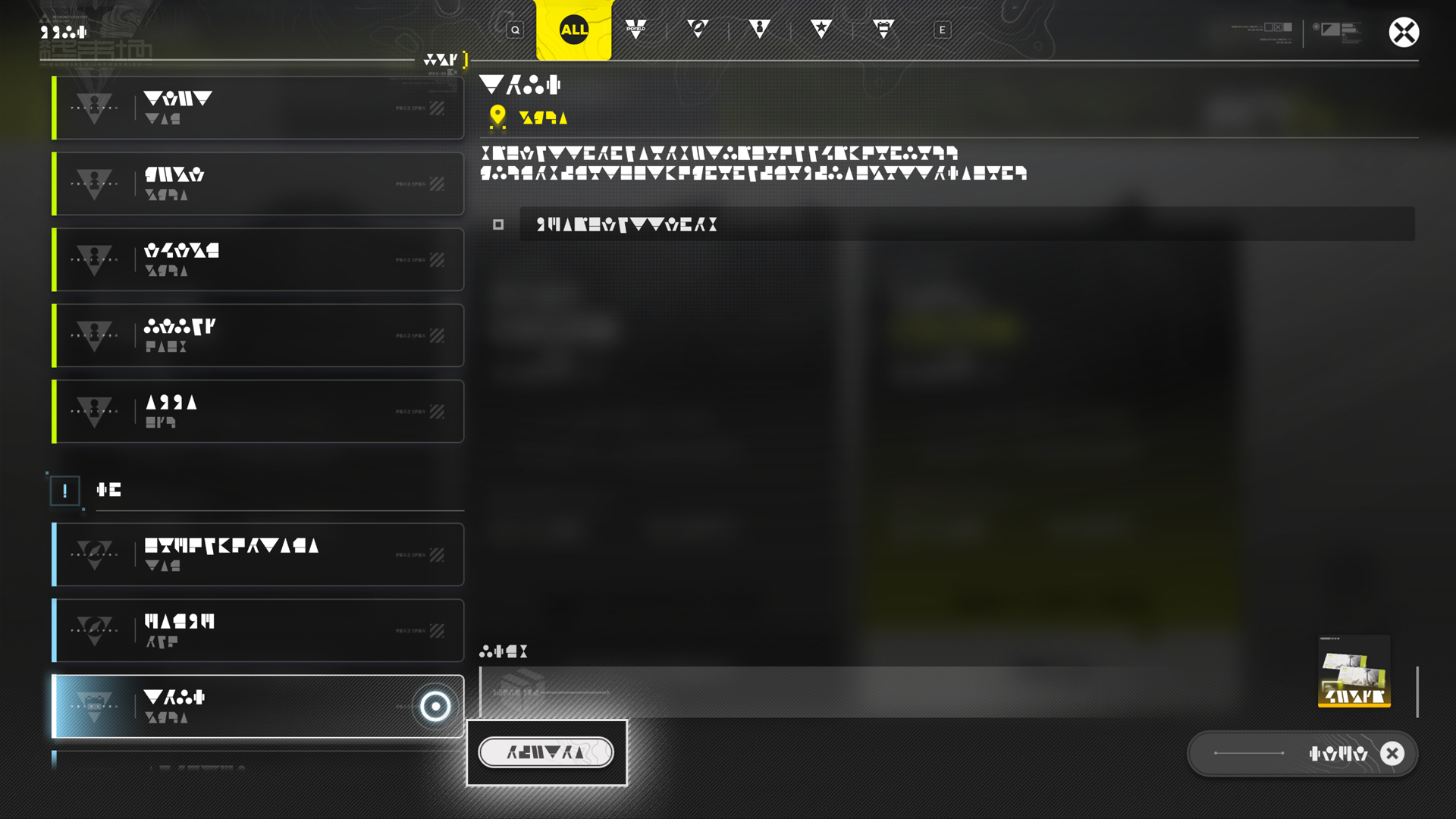
Delivery Job Transfer

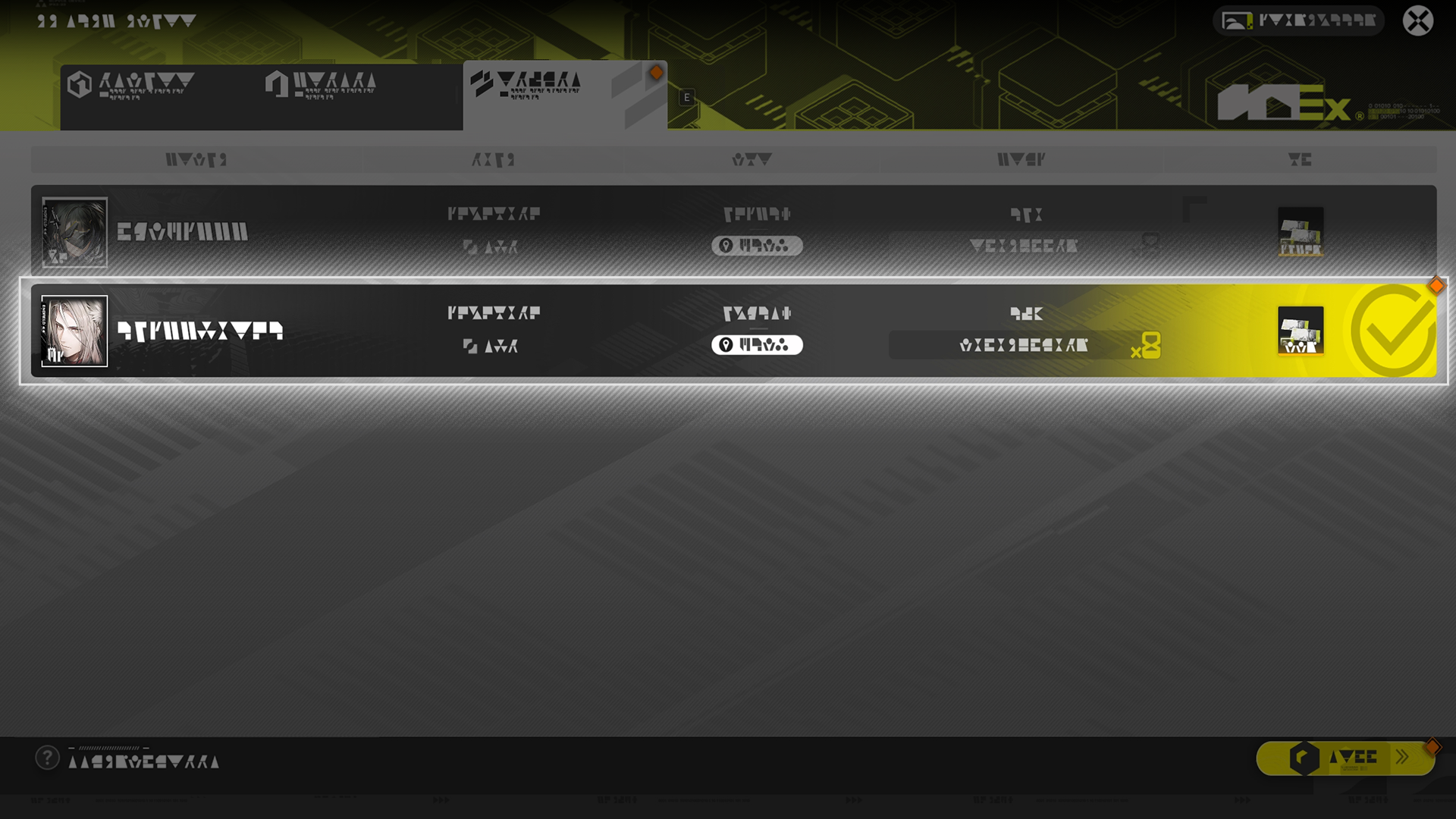
After accepting a delivery job in the Pack Goods feature, go to the Mission screen to transfer the job to other players. Other players can then use the List of Delivery Jobs to accept these jobs.

Delivery Job Transfer: Rewards Tally

Once a transferred job is completed by another player, both the transferrer and the one performing the job will receive a final fee of the same amount. Even if the job cannot be completed within the time limit, both parties will still receive half of the stock bills in the final fee.

Environment Monitoring

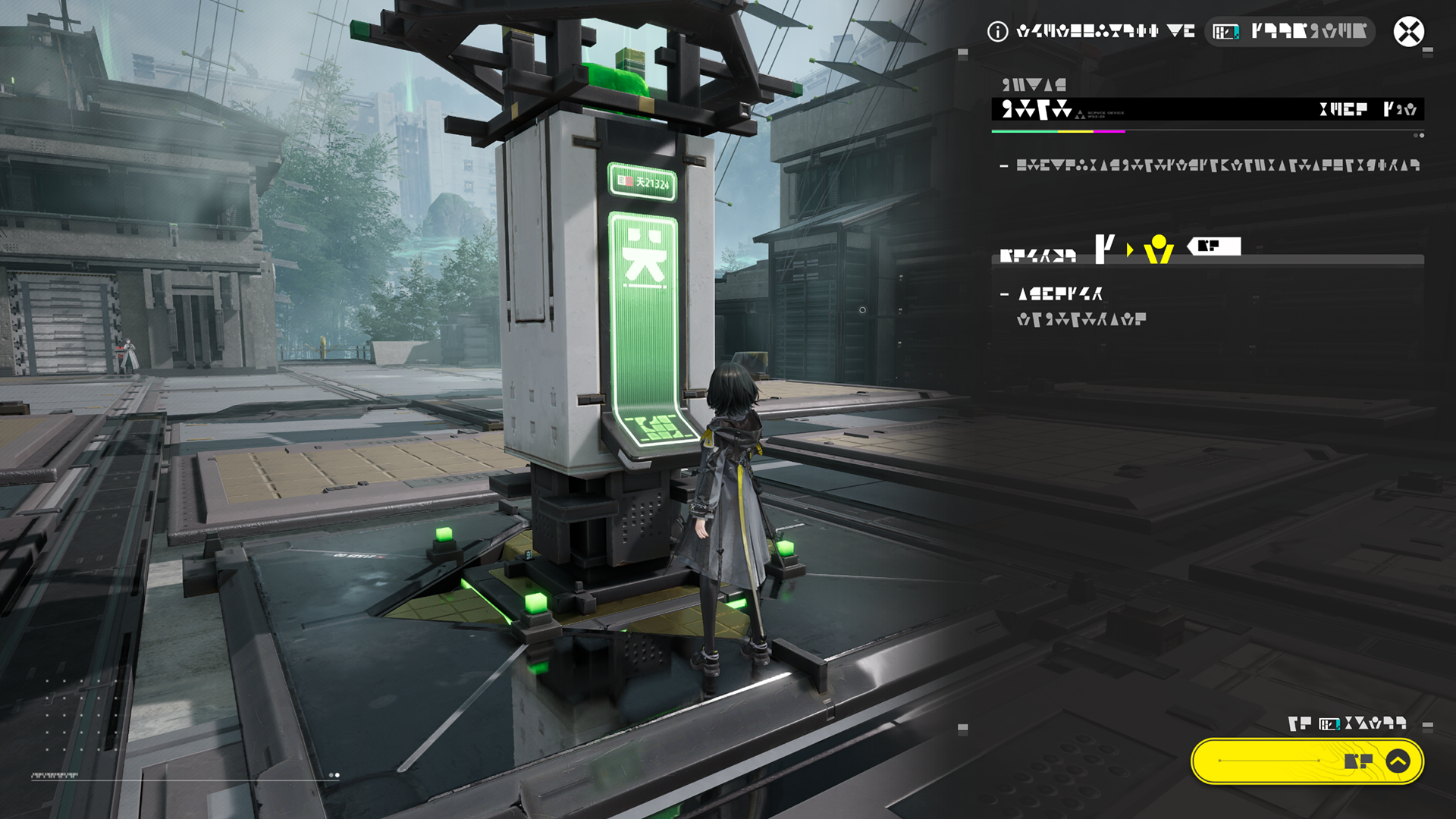
Environment Monitoring Terminal

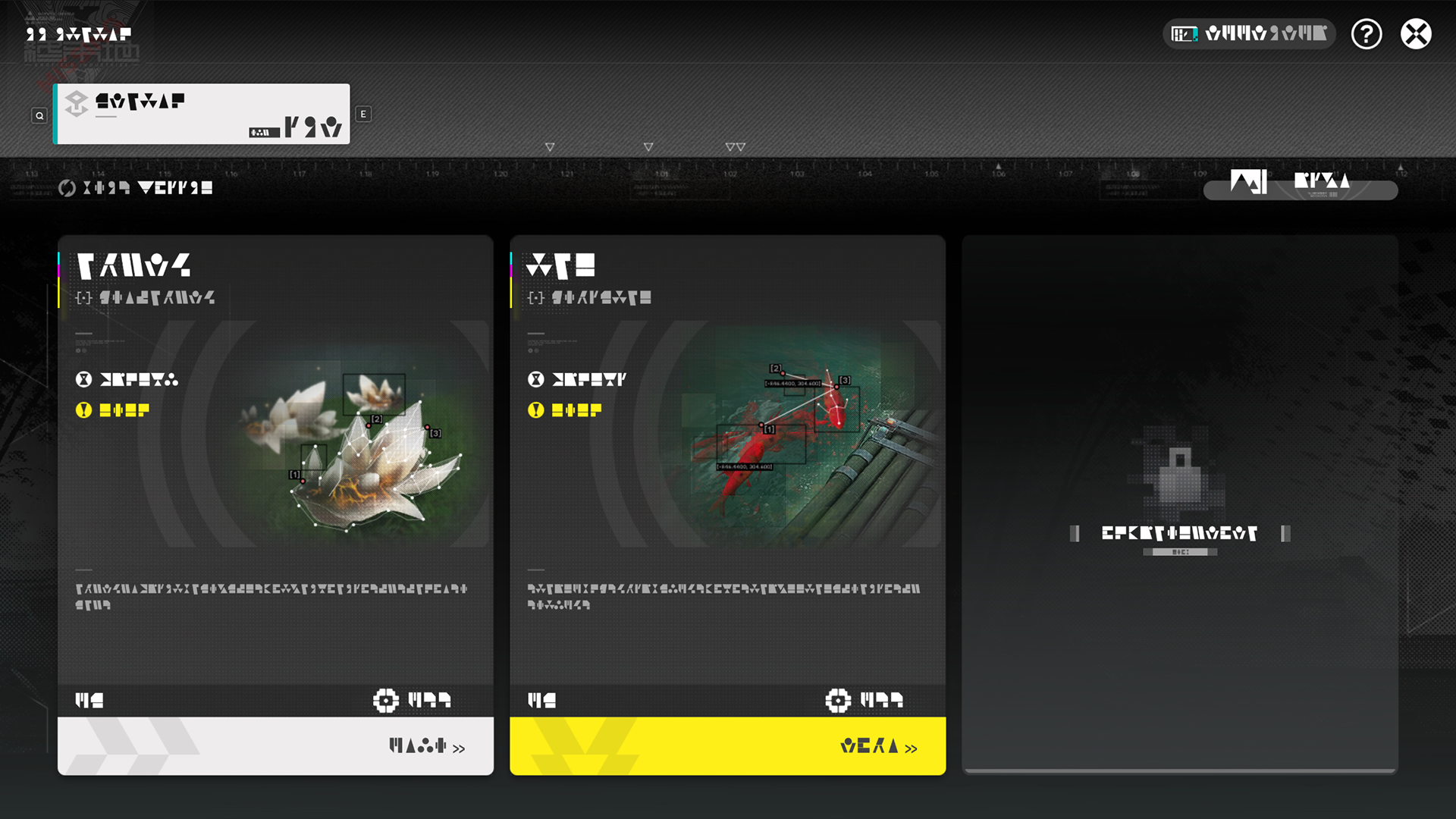
Environment Monitoring Terminals provide monitoring jobs. Complete them to earn rewards. Every monitoring job involves the photographing of special targets.

Environment Monitoring Terminal: Unlock and Upgrade

Environment Monitoring Terminals in Wuling must be unlocked before they can be used. The terminals can be upgraded by spending stock bills.

Monitoring Job: Process

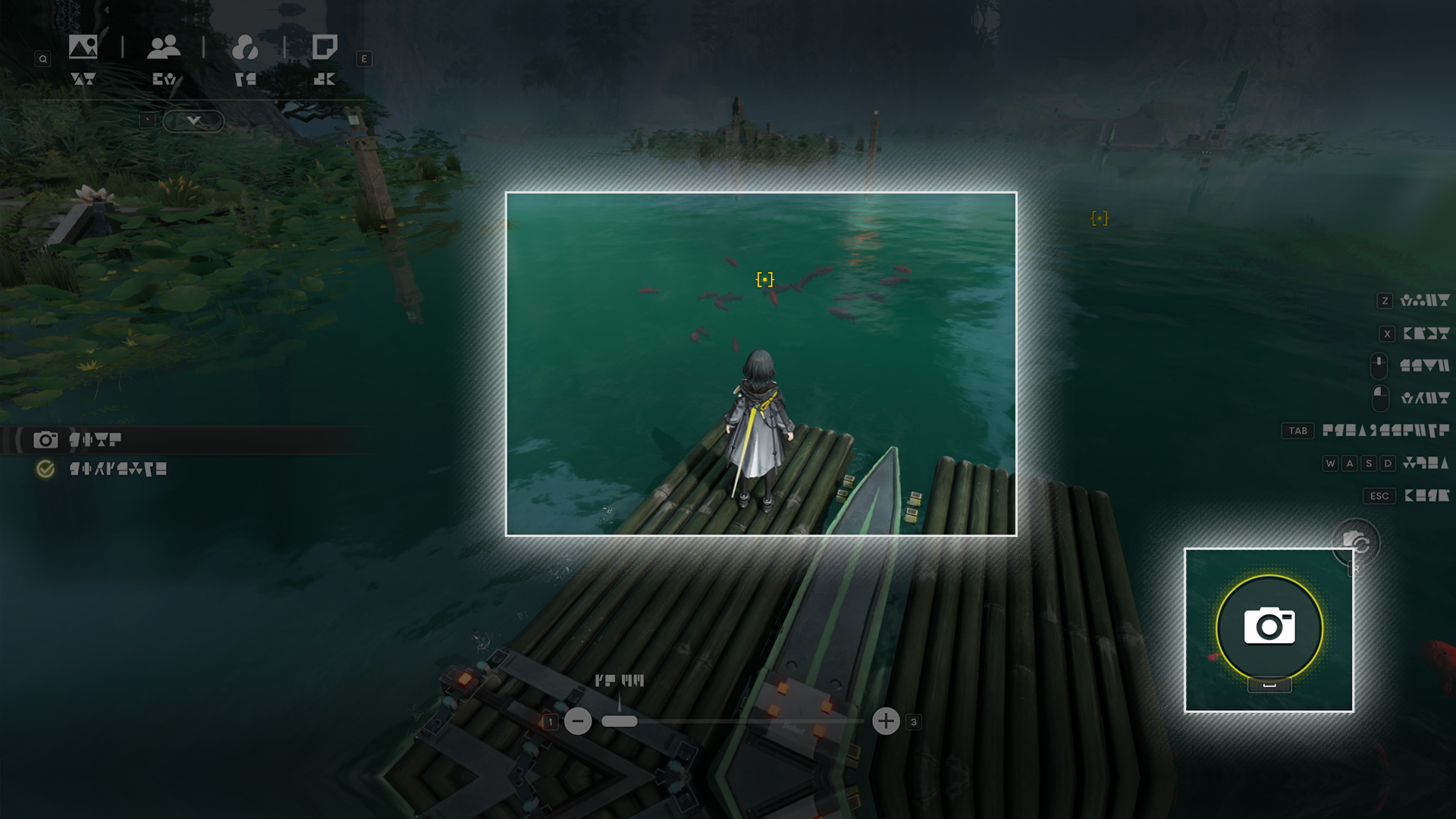
When a glowing light is found, interact with it to enter Camera Mode, then take a photo when the photography target enters the view of the camera to complete the monitoring job.

Planting: Growing the Plant

Planting

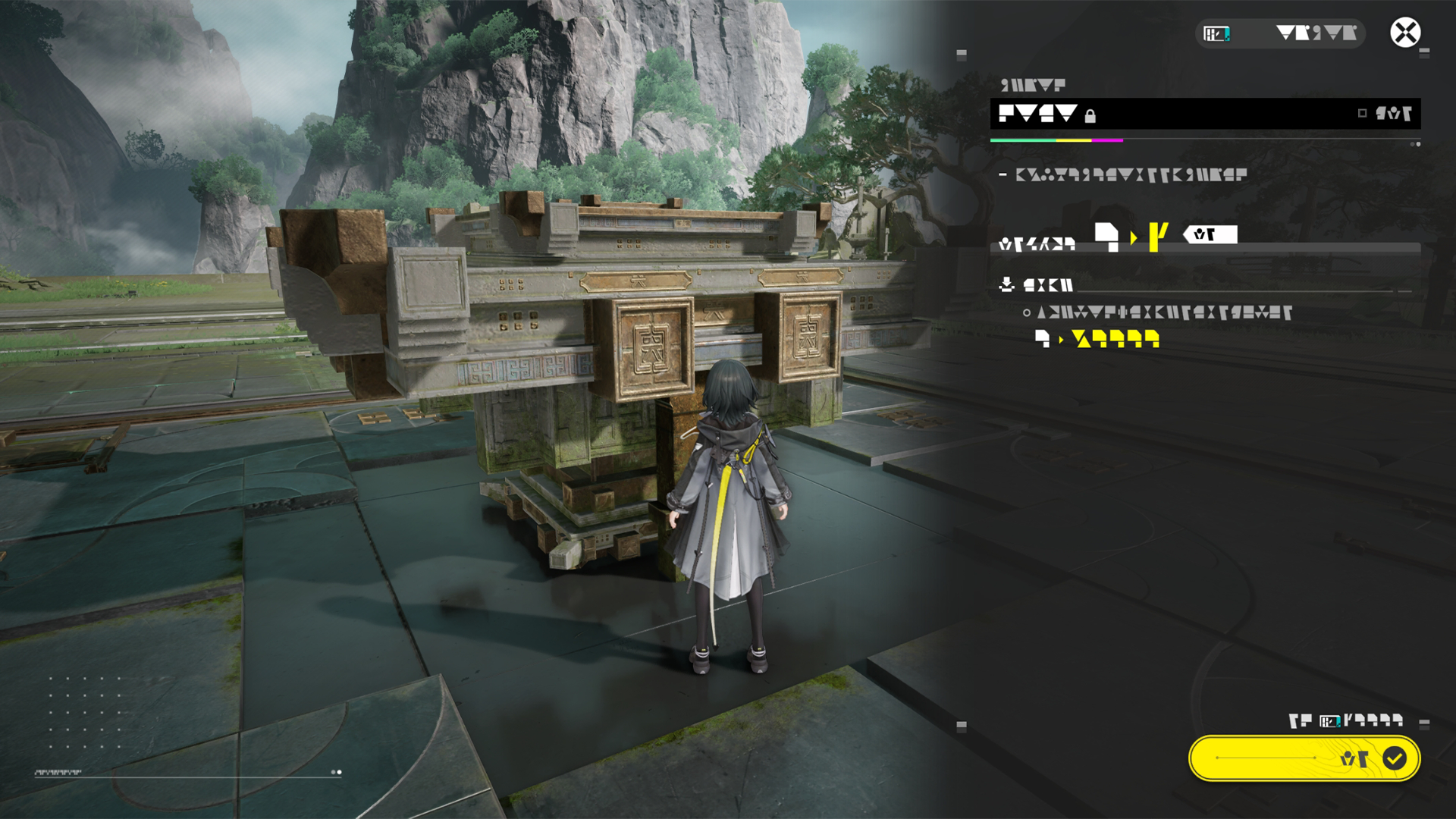
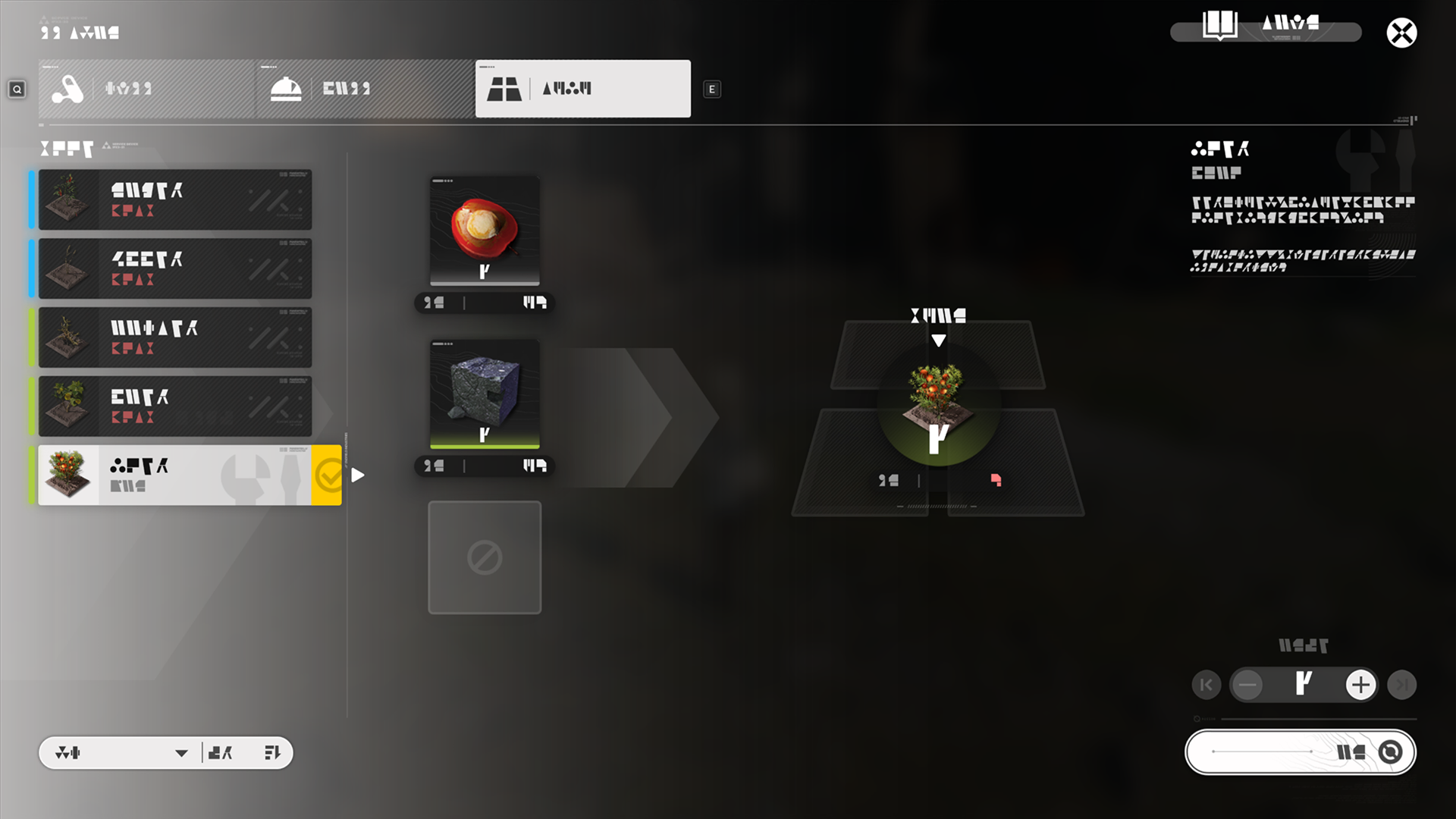
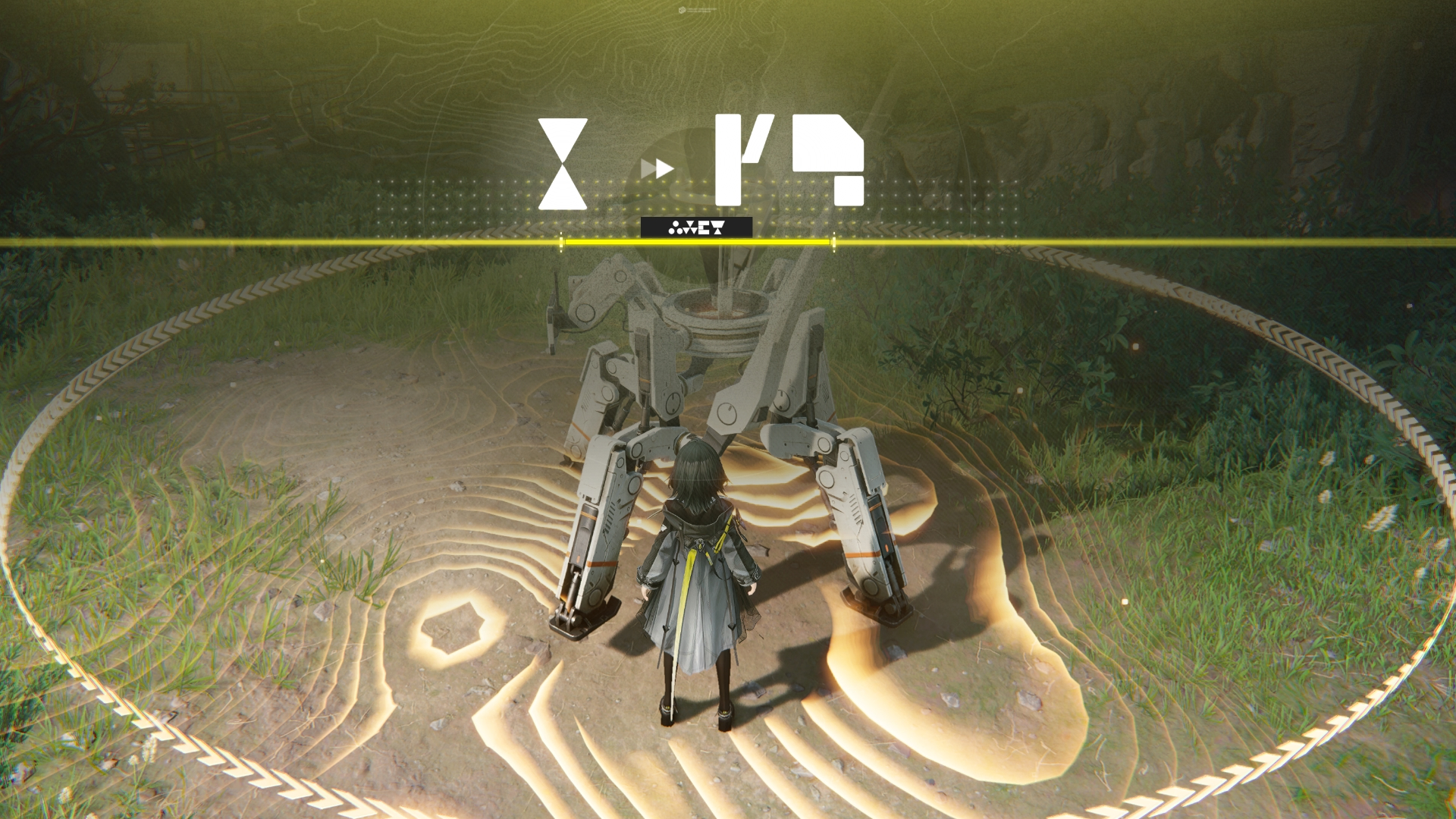
Use the Planting section of Crafting to craft plots that can be used for planting crops. Acquiring a plant also unlocks the crafting formula for the plot to grow that plant.
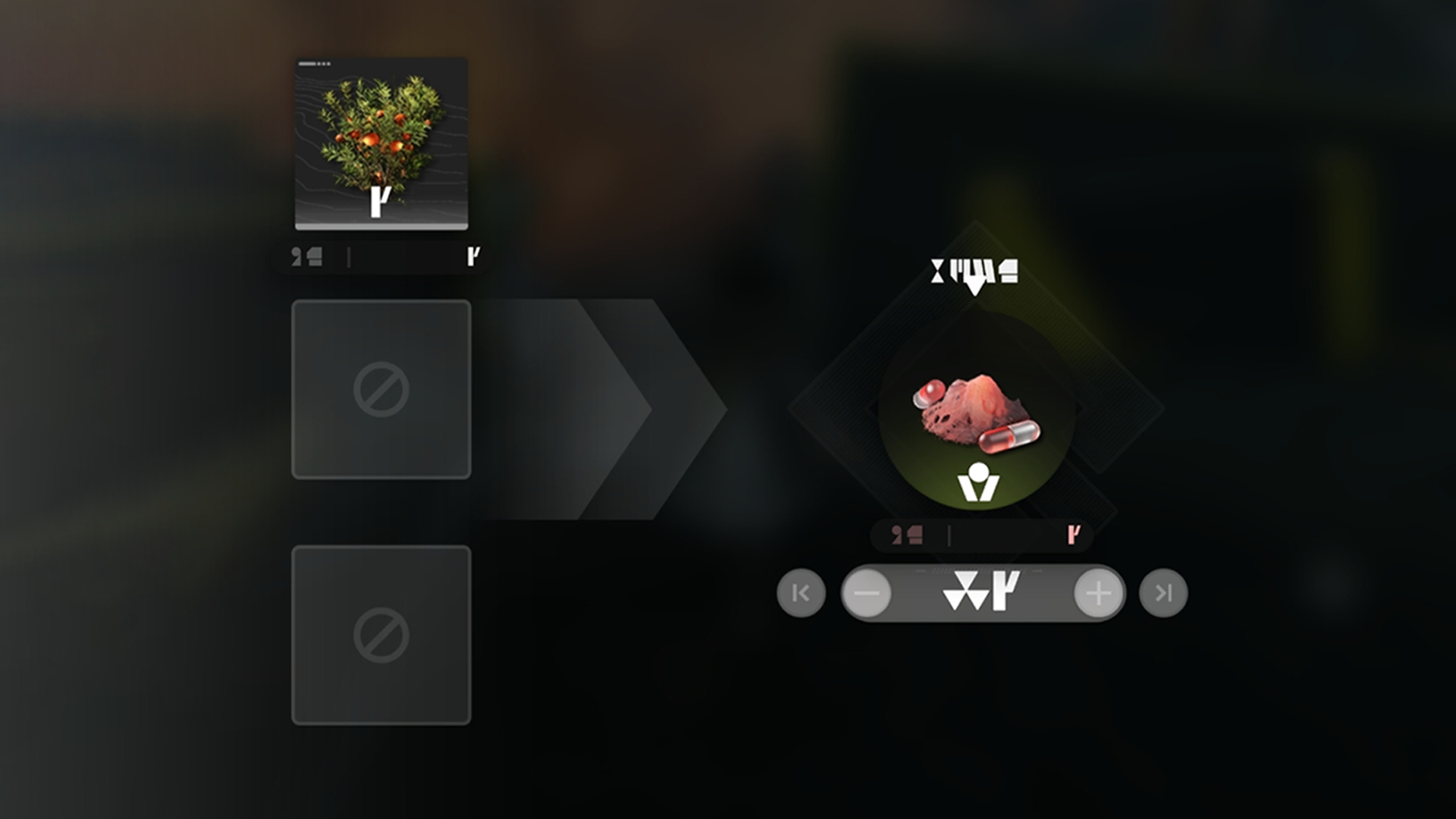
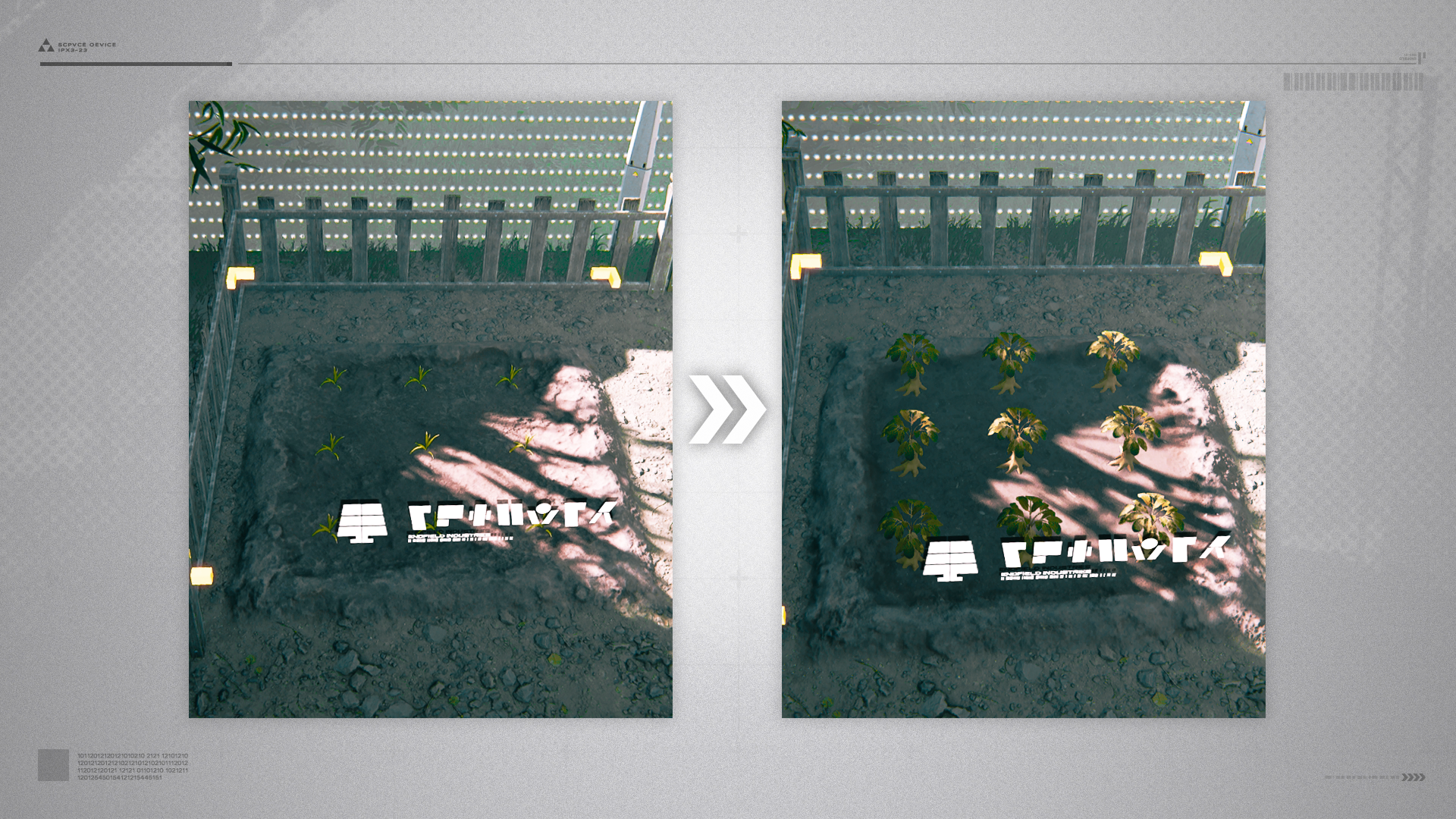
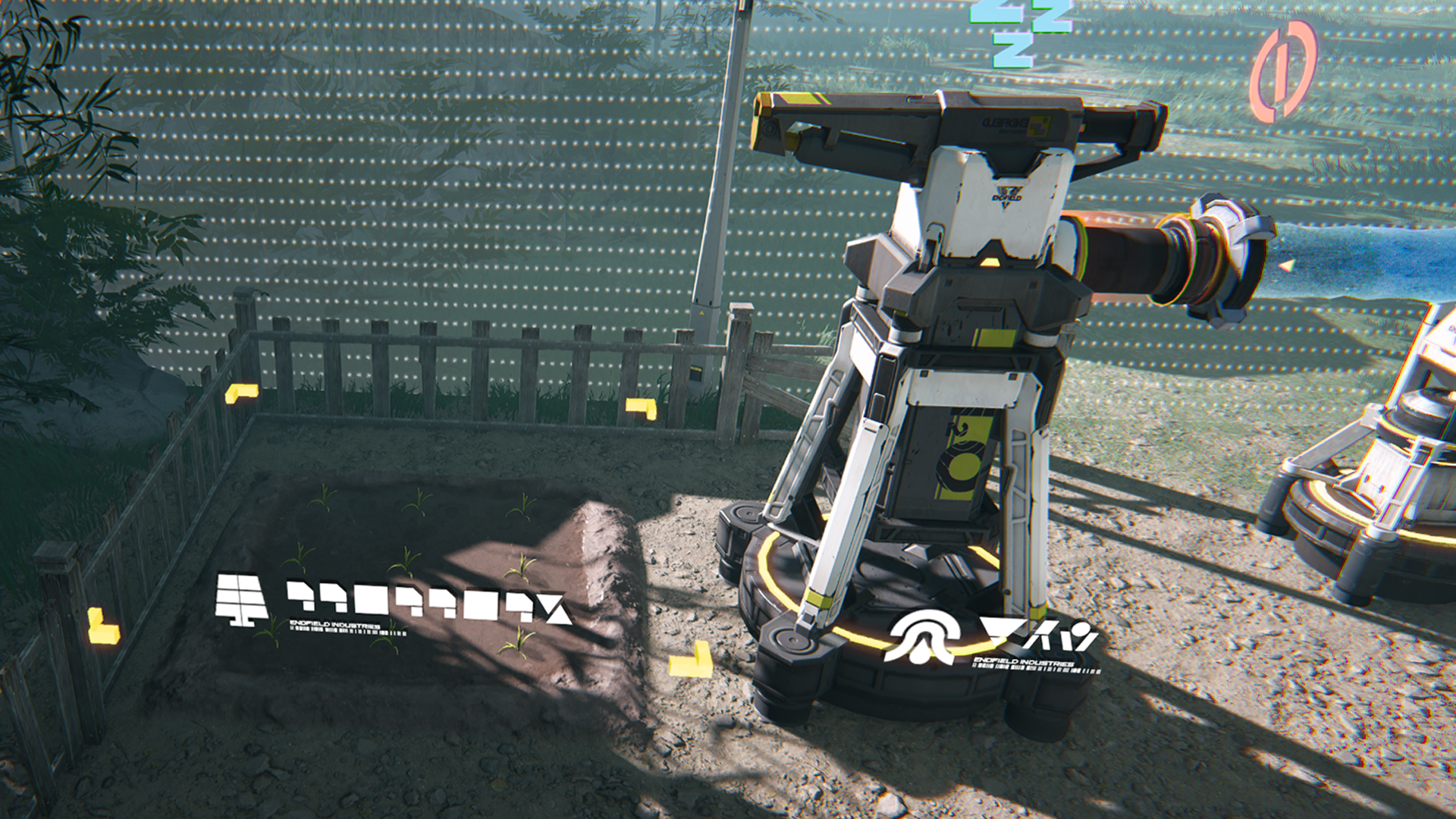
After acquiring a planting plot, it can be placed in special areas for planting. Planting has 4 stages: (1) Germinating, (2) Watering, (3) Growing, and (4) Harvesting. A fully grown plant can be harvested.

Related Tutorials

Planting in the Wuling Region

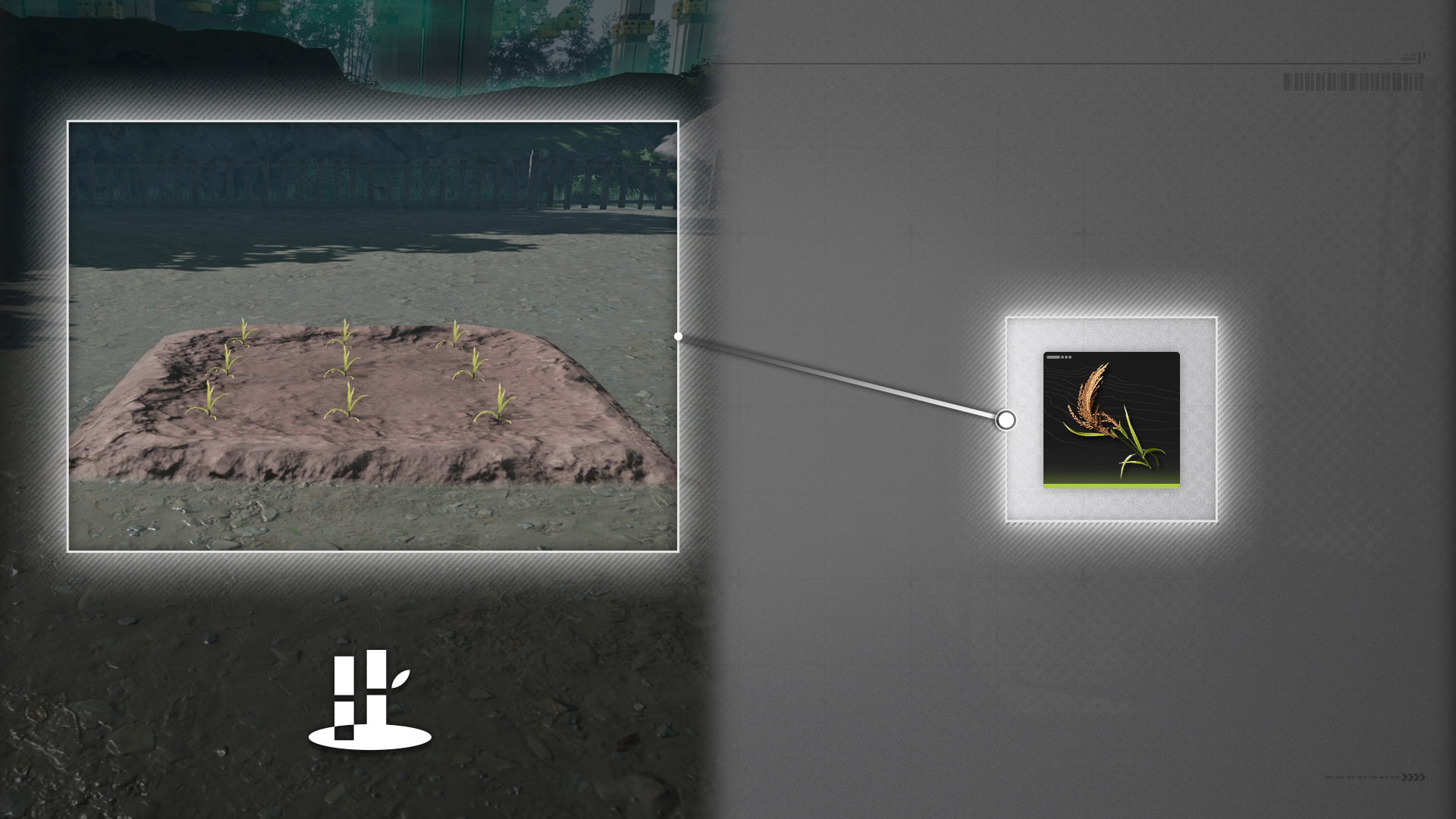
Some planting plots can only be grown in Wuling. An example will be the Amber Rice Plot.

Auto-Watering

Some plots require multiple rounds of watering to make the plant grow. Use Sprinklers to automate the watering step.

Related Tutorials

Area Defense

Area Defense: Early Warning Terminal

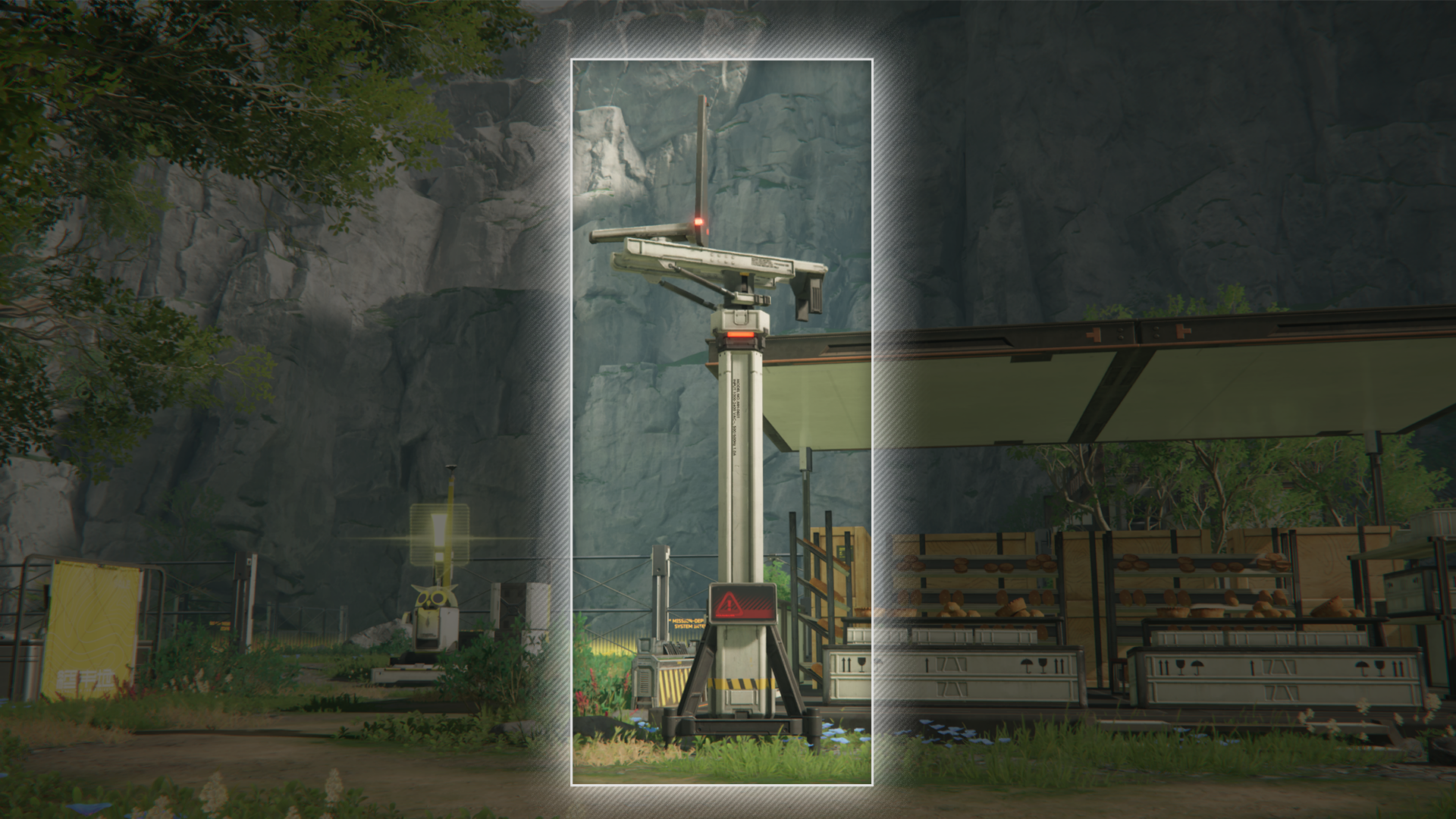
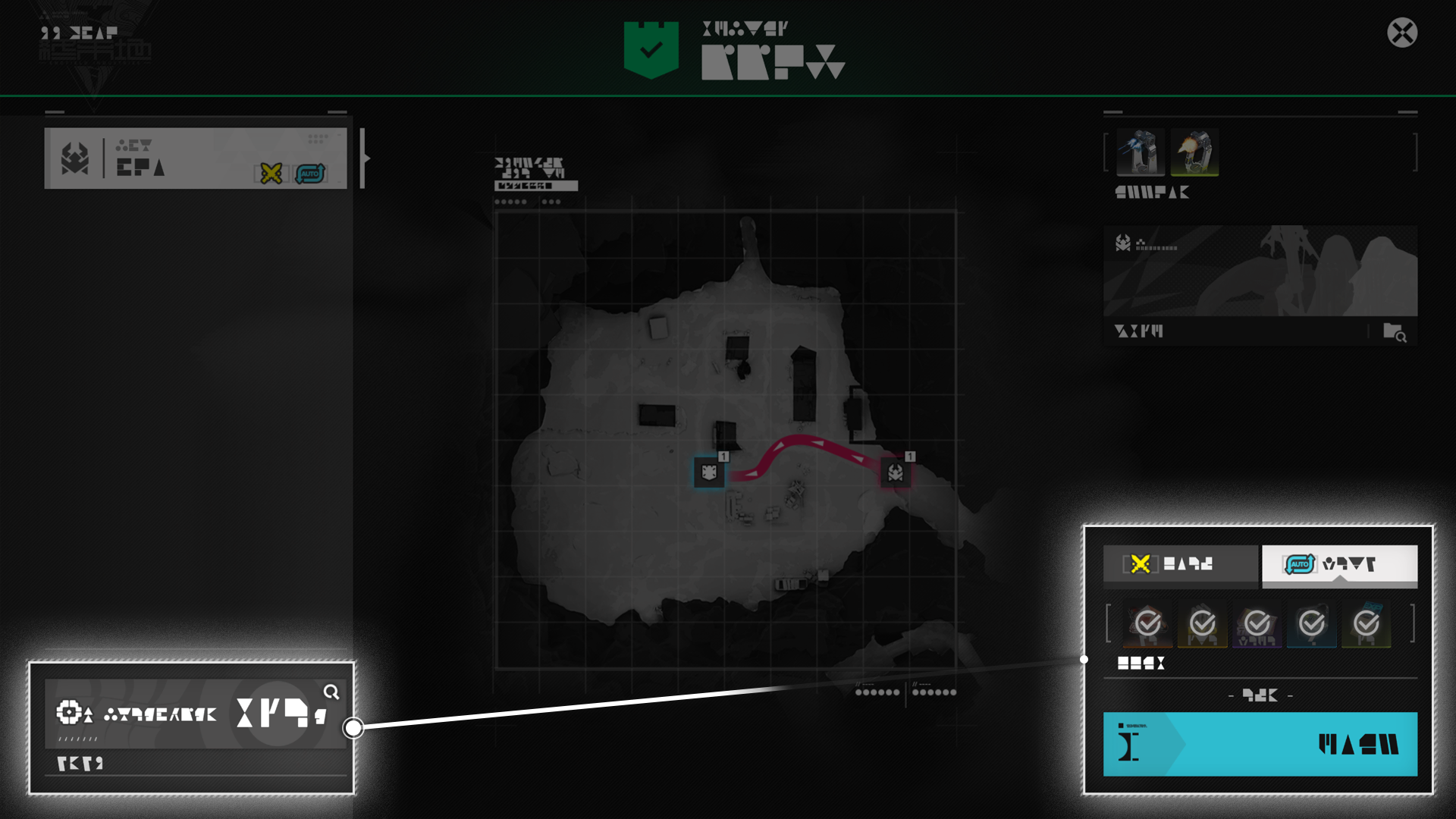
Some outposts will have an Early Warning Terminal. Whenever the outpost levels up, the Early Warning Terminal will detect and indicate new threats of incursions.

Area Defense: Route of Attack

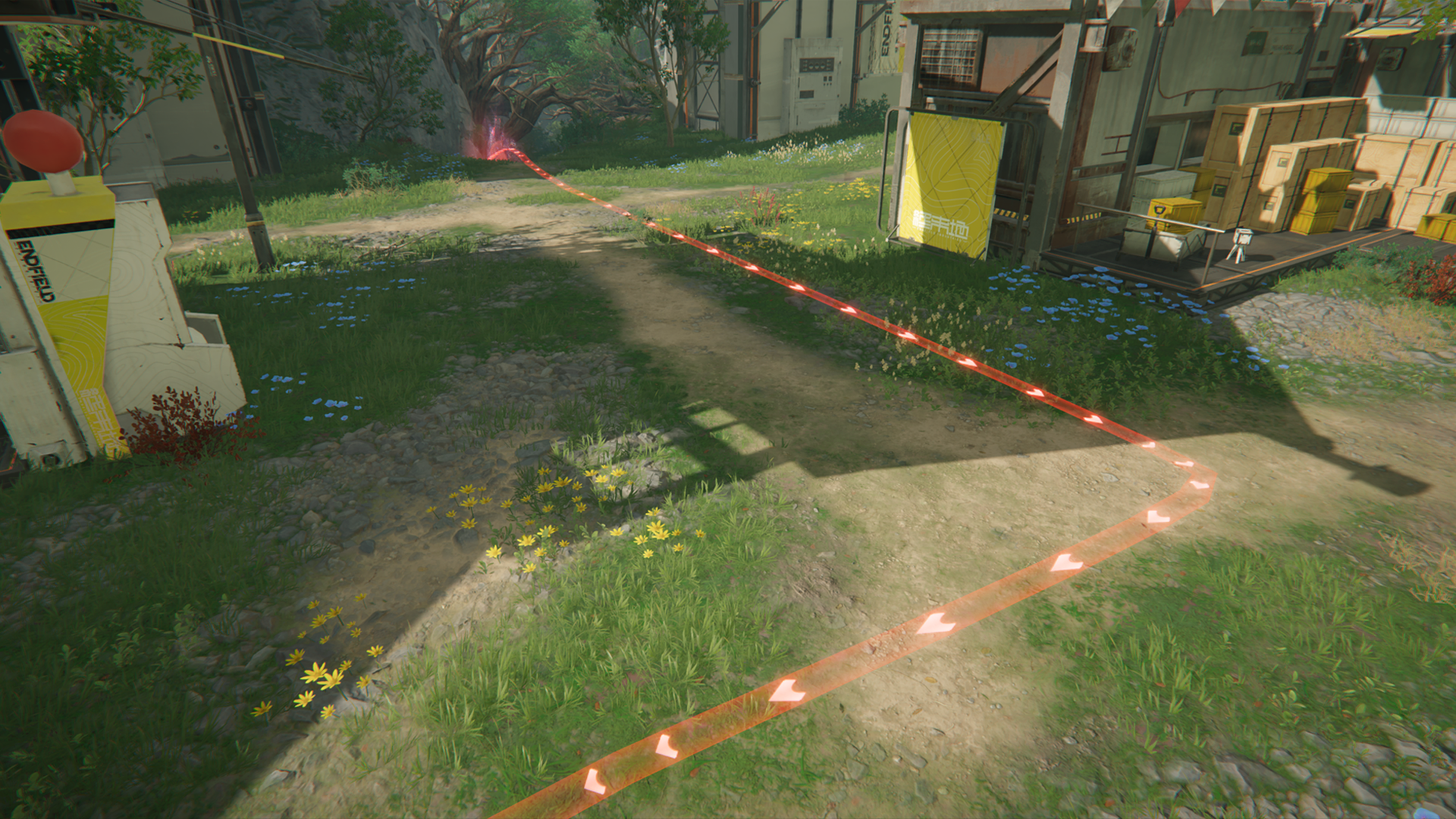
The Early Warning Terminal has indicated the enemy's route of invasion. Enemies will travel along this route to attack and destroy the Command Core of the outpost.

Area Defense: Command Core

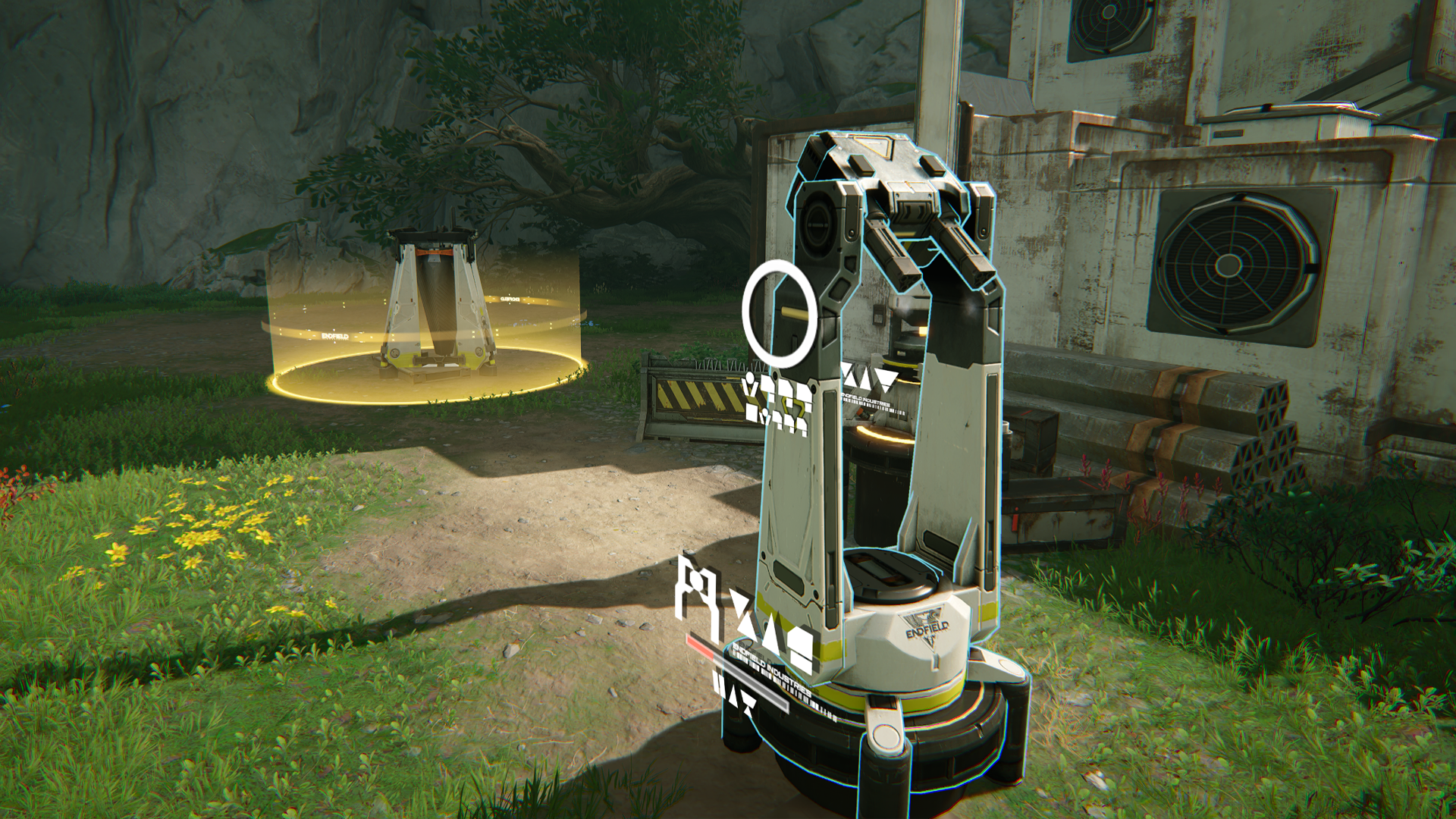
Our forces will place one or more Command Cores in the outpost and they will be shown as blue shields on the map. Command Cores are activated once the defense battle begins to support outpost defense and improve the performance of combat facilities. Defend the Command Core from being destroyed by the enemy.

Operator Intervention & Partially Secure

When there is a threat of incursion, completing an Operator Intervention battle will make the outpost Partially Secure and give the residents a temporary boost to stock bills earning efficiency.

Auto-Defense & Fully Secure

Completing an Area Defense battle in Auto-Defense mode for any risk level permanently increases the residents' stock bills earning efficiency. Completing higher risk level battles in Auto-Defense mode gives even better bonuses.

Related Tutorials

Dijiang: Control Nexus

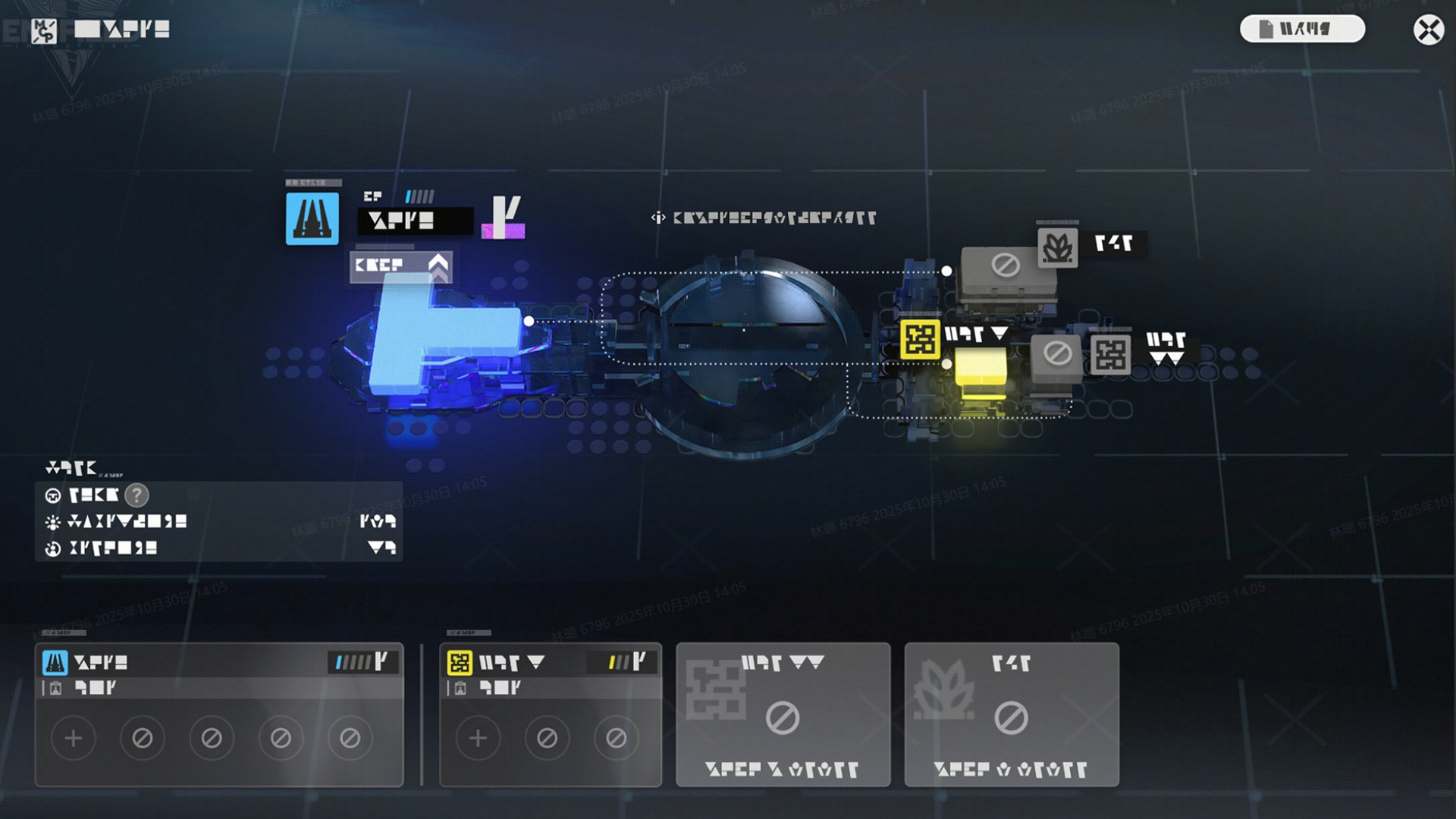
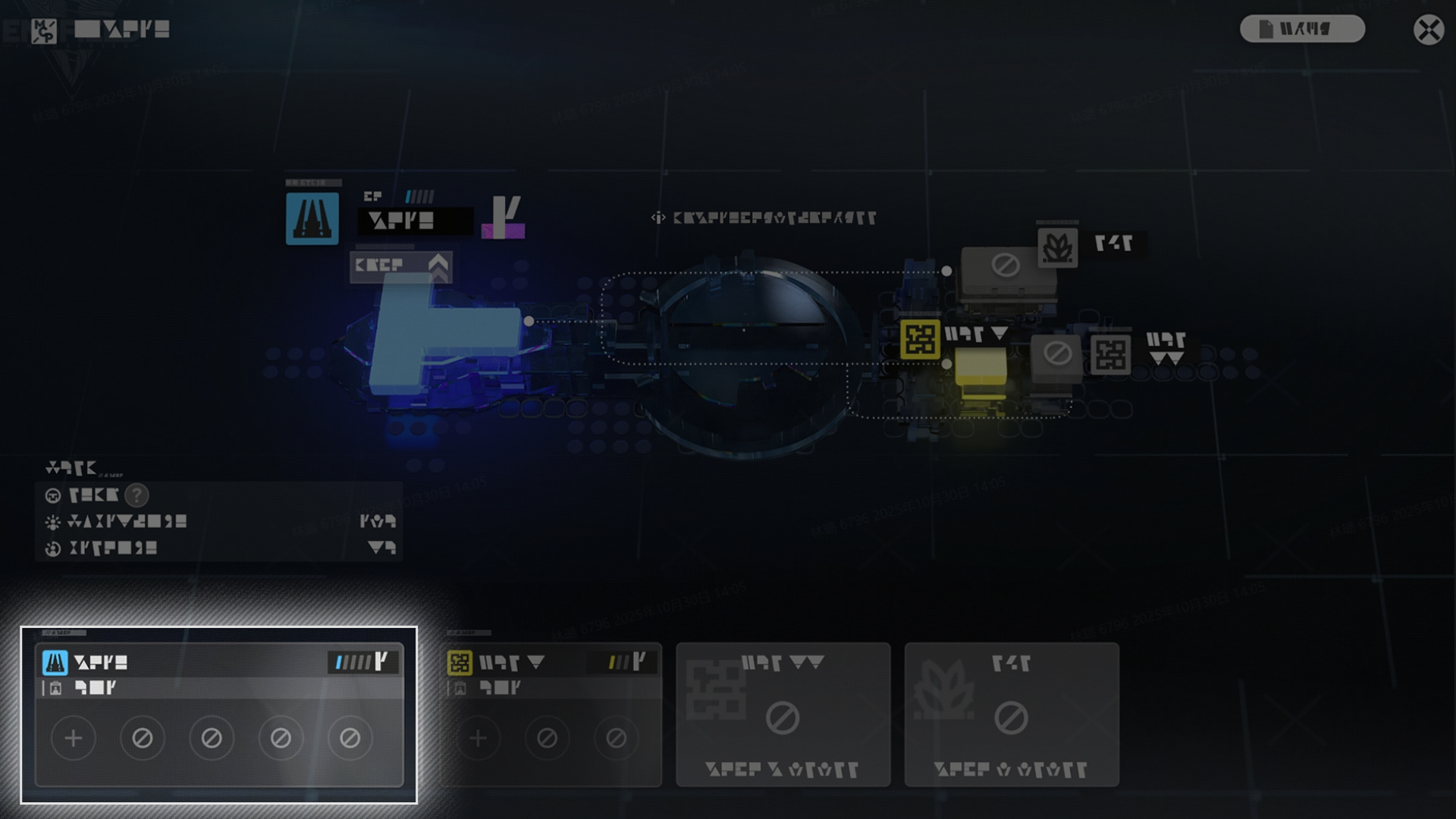
The Control Nexus is the management center of Dijiang. Use the Central Dashboard at the Control Nexus to view information for the entire ship and manage operator assignments across various cabins. Level up the Control Nexus to unlock more cabin construction and upgrades.

Related Tutorials

Dijiang: Manufacturing Cabin

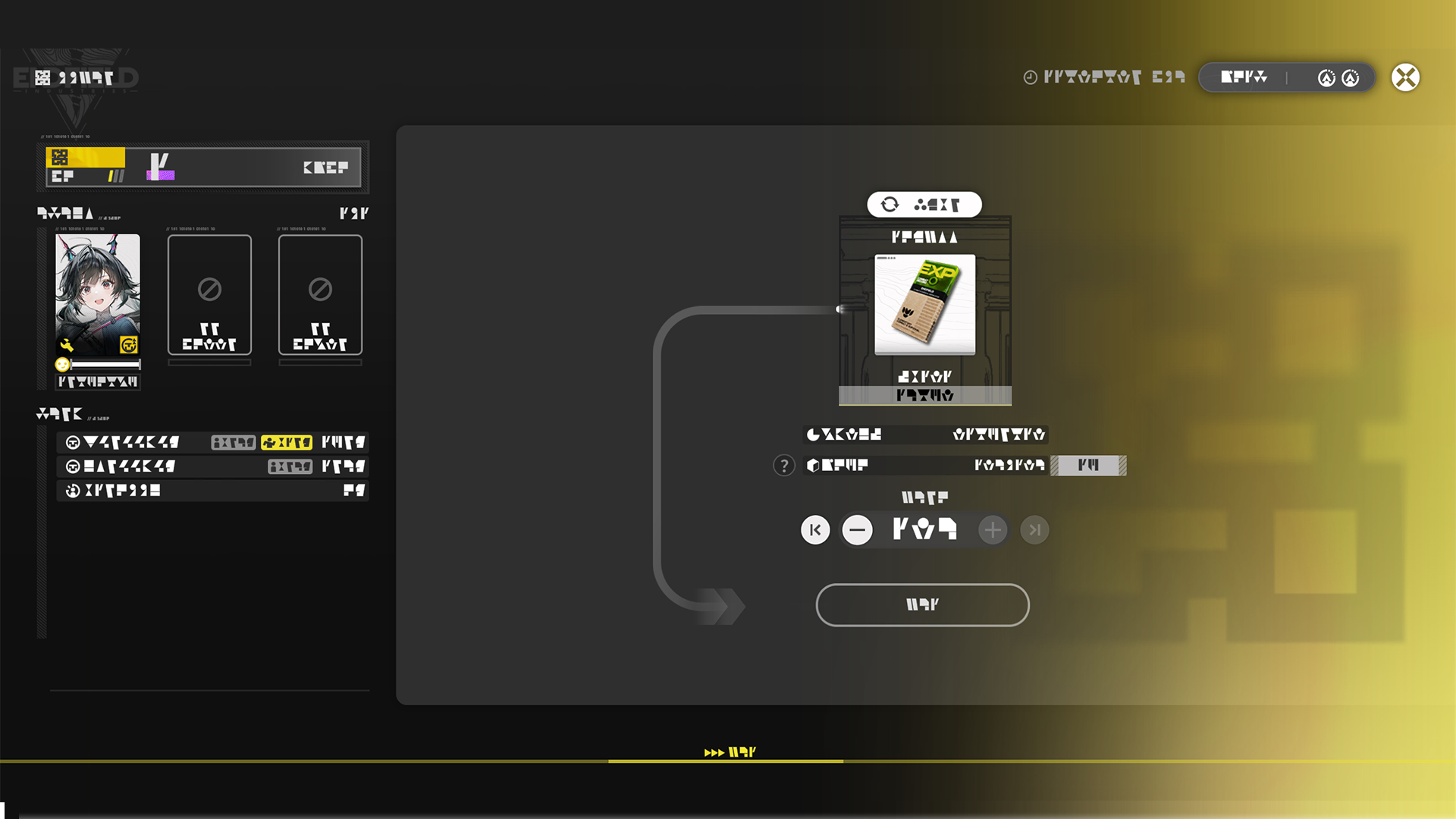
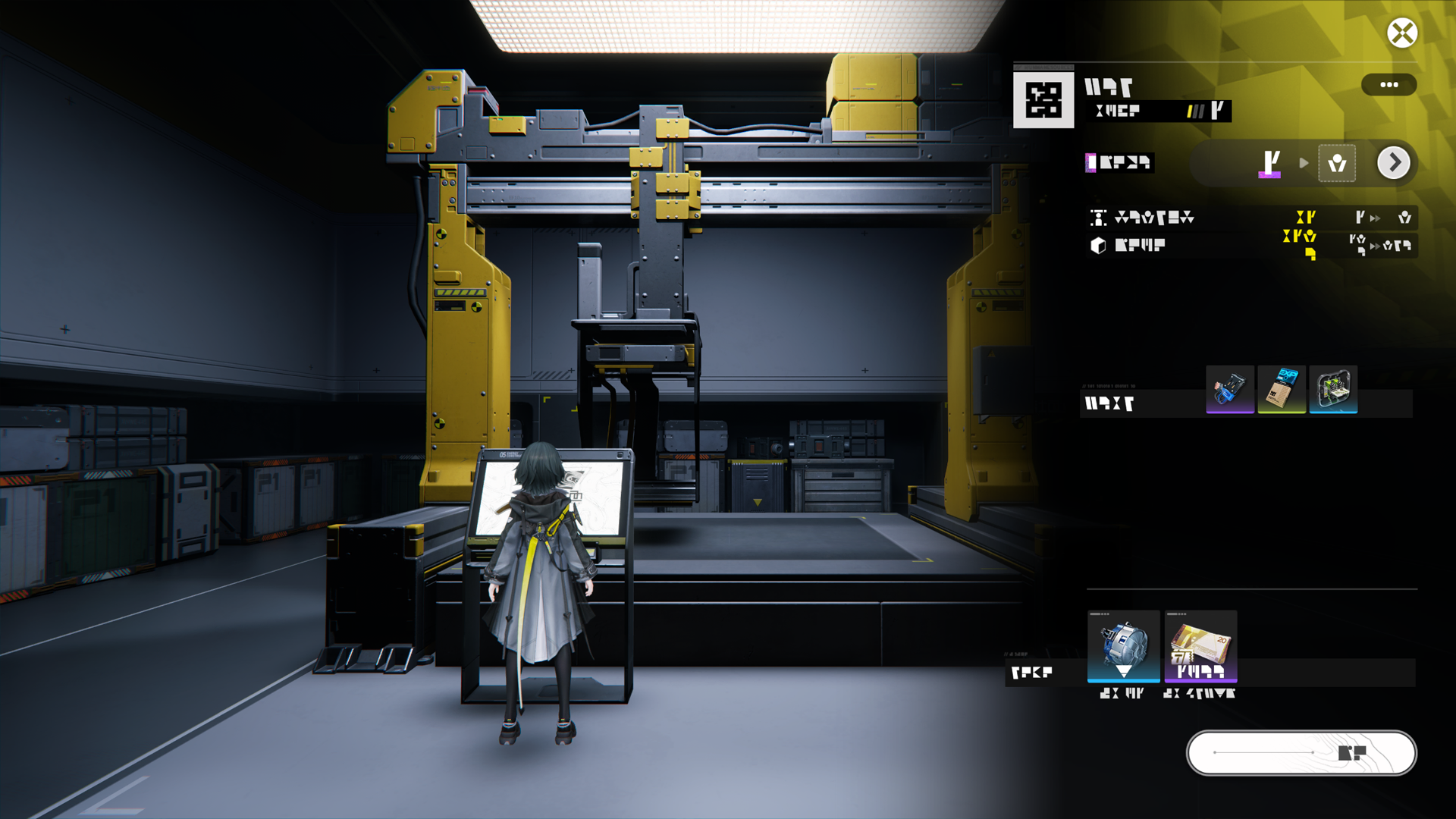
The Manufacturing Cabin can produce operator and weapon progression materials when given enough time.

Dijiang: Manufacturing Plan

After selecting a manufacturing plan (MFG Plan) and the amount of items to make, the operator(s) assigned to the Manufacturing Cabin will start working. NOTE: Manufacturing Cabins have a MFG Load and different items use up different amounts of MFG Load. Level up the Manufacturing Cabin to unlock more MFG Plans.

Related Tutorials

Dijiang: Growth Chamber

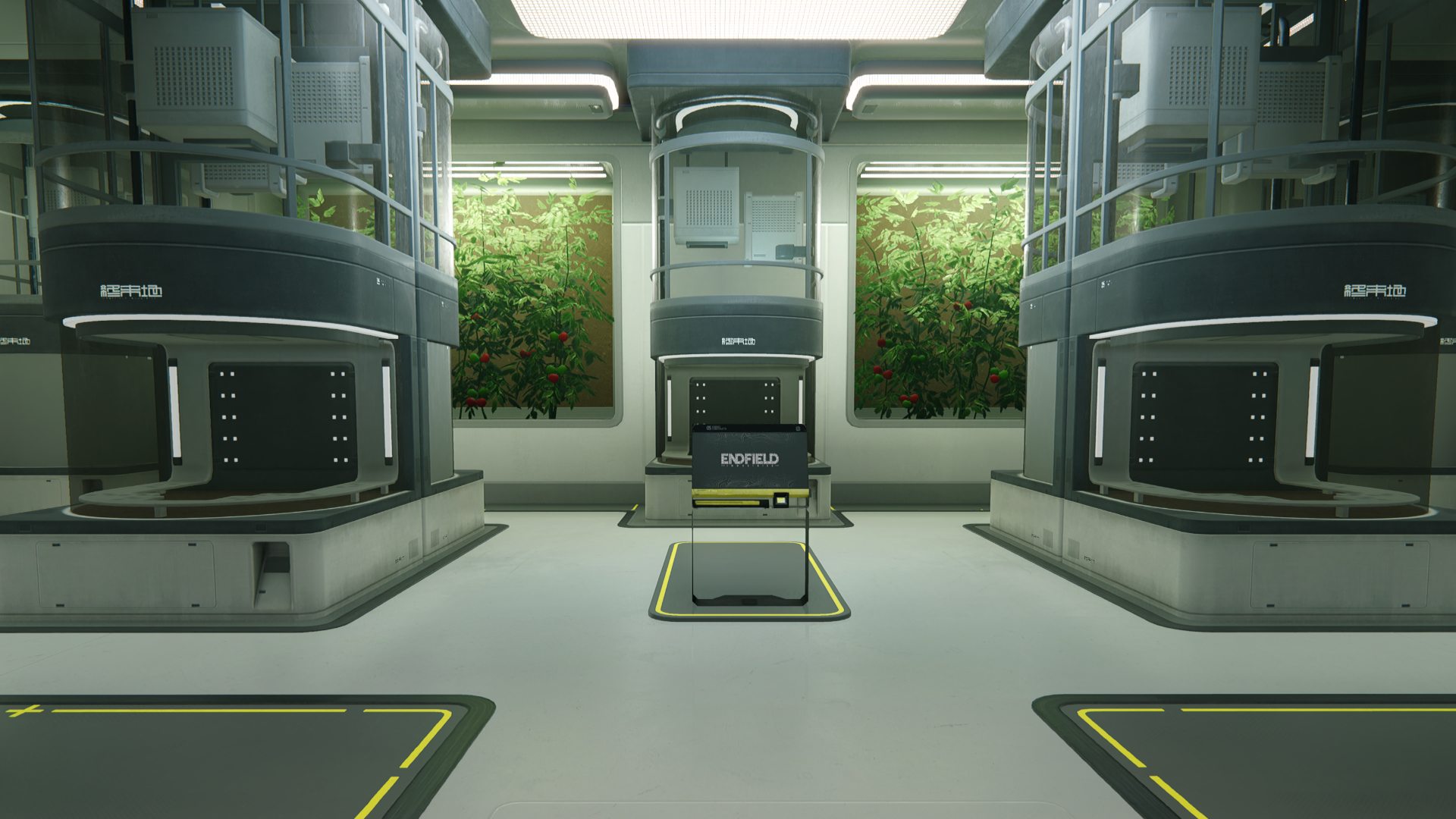
The Growth Chamber can be used to grow progression materials for operator promotions, skill upgrades, and weapon tuning.

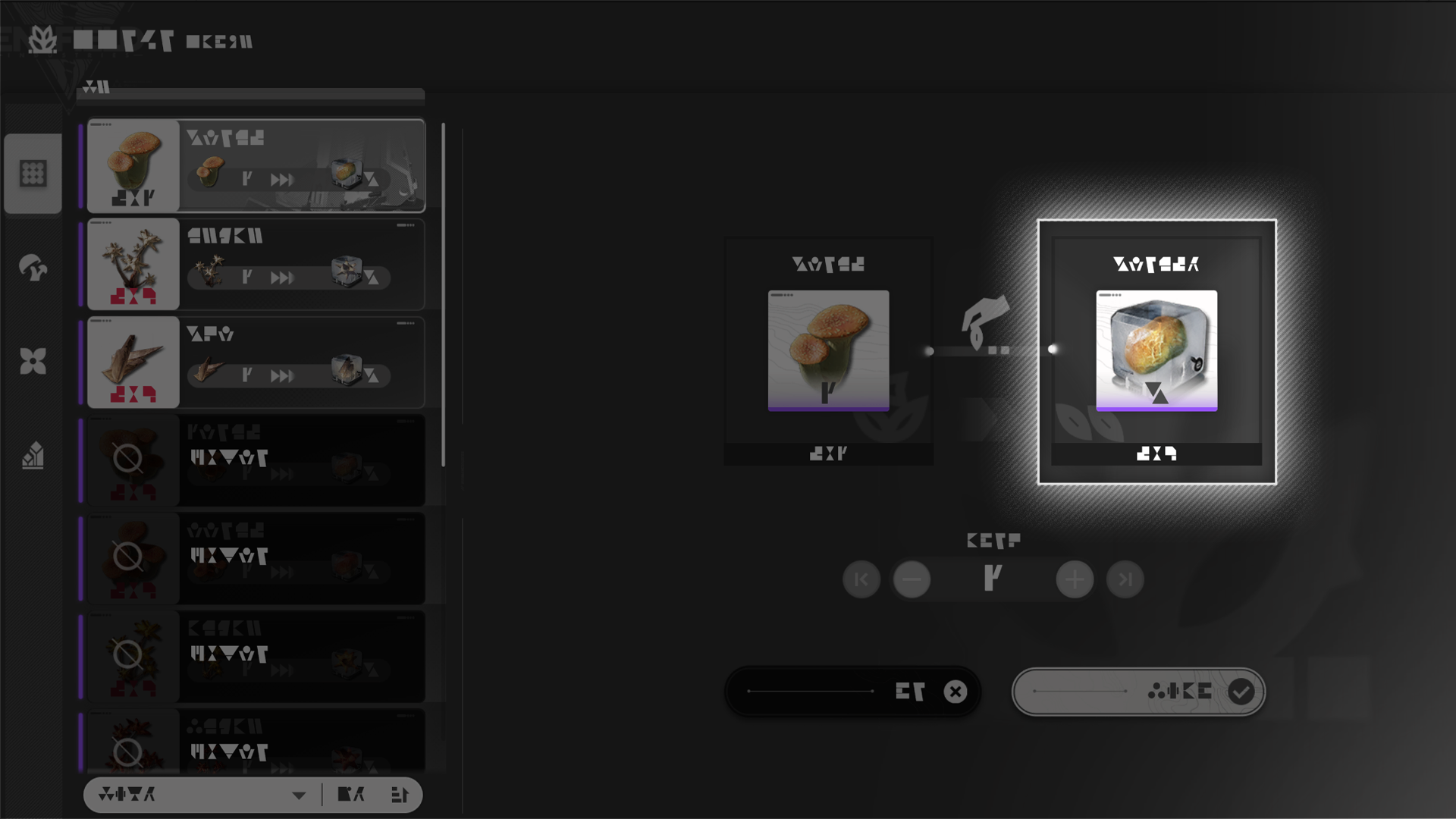
Dijiang: Growth Chamber Seed Extraction

Growing materials at the Growth Chamber also requires special seed materials. Seed materials can be extracted from existing materials but this also consumes them.

Dijiang: Operator Assignment and Mood

Dijiang: Operator Assignments

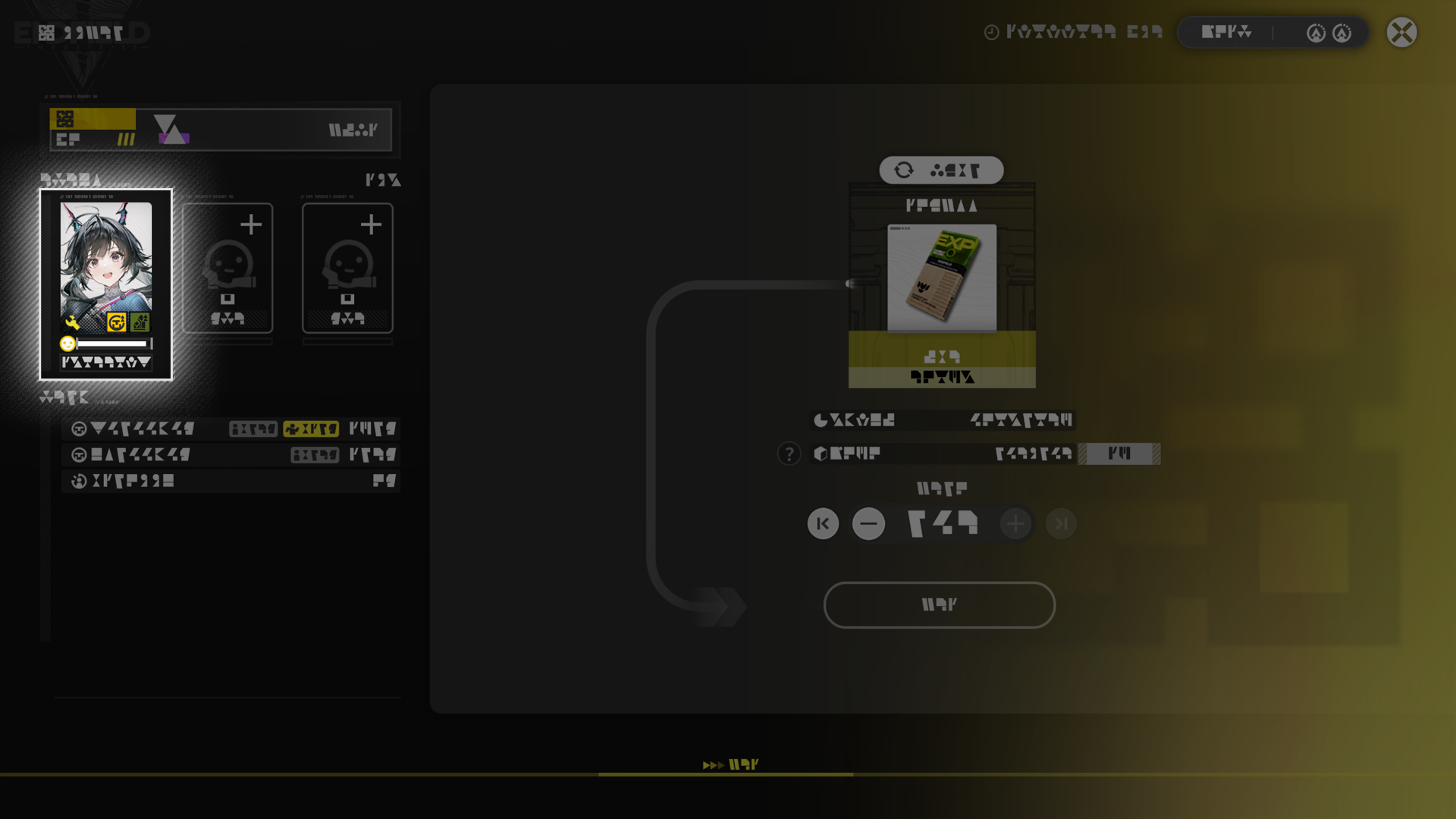
At least 1 operator must be assigned to a functional cabin to make it work. Every operator assigned can raise the productivity of the cabin.

Dijiang: Operator Status Changes

The mood of operators assigned to functional cabins will slowly decrease with time. An operator with ZERO mood will automatically head to the Central Ring to rest, and will not provide any assignment effects during resting. At MAX mood, the operator will automatically return to the assigned functional cabin and resume working.

Related Tutorials

Dijiang: Operator Trust

Build the operators' trust to unlock Ability Matrix skills and reveal more profile data. Operators with higher trust also interact with the Endministrator differently aboard Dijiang.

Dijiang: Gifting Operators

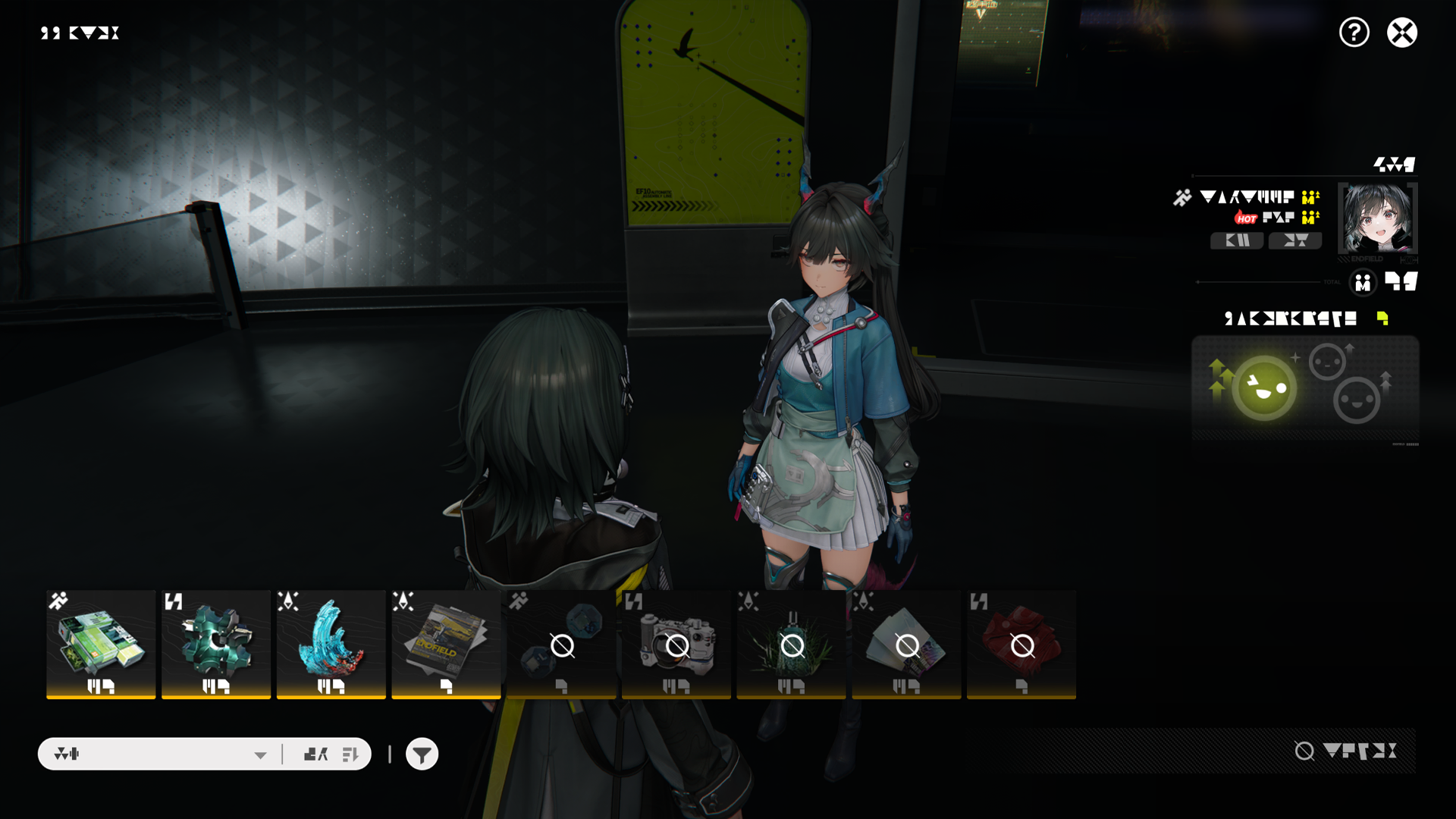
Interact with operators aboard Dijiang to talk to them or offer them gifts.
Offering gifts to operators can raise their trust in the Endministrator. Gifts that match the operator's preferences or are currently popular also earn more trust.
Gifts can be purchased from Stock Redistribution.

Dijiang: Assignment and Trust

Operators assigned to the Control Nexus will gain trust in the Endministrator with time.
Even when the Endministrator is not aboard Dijiang, trust will continue to build. Accumulated trust will be added when the Endministrator returns to Dijiang.

Related Tutorials

Dijiang: Operator Contact Panel

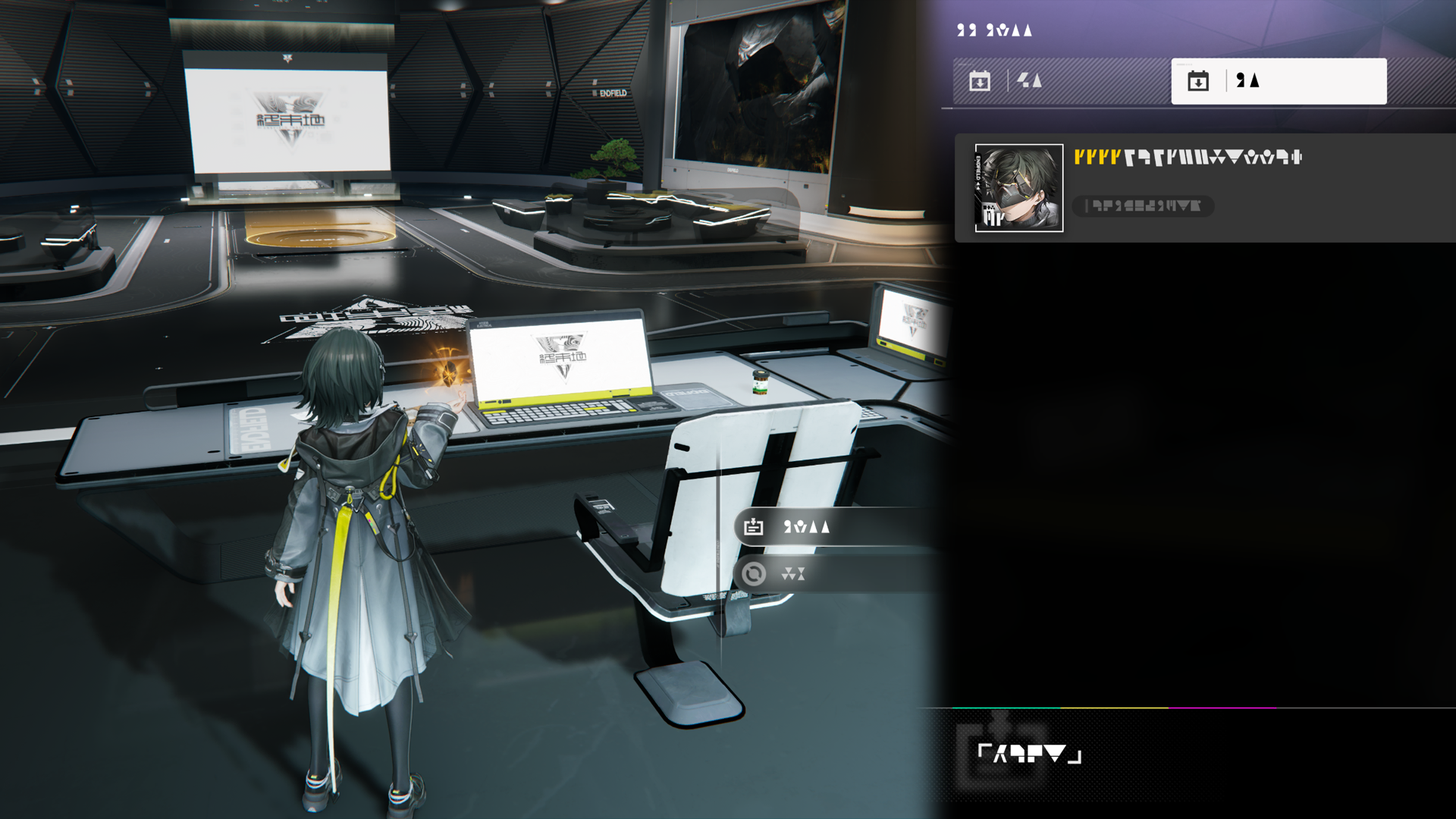
To find an operator quickly, use the Operator Contact Panel at the Central Ring to contact and summon them to the Endministrator's side.

Dijiang: Reception Room

Dijiang: Reception Room Display Section

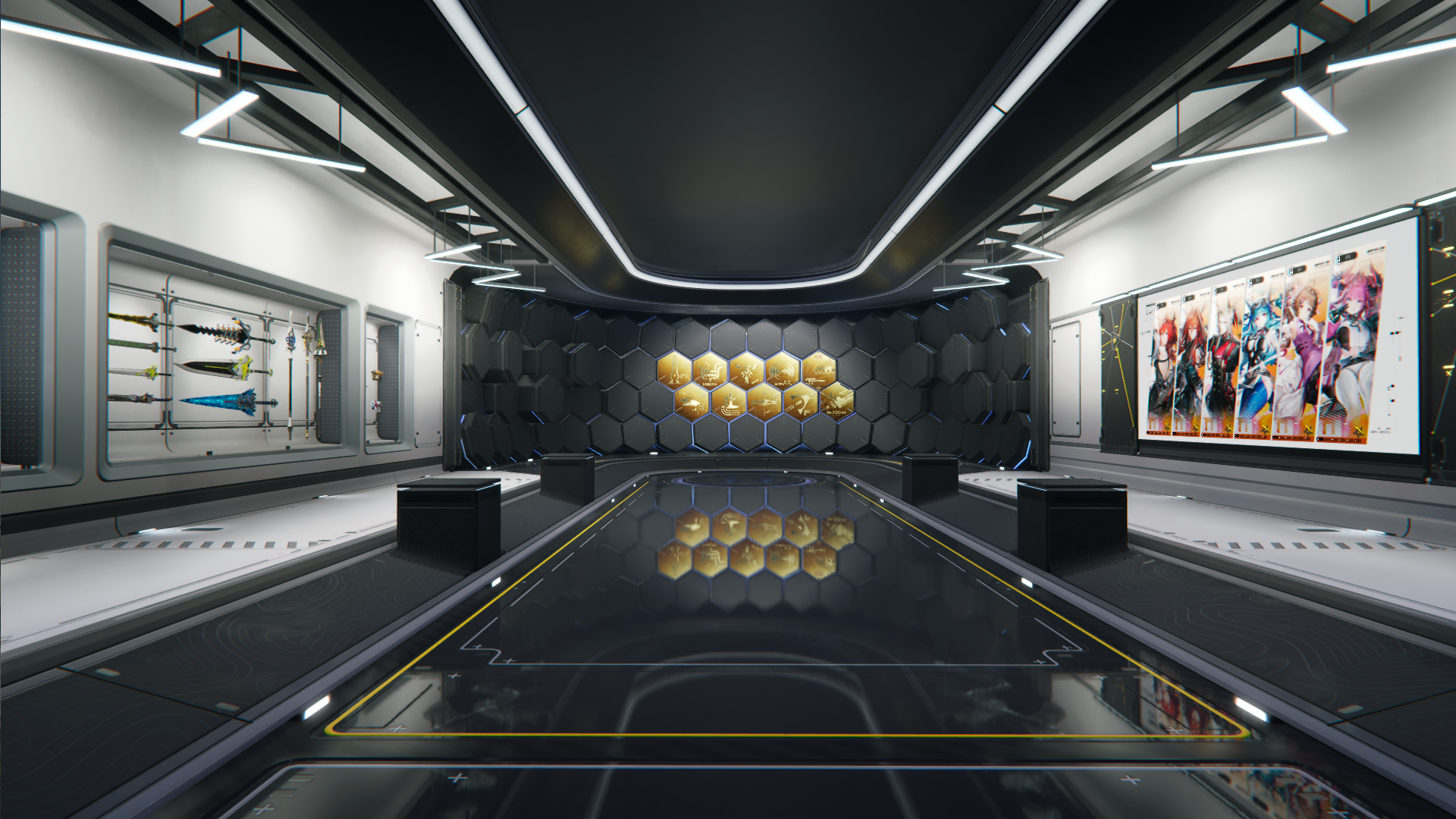
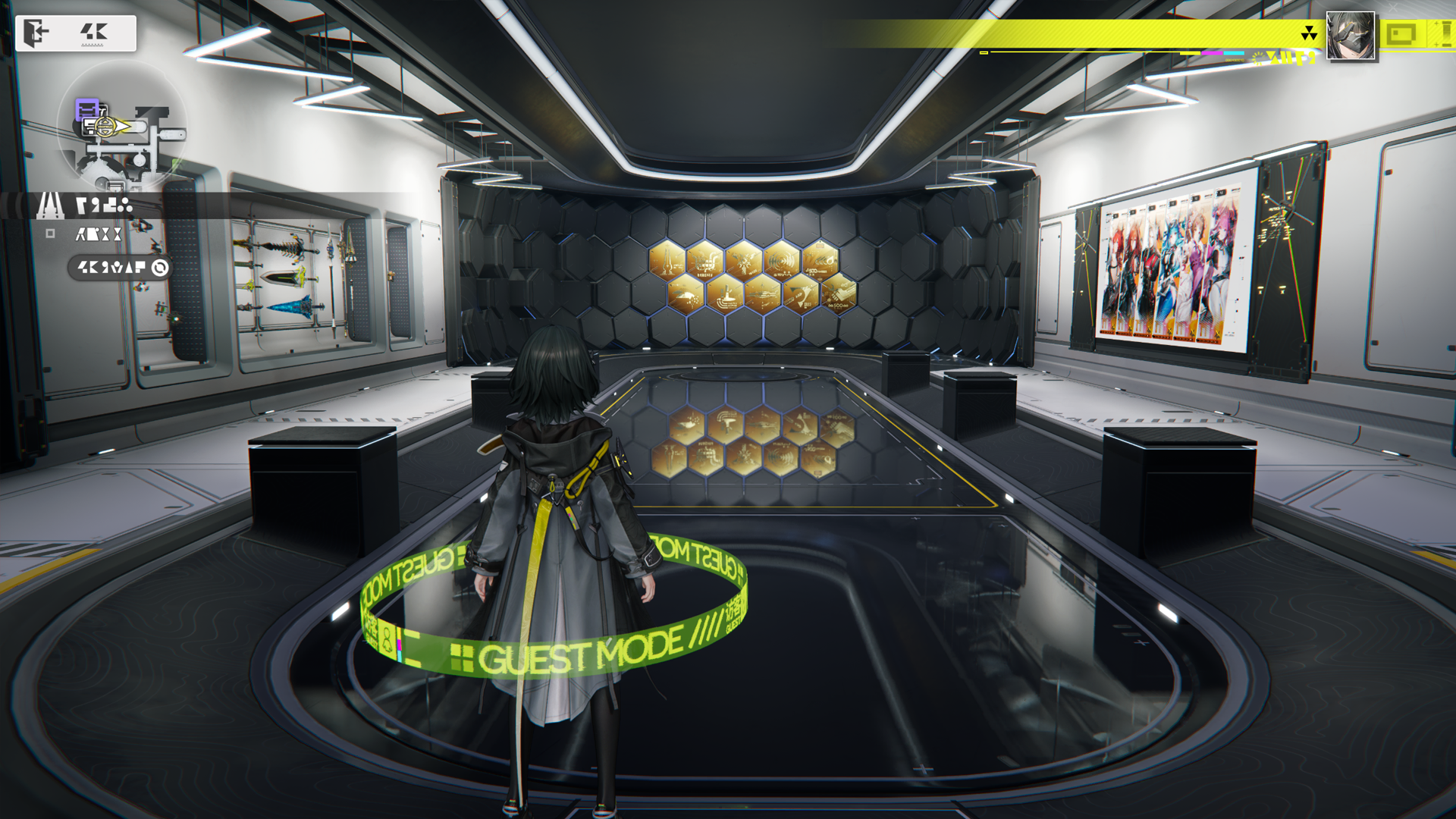
All engraved medals, operator CVs, and weapons acquired can be placed and showcased at the Display Section of the Reception Room. They can be viewed by visiting friends.

Dijiang: Reception Room Guest Terminal

Use the Guest Terminal to view records of friends who visited recently and the activities they took part in.

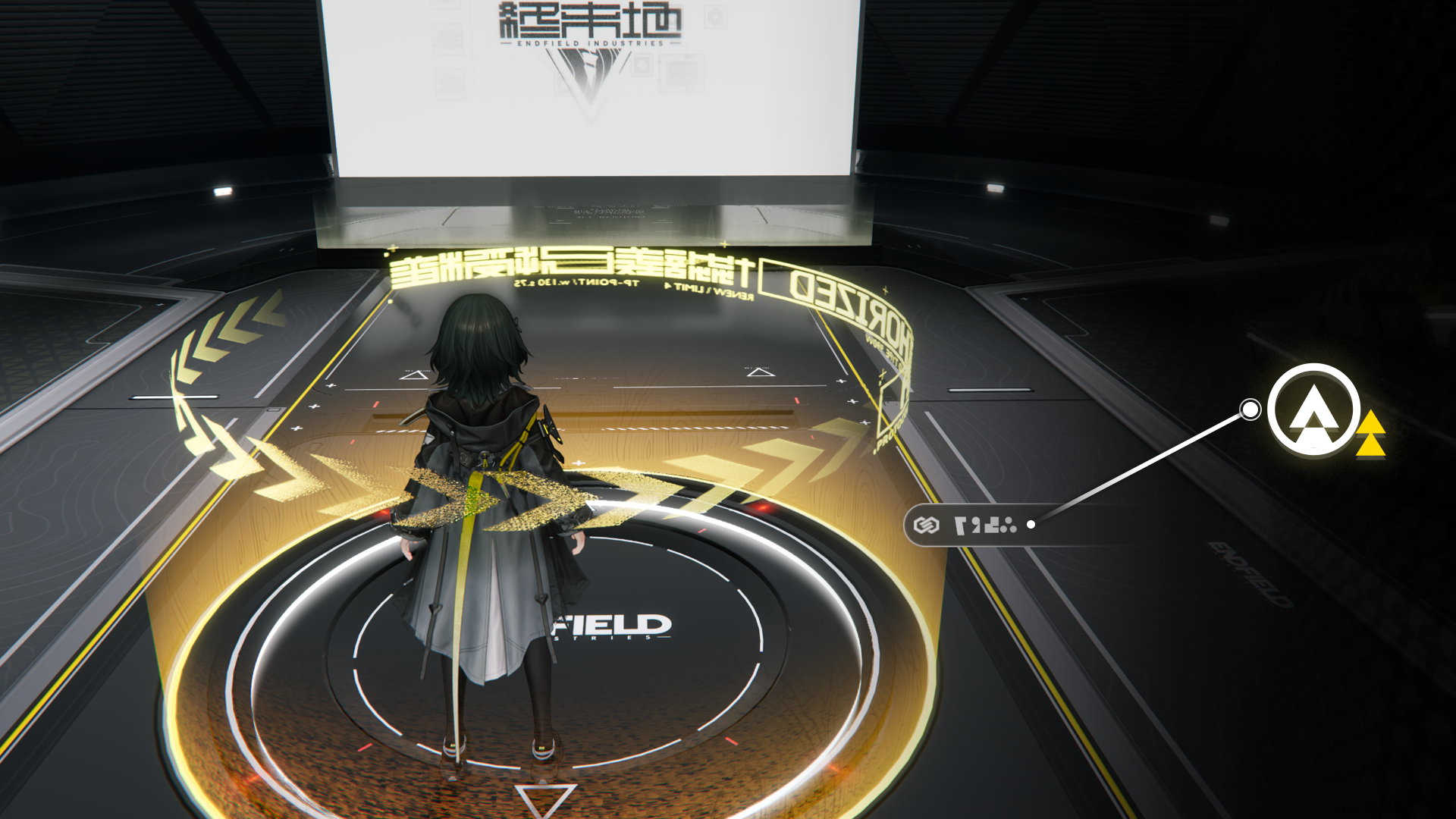
Dijiang: TP Platform

Use the TP Platform to visit a friend's ship and engage in various activities such as production assists and clue exchanges, and acquire credits by doing so.

Dijiang: Clue Collection

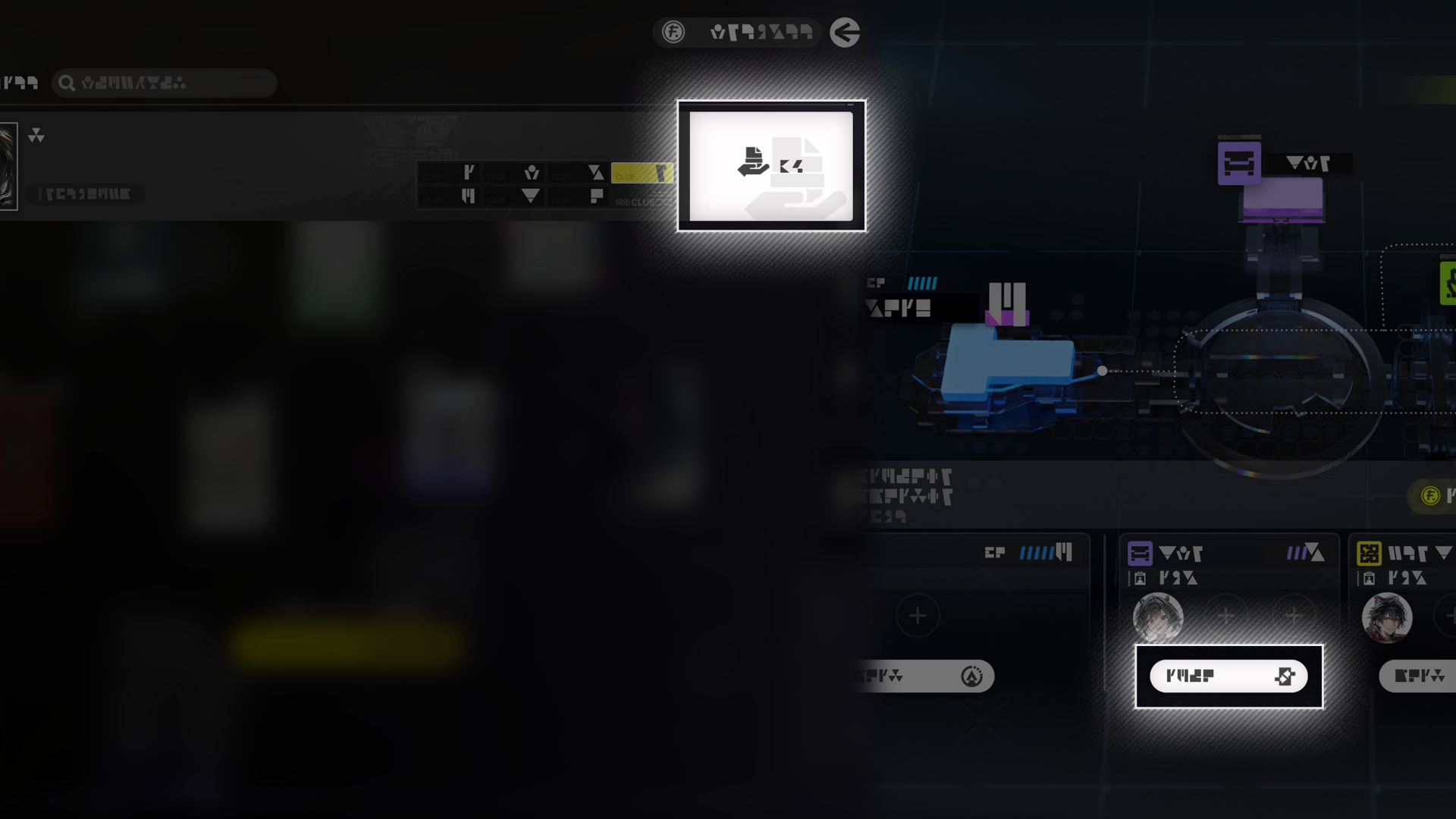
Use the Reception Room Intel Section clue board or Control Nexus to open the Reception Room clue collection screen.
Operators assigned to the Reception Room will collect clues and earn credits as time passes. Collect clues of every type to initiate Clue Exchange.
Clues can be sent to friends, or received from them. Visit a friend's ship to take part in Clue Exchange to earn more credits.

Dijiang: Display Items

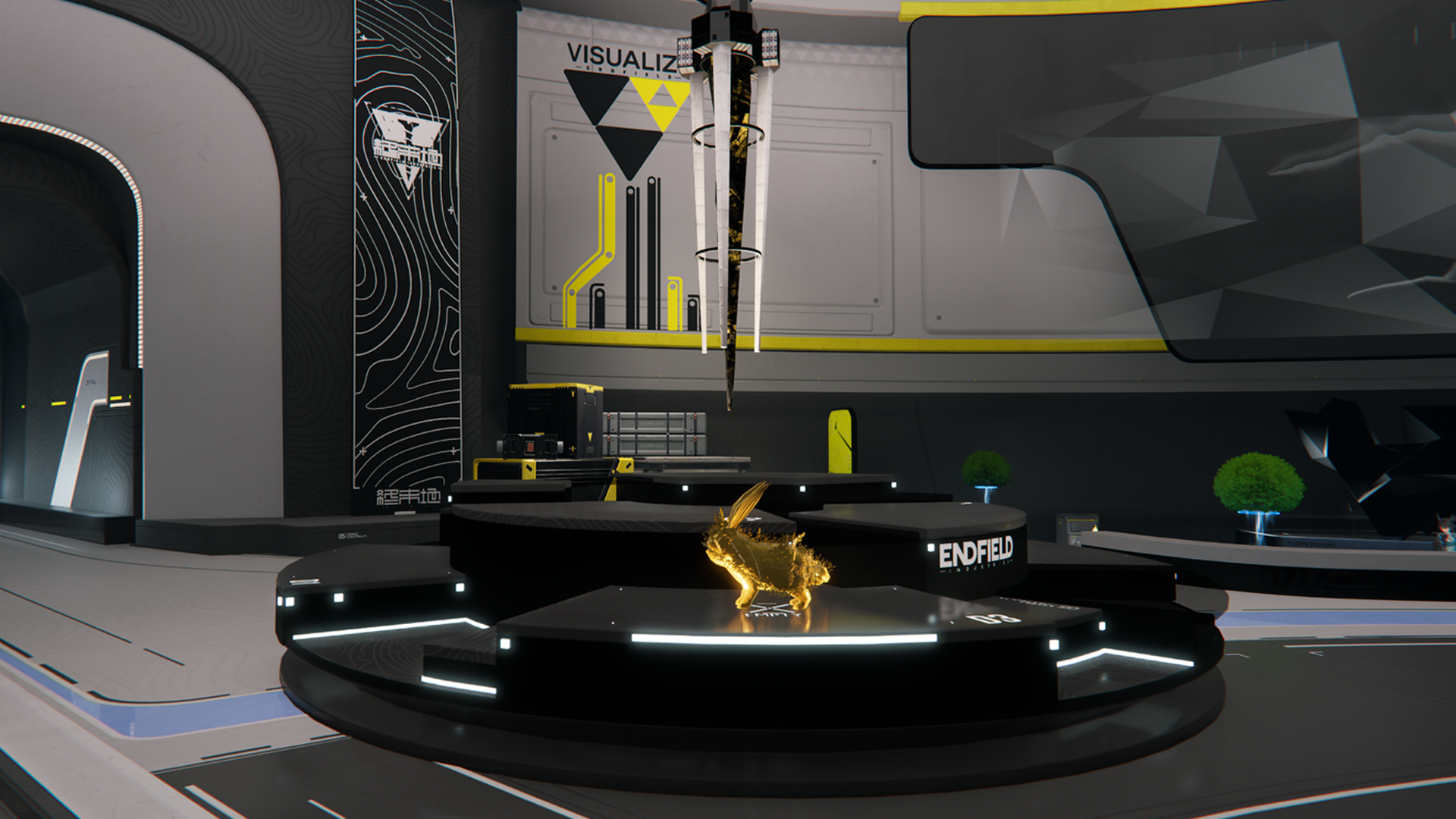
Various display items may be collected during exploration. These can be showcased at the Tower of Trails. Display items offer no tangible bonuses. Their tags would only affect operator reactions when operators of different hobbies look at the display items.

Dijiang: Stasis Core

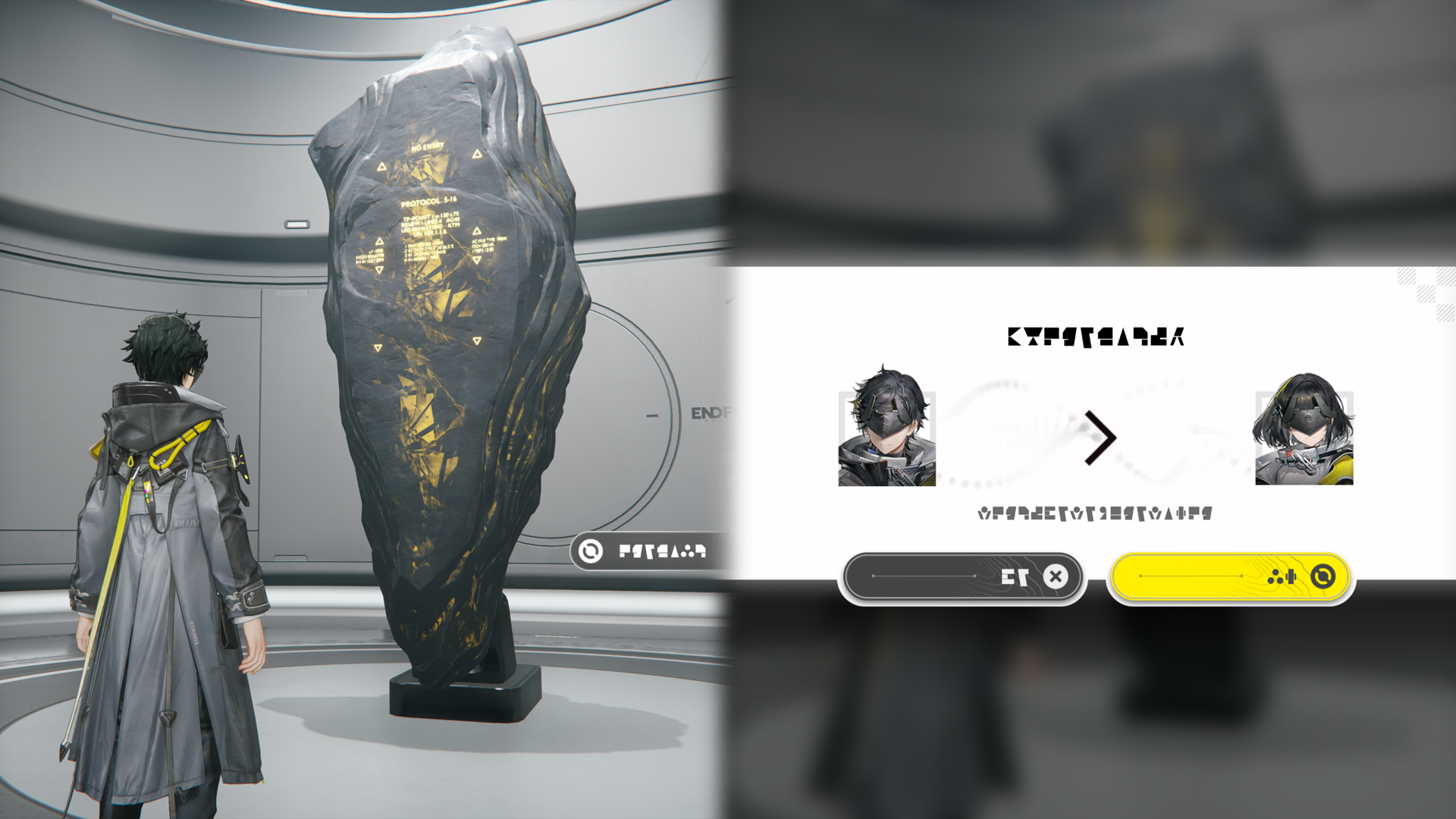
Go to the Stasis Core aboard Dijiang and touch the Protocol Singularity to switch the Endministrator's identity.

Dijiang: Earning Credits

Earn credits by visiting a friend's ship and giving Production Assists to their cabins. Credits can also be earned via clue collection, clue exchange, and helping friends complete delivery jobs.

Related Tutorials

Dijiang: Visiting Friends

A visitor to a ship can see the engraved medals, operator CVs, weapons, and other display items that the host has decided to showcase.

Dijiang: Stock Redistribution Terminal

Use the Stock Redistribution Terminal aboard a friend's ship to check their prices of elastic goods and sell stockpiled goods at their prices.

Dijiang: A Friend's Guest Terminal

The Guest Terminal screen shows the statuses of various cabins aboard a friend's ship. Use it to engage in Production Assist, Clue Exchange, and other social activities to earn credit rewards.

Dijiang: Unconstructed Cabin

Dijiang: Under Maintenance Area

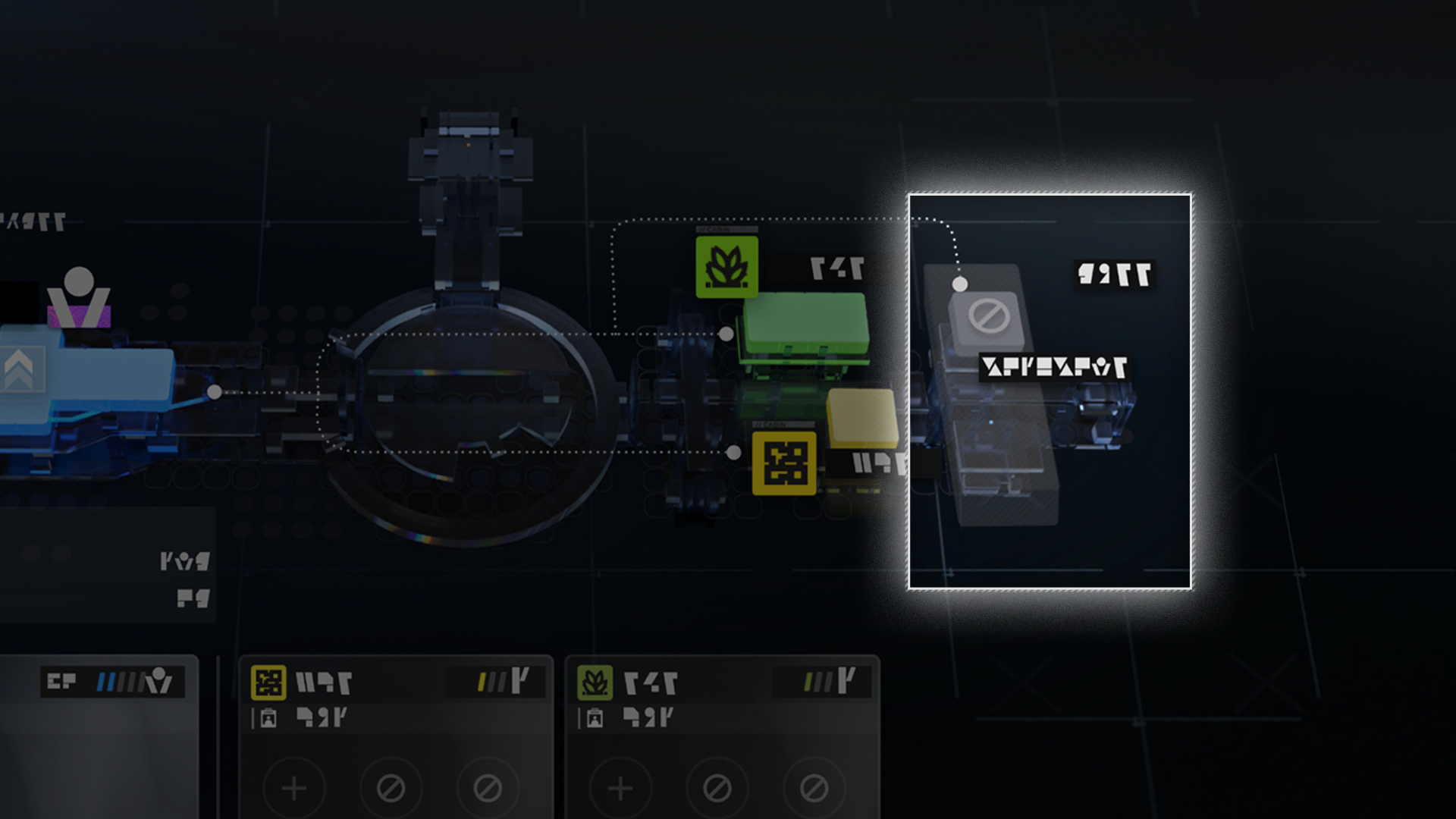
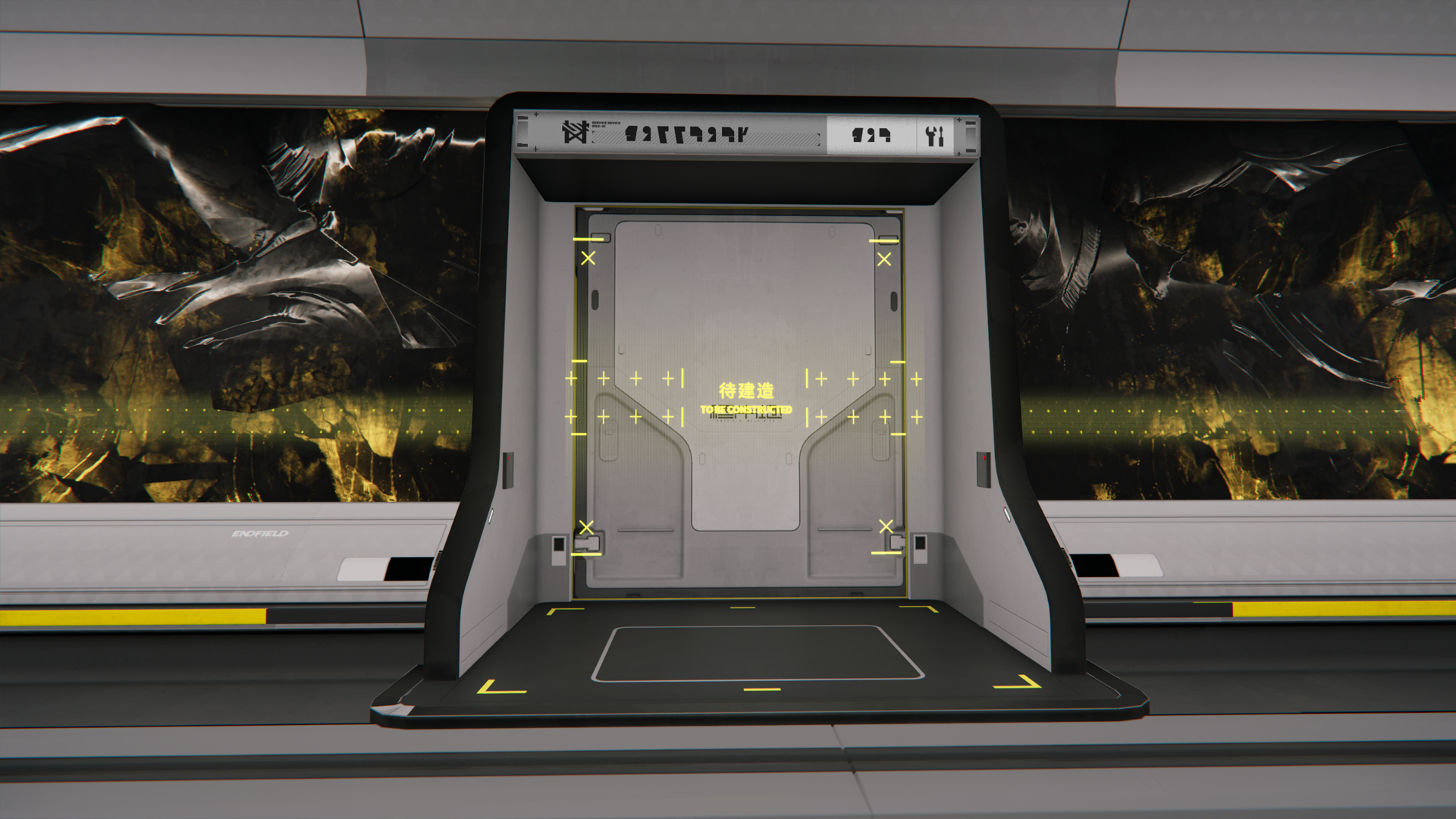
Leveling up the Control Nexus also gradually opens up the under maintenance area aboard Dijiang. This frees up more space for constructing more cabins.
The under maintenance area includes spaces for unconstructed cabins. When there are enough Aerospace Materials, interact with the cabin door and initiate construction.

Dijiang: Cabin Upgrades

Upgrading the Control Nexus also makes some cabin upgrades available. An upgraded cabin can have more operators assigned and more production options unlocked.

Aerospace Material

Cabin upgrades require Aerospace Materials. These can be regularly gathered from Recycling Stations scattered throughout Talos-II.
Report Issue